动画演示
每章关键原理配一个可交互动画(共 27 个)。讲义 md 里嵌的是 GIF(GitHub、Markdown 预览和 Mac 备忘录都能直接播放);想自己单步、拨开关,就用浏览器打开同名 .html。
| 章 | 原理 | GIF | 可交互 |
|---|---|---|---|
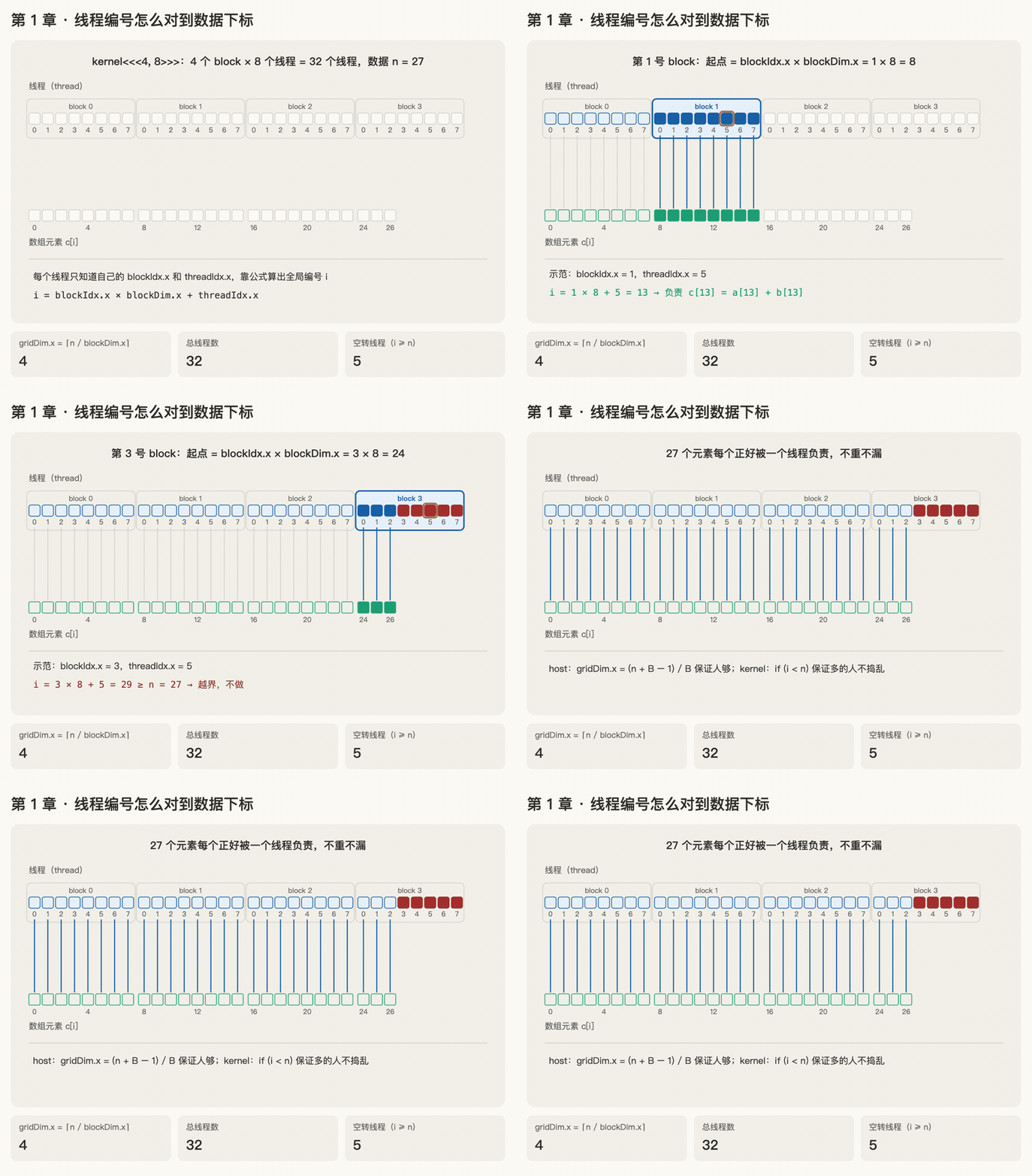
| 01 | 线程编号怎么对到数据下标 | 01-thread-index.gif | html |
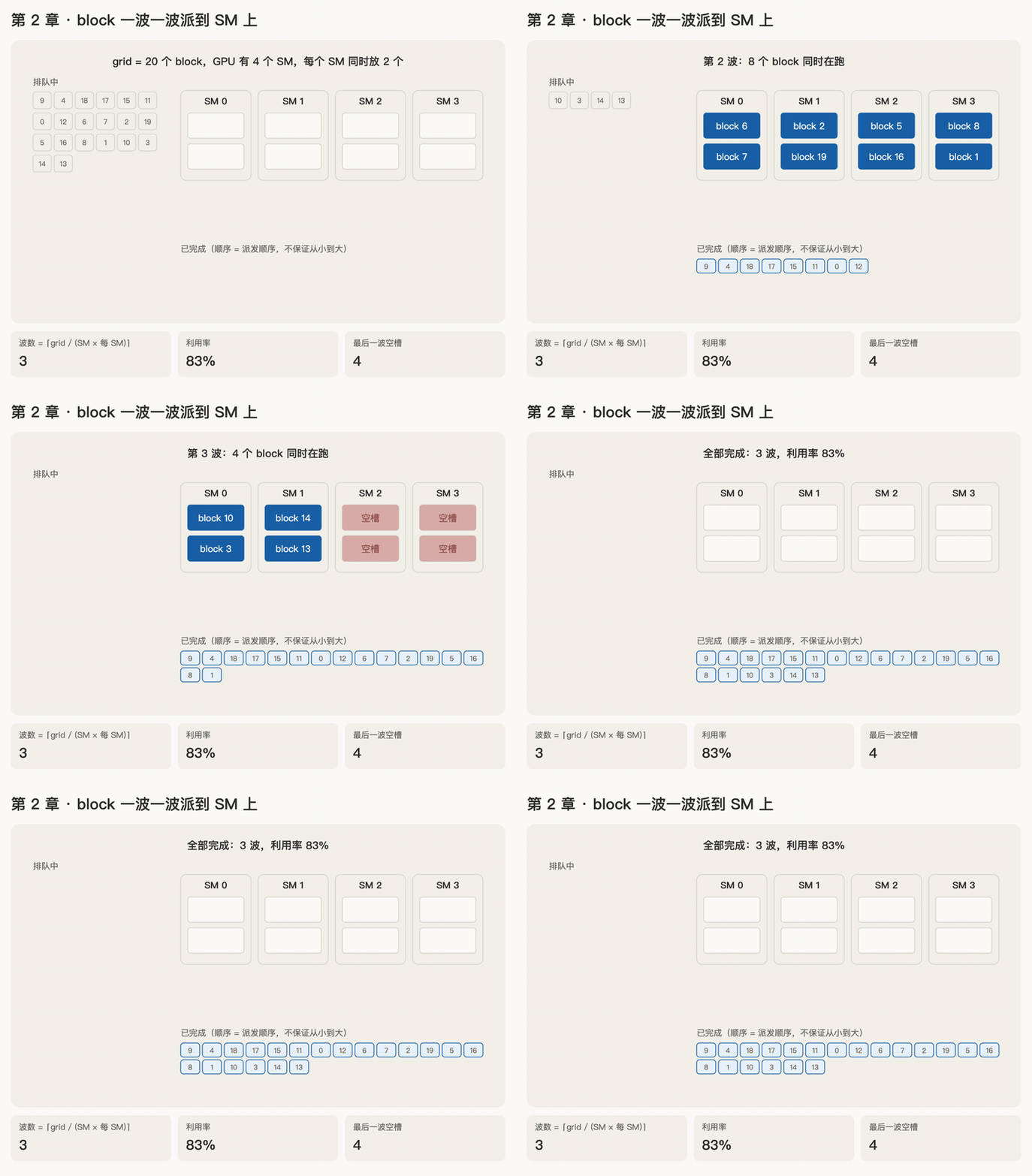
| 02 | block 一波一波派到 SM 上 | 02-block-waves.gif | html |
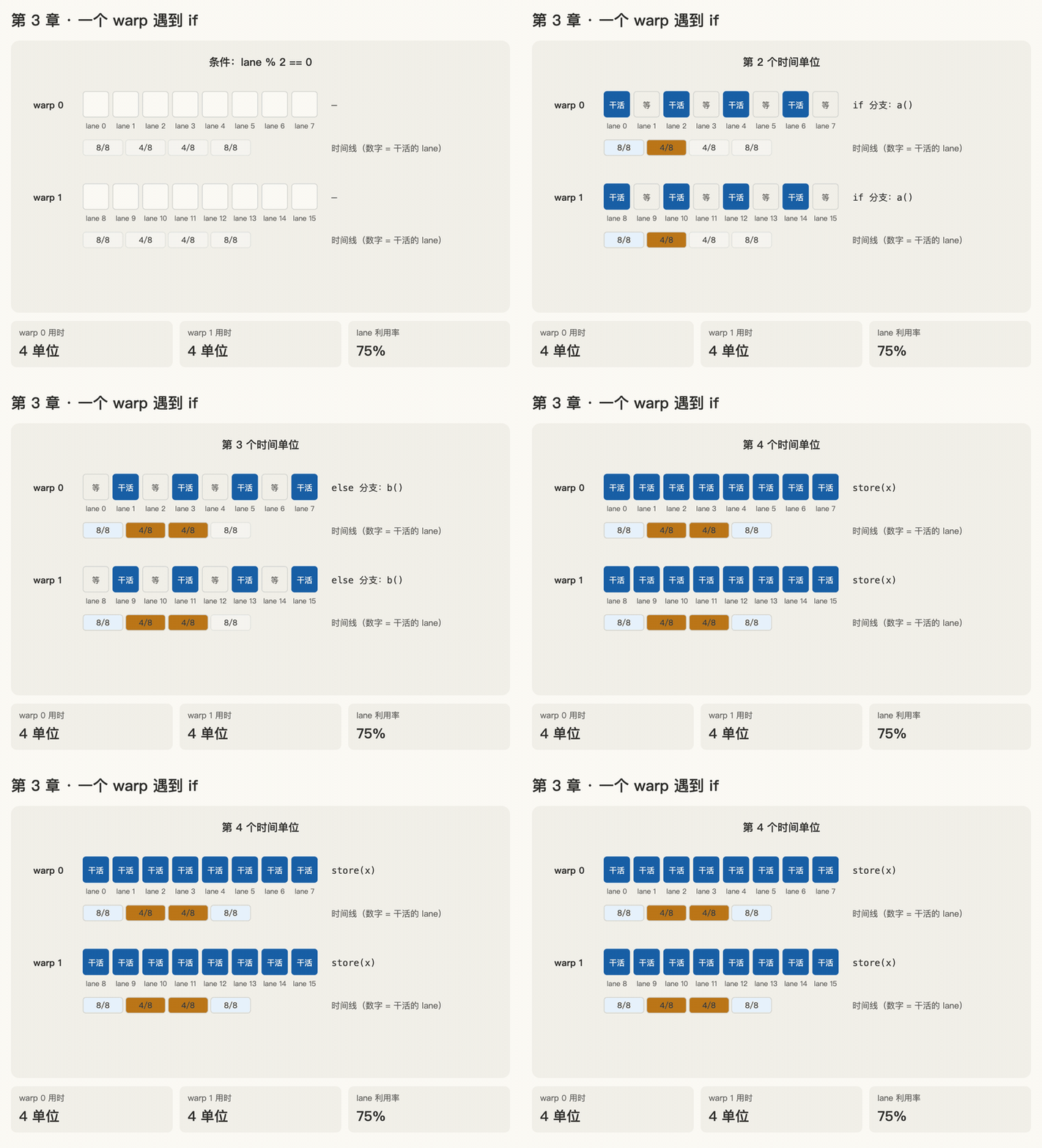
| 03 | 一个 warp 遇到 if | 03-warp-divergence.gif | html |
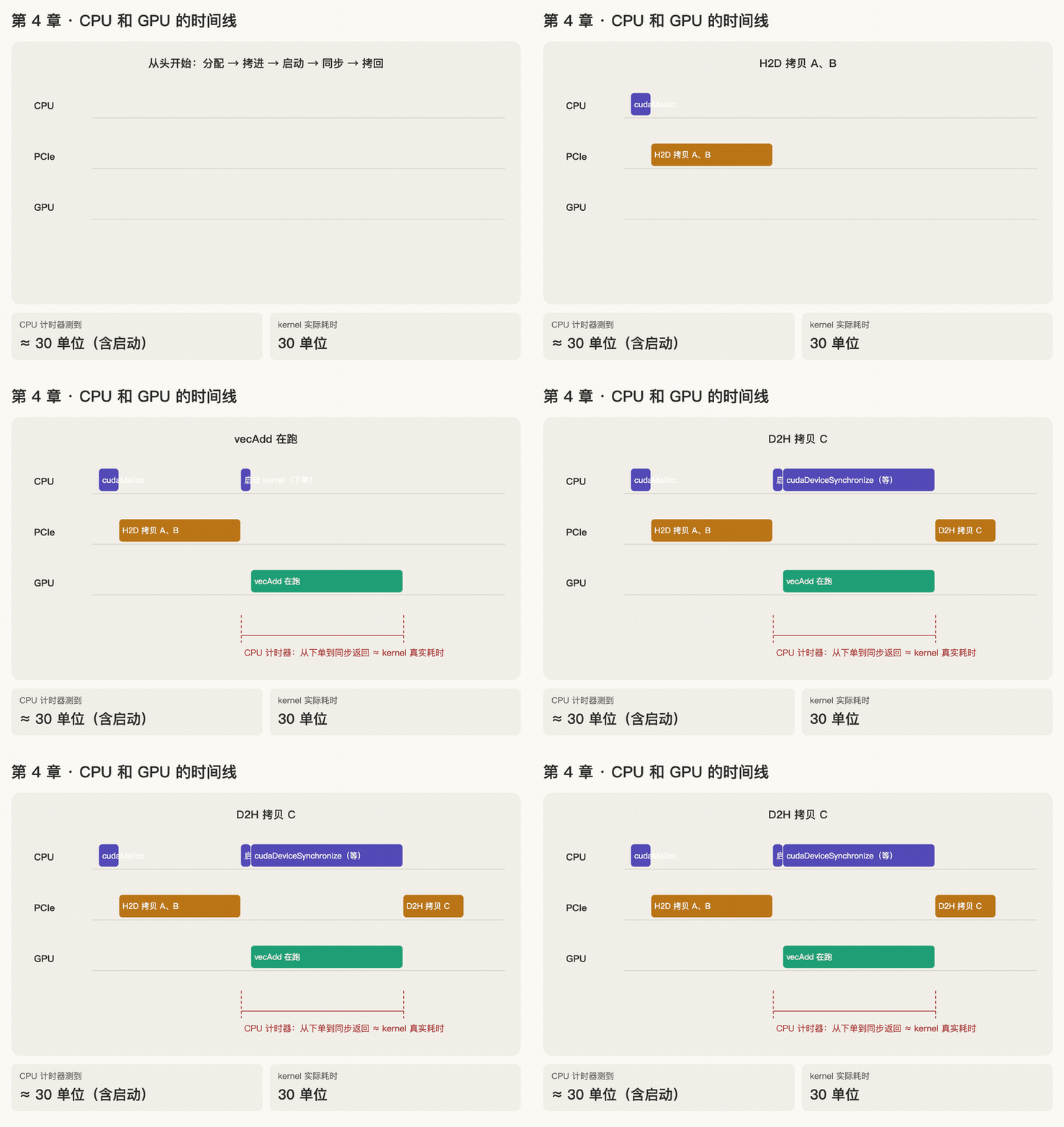
| 04 | CPU 和 GPU 的时间线 | 04-host-device-timeline.gif | html |
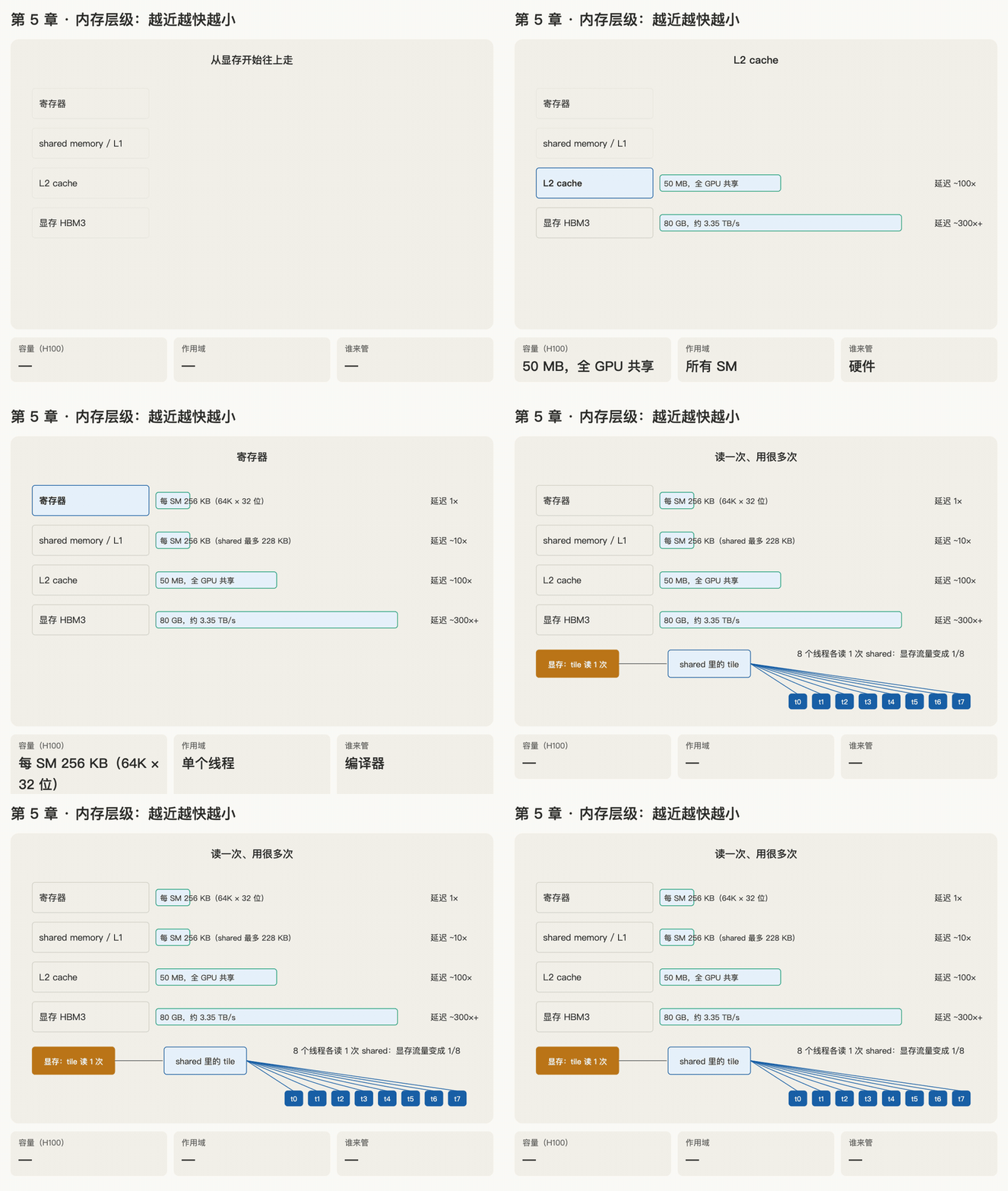
| 05 | 内存层级:越近越快越小 | 05-memory-hierarchy.gif | html |
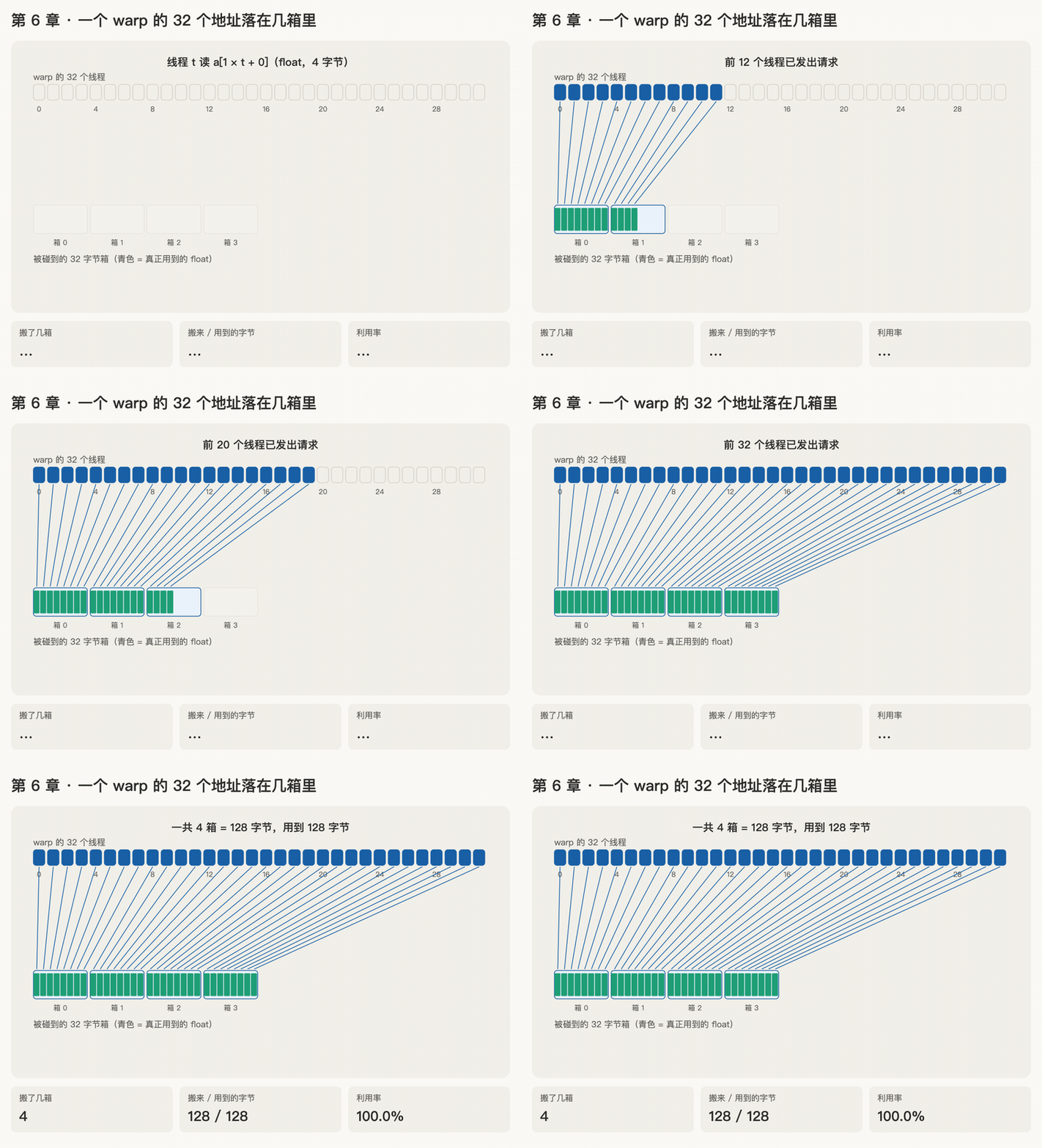
| 06 | 一个 warp 的 32 个地址落在几箱里 | 06-coalescing.gif | html |
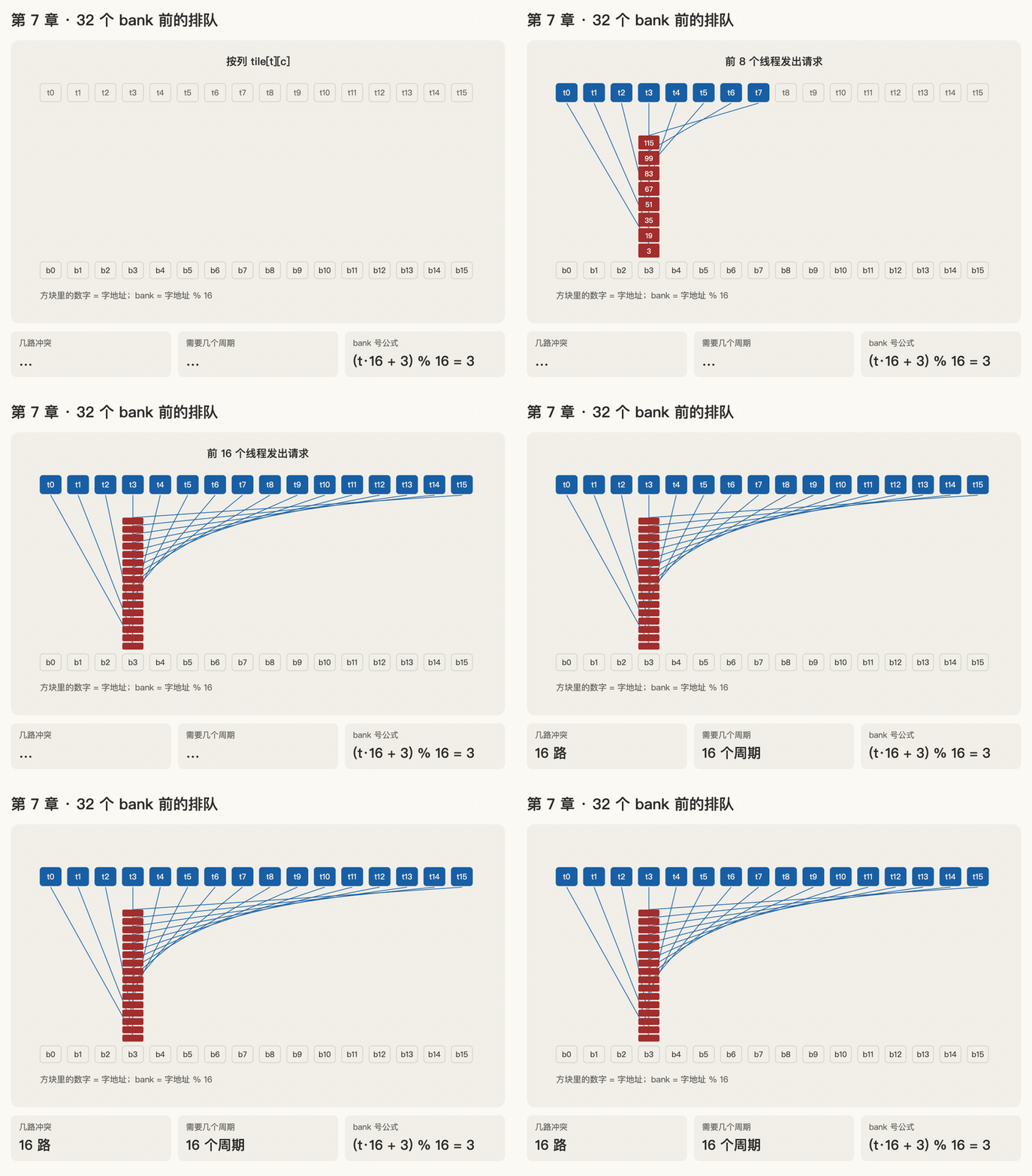
| 07 | 32 个 bank 前的排队 | 07-bank-conflict.gif | html |
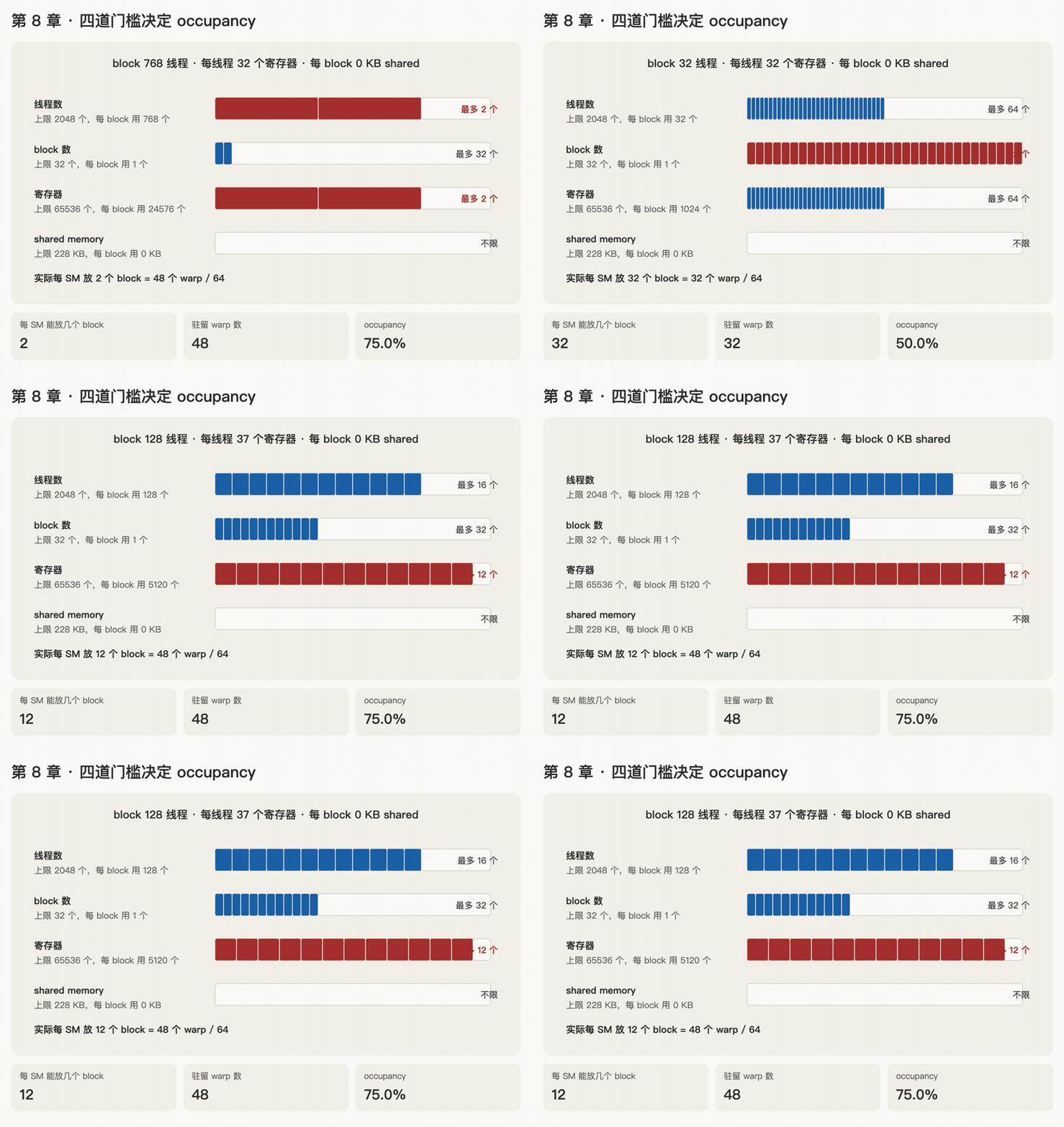
| 08 | 四道门槛决定 occupancy | 08-occupancy.gif | html |
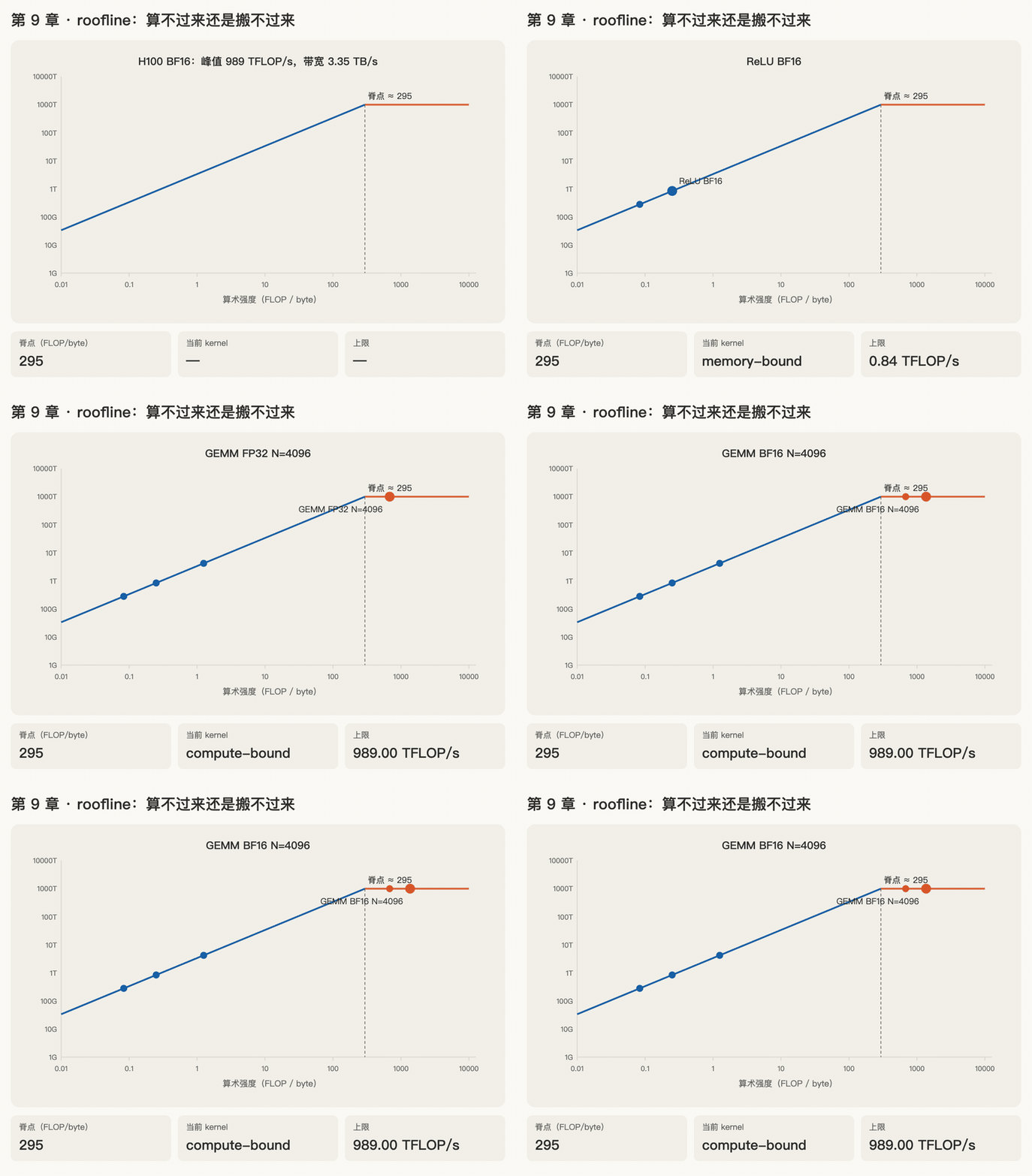
| 09 | roofline:算不过来还是搬不过来 | 09-roofline.gif | html |
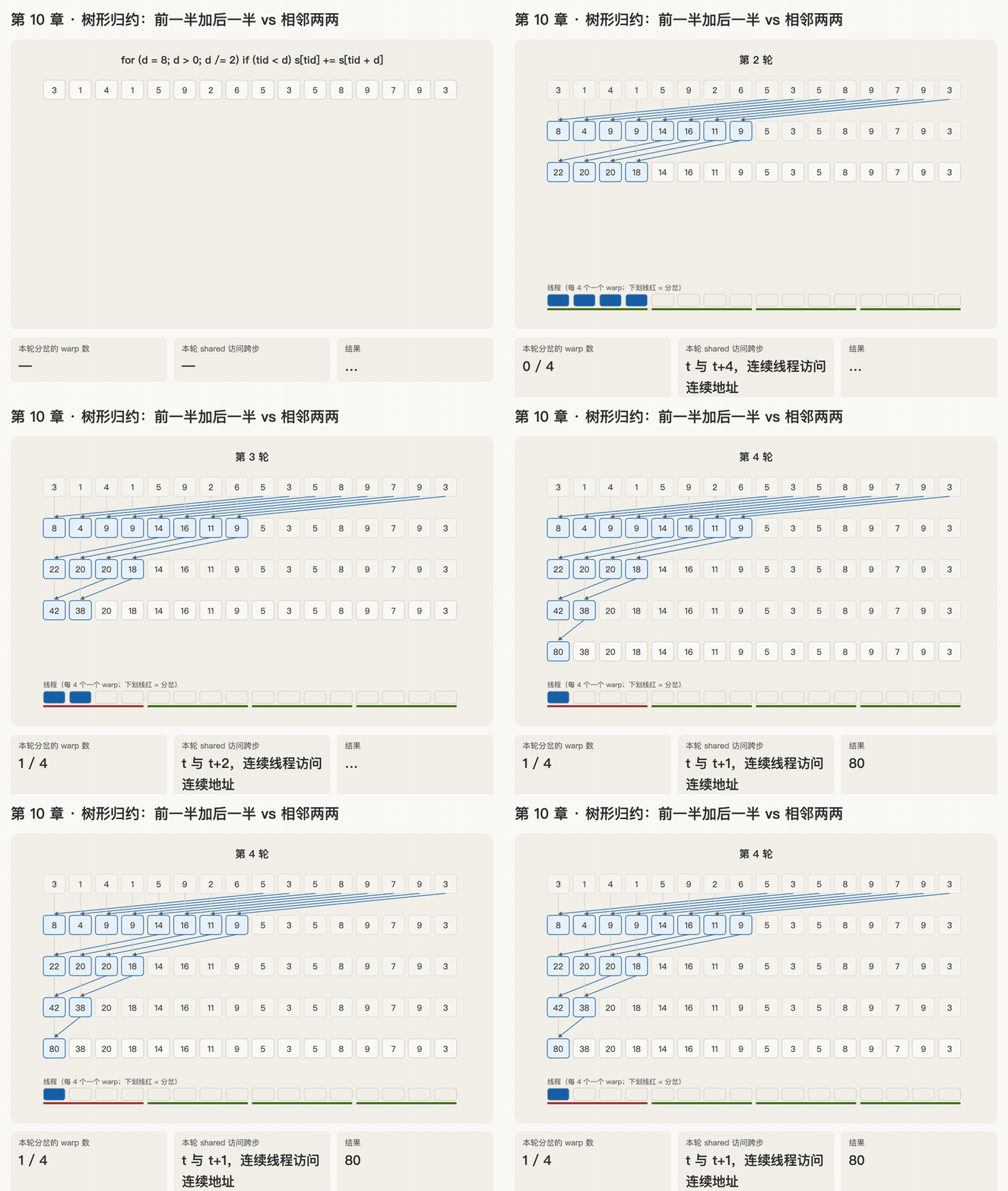
| 10 | 树形归约:前一半加后一半 vs 相邻两两 | 10-reduction-tree.gif | html |
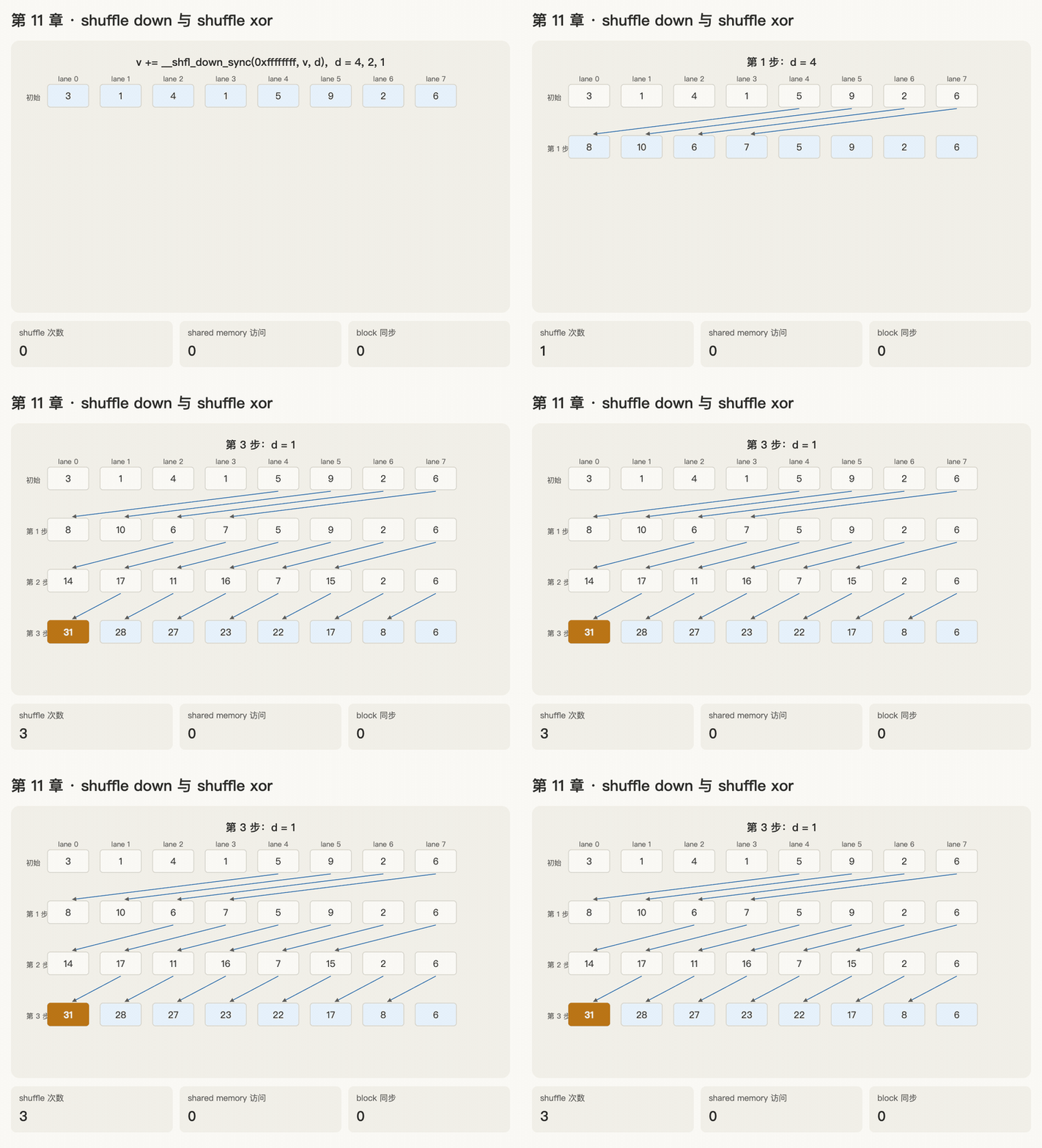
| 11 | shuffle down 与 shuffle xor | 11-warp-shuffle.gif | html |
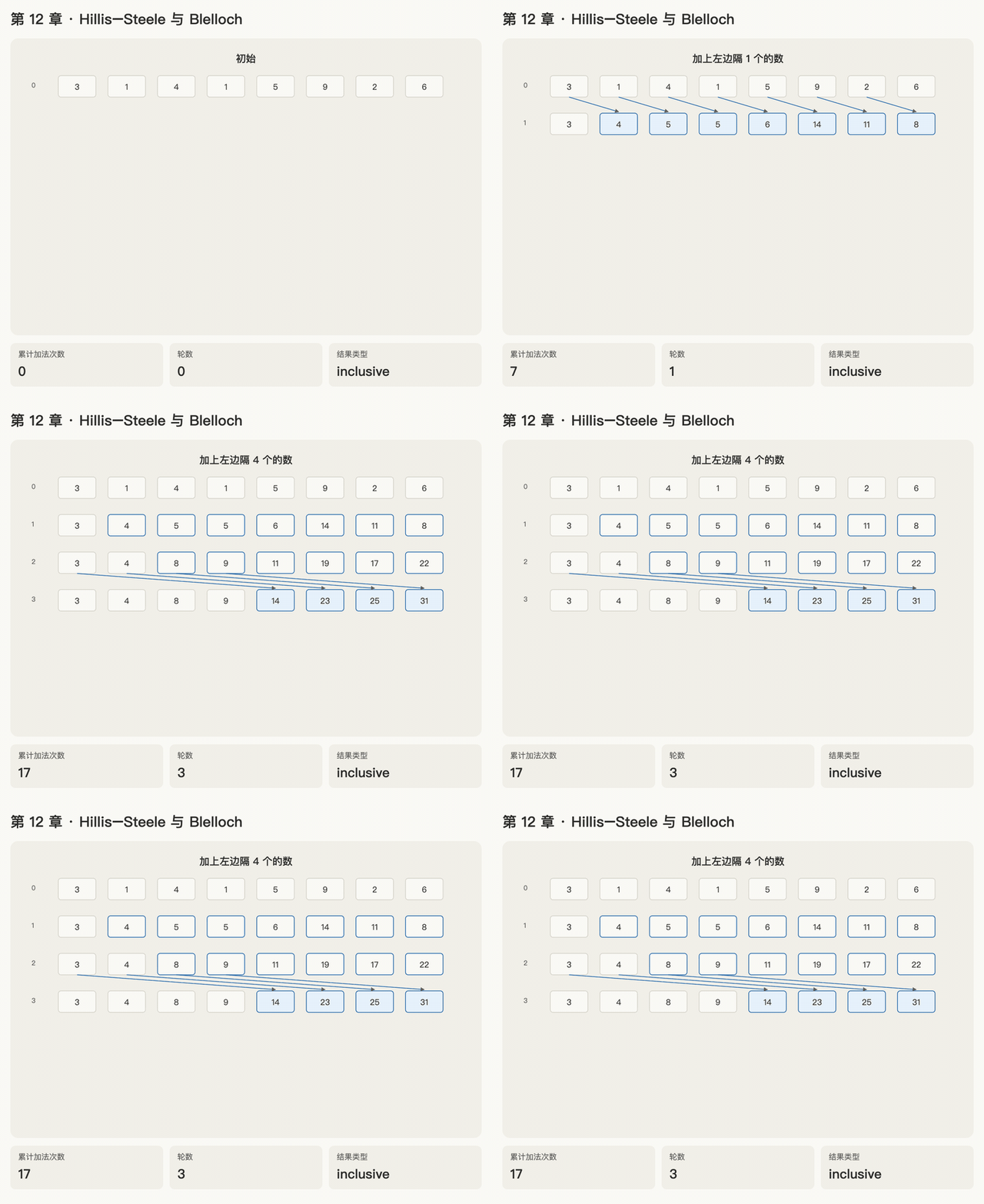
| 12 | Hillis–Steele 与 Blelloch | 12-scan.gif | html |
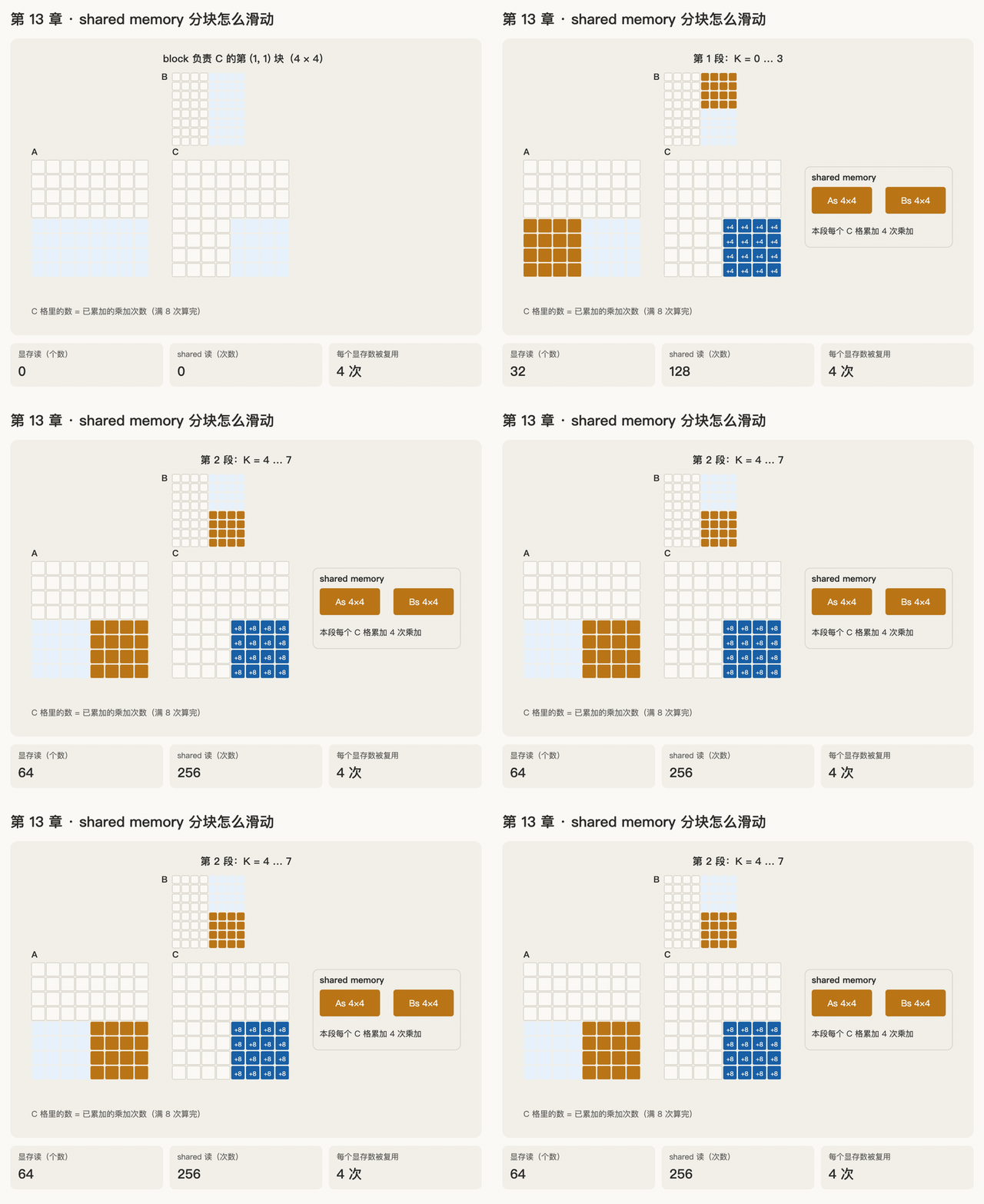
| 13 | shared memory 分块怎么滑动 | 13-gemm-tiling.gif | html |
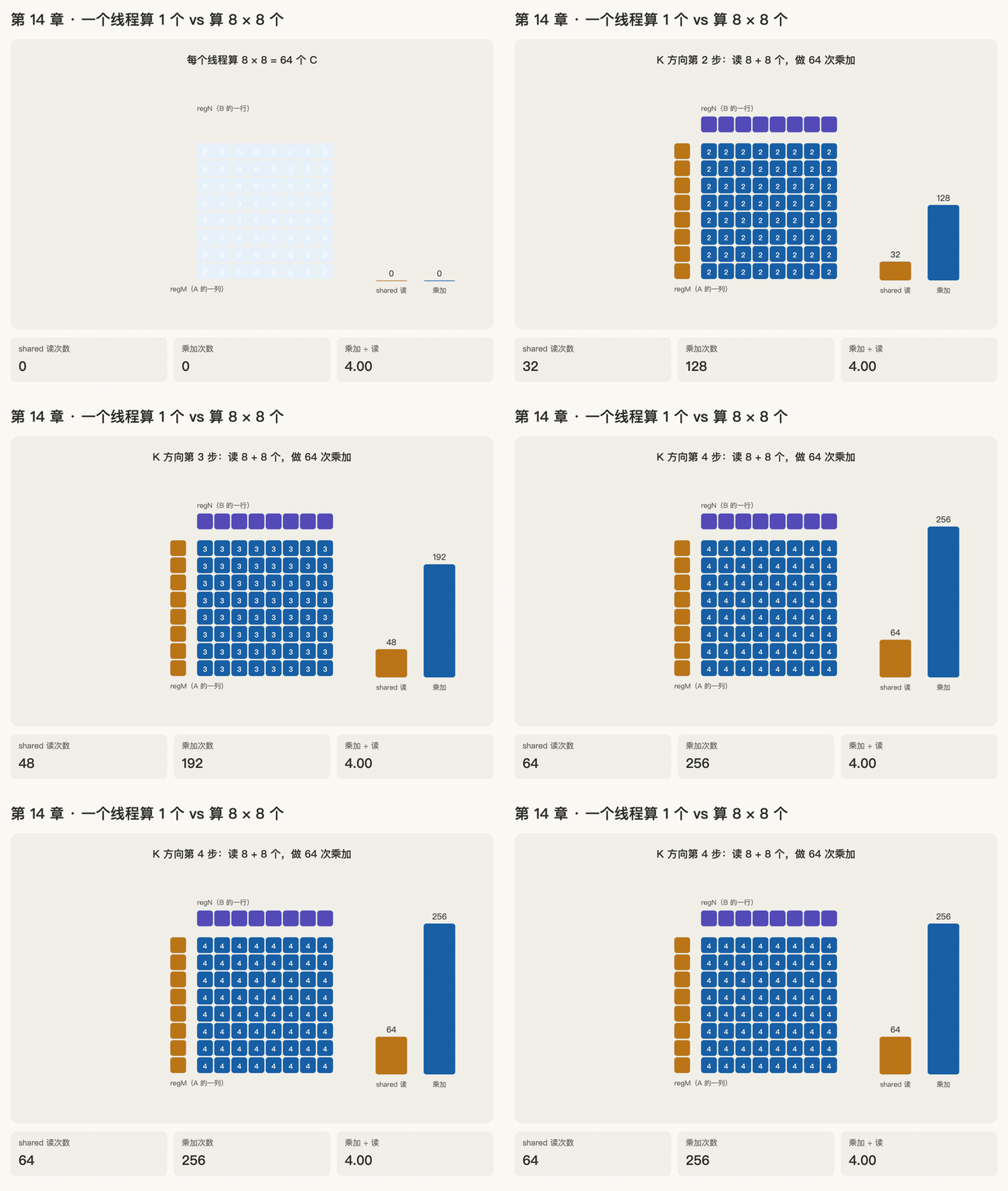
| 14 | 一个线程算 1 个 vs 算 8 × 8 个 | 14-register-tiling.gif | html |
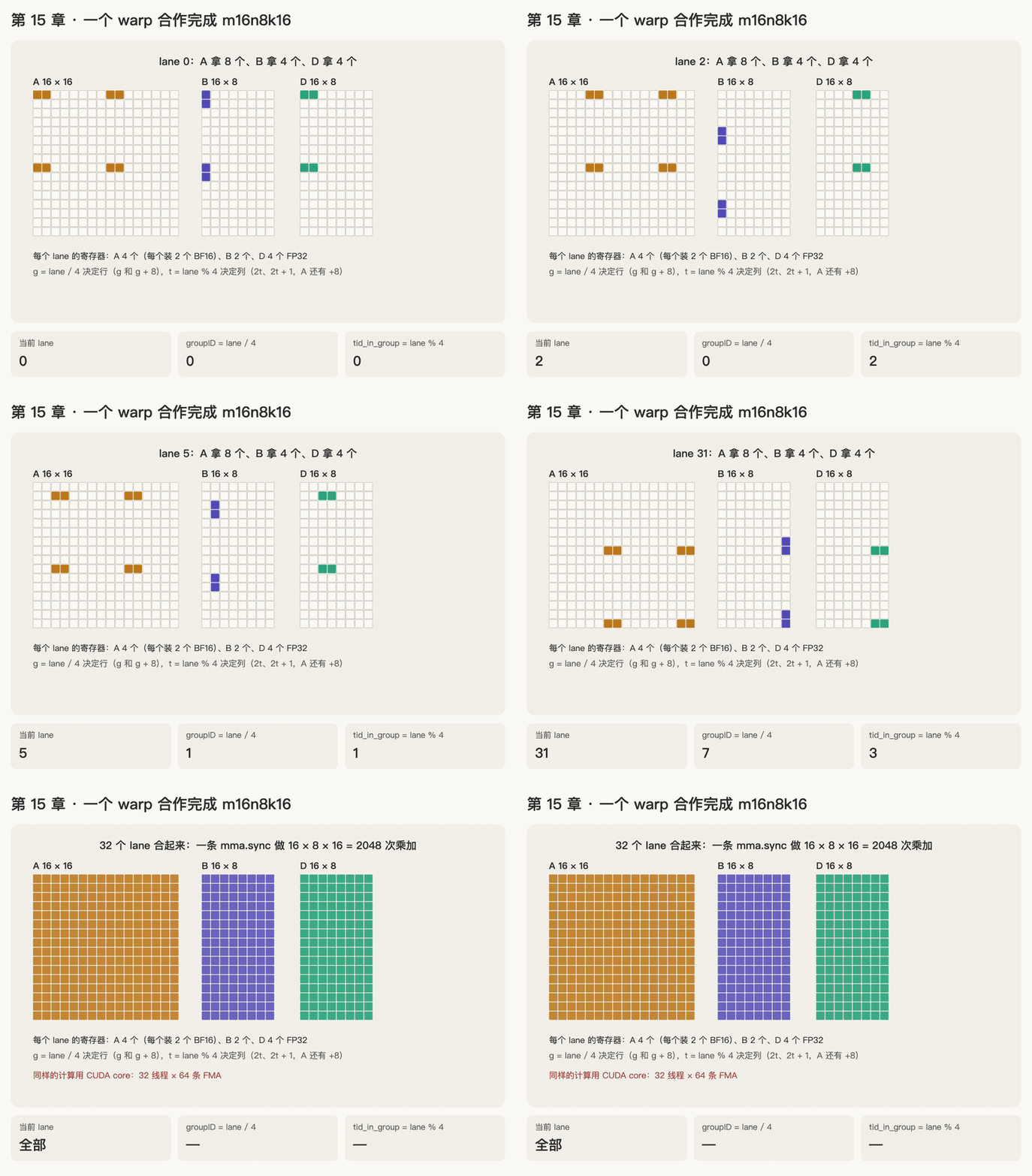
| 15 | 一个 warp 合作完成 m16n8k16 | 15-mma-fragment.gif | html |
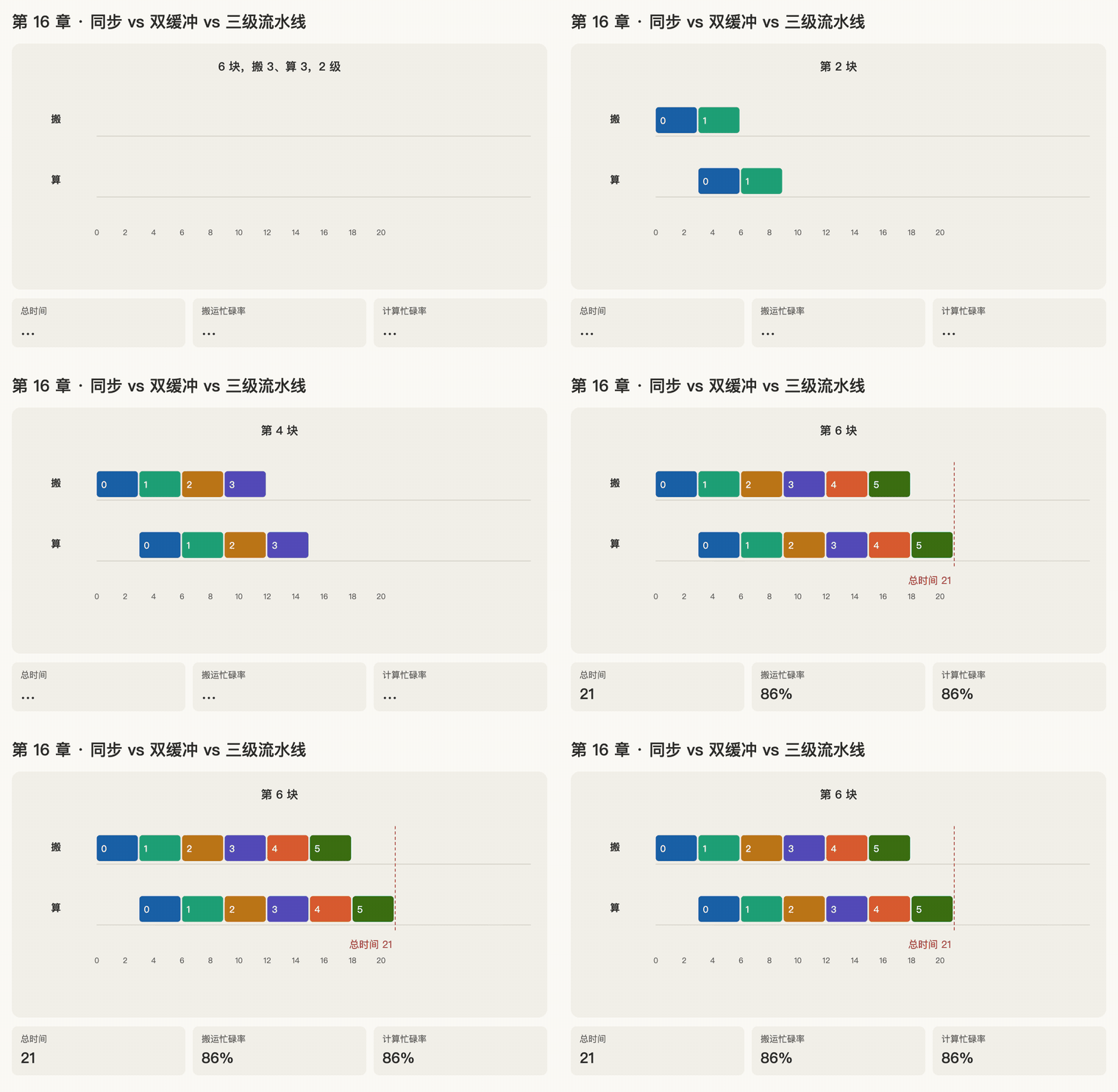
| 16 | 同步 vs 双缓冲 vs 三级流水线 | 16-async-pipeline.gif | html |
| 17 | TMA + mbarrier 搬一个 tile | 17-tma-mbarrier.gif | html |
| 18 | 生产者–消费者环形缓冲区 | 18-warp-specialization.gif | html |
| 19 | 同一个 4 × 8 矩阵,四种 layout | 19-cute-layout.gif | html |
| 20 | Hopper wgmma vs Blackwell tcgen05 | 20-tcgen05-tmem.gif | html |
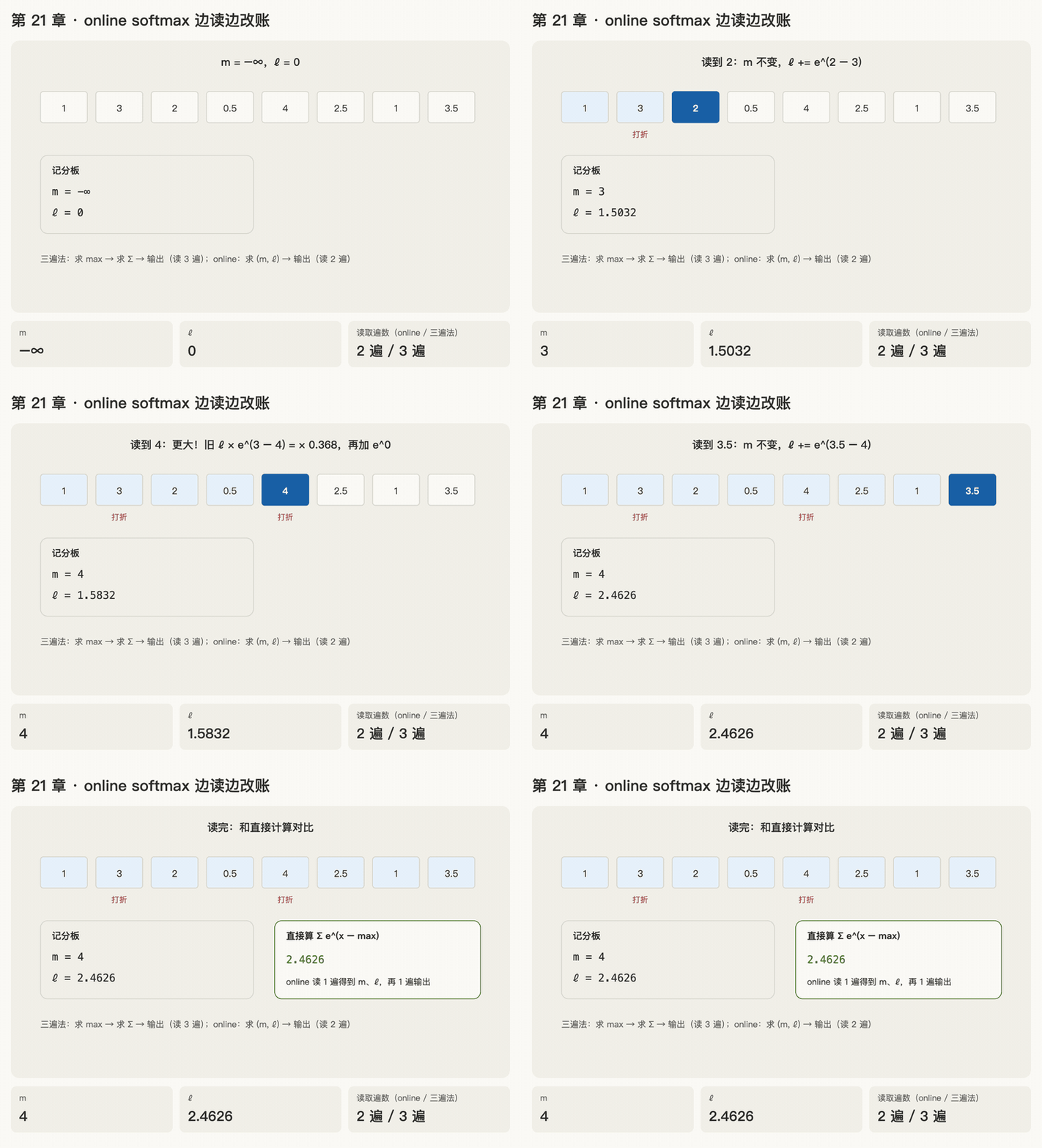
| 21 | online softmax 边读边改账 | 21-online-softmax.gif | html |
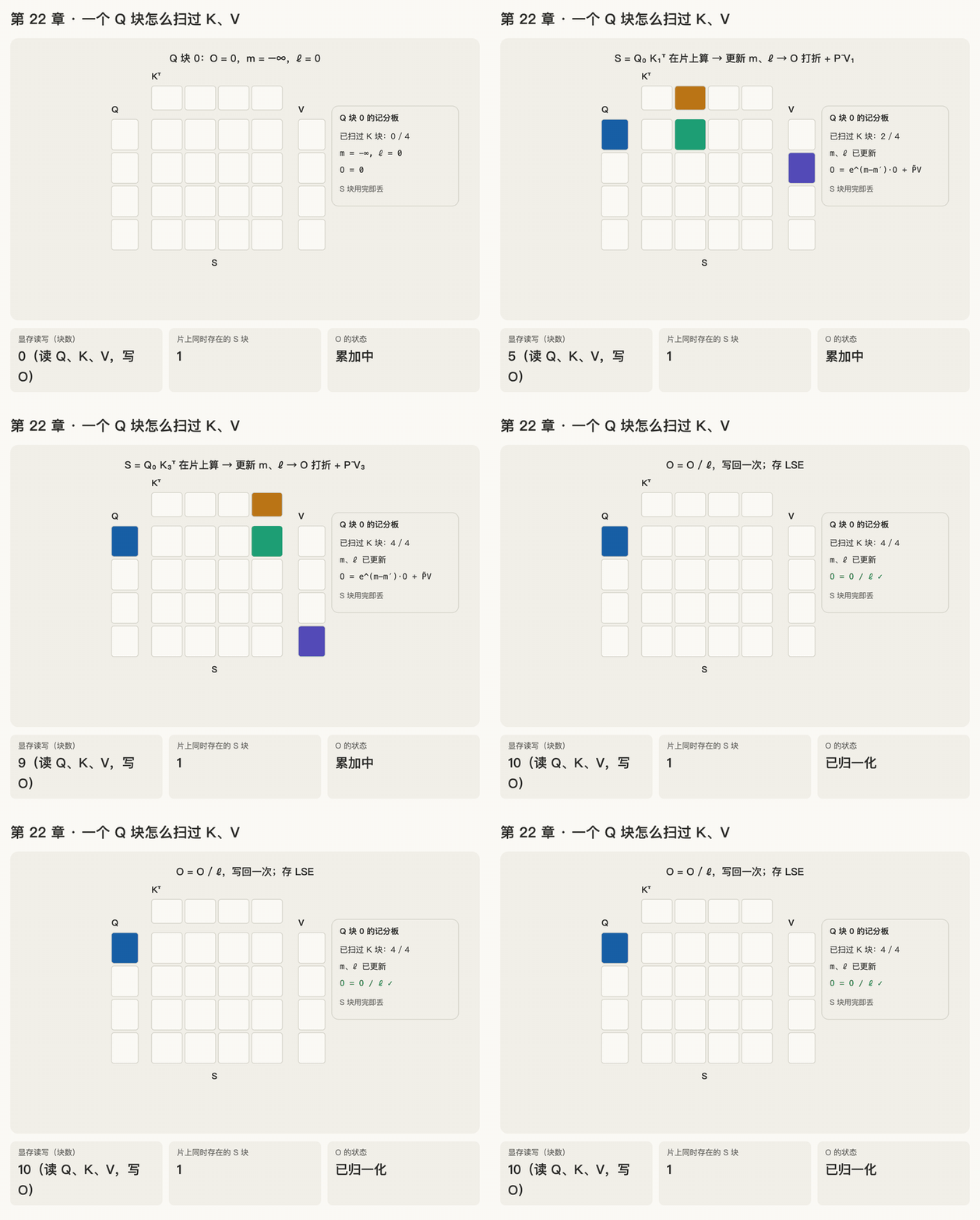
| 22 | 一个 Q 块怎么扫过 K、V | 22-flashattention.gif | html |
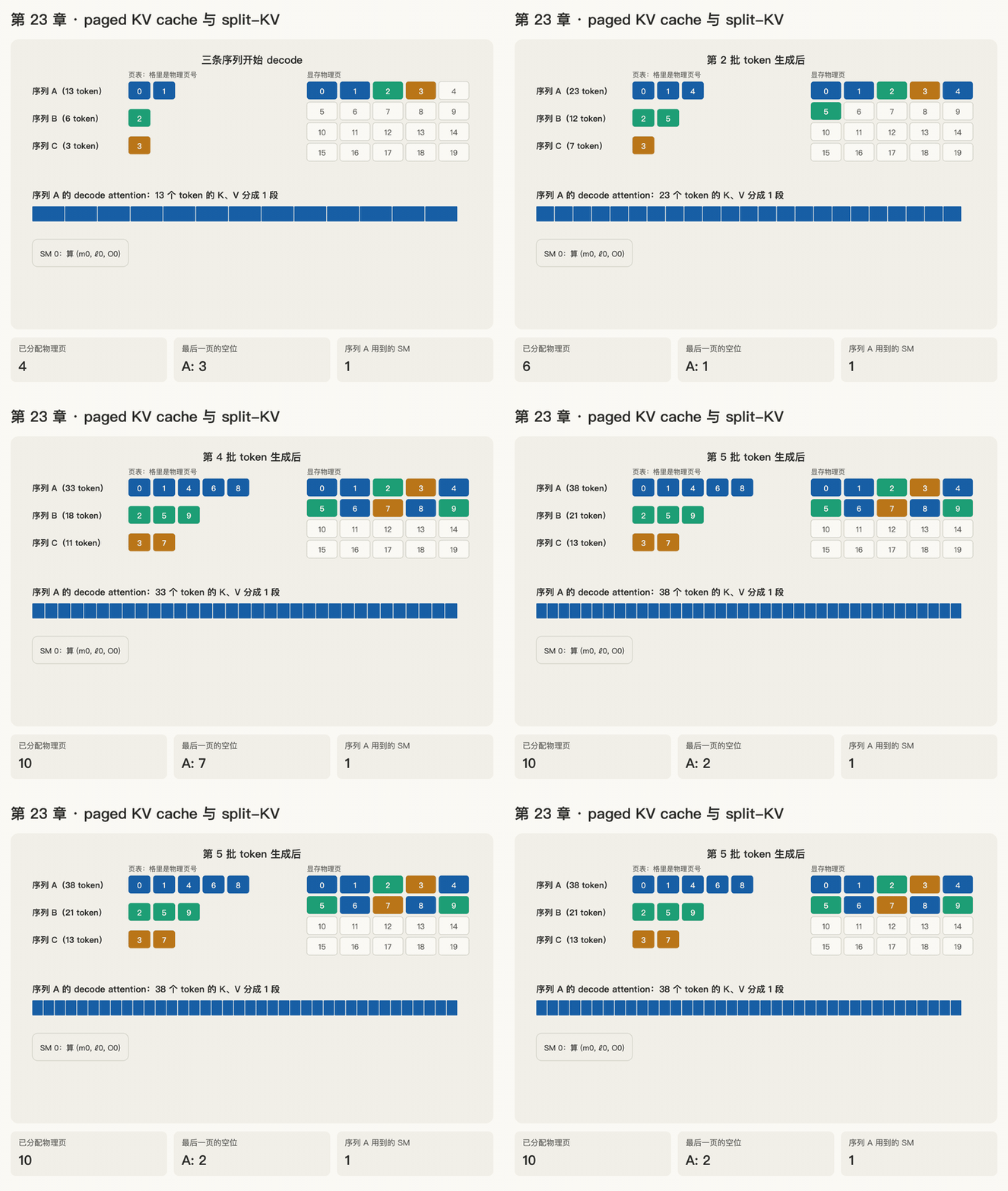
| 23 | paged KV cache 与 split-KV | 23-paged-kv.gif | html |
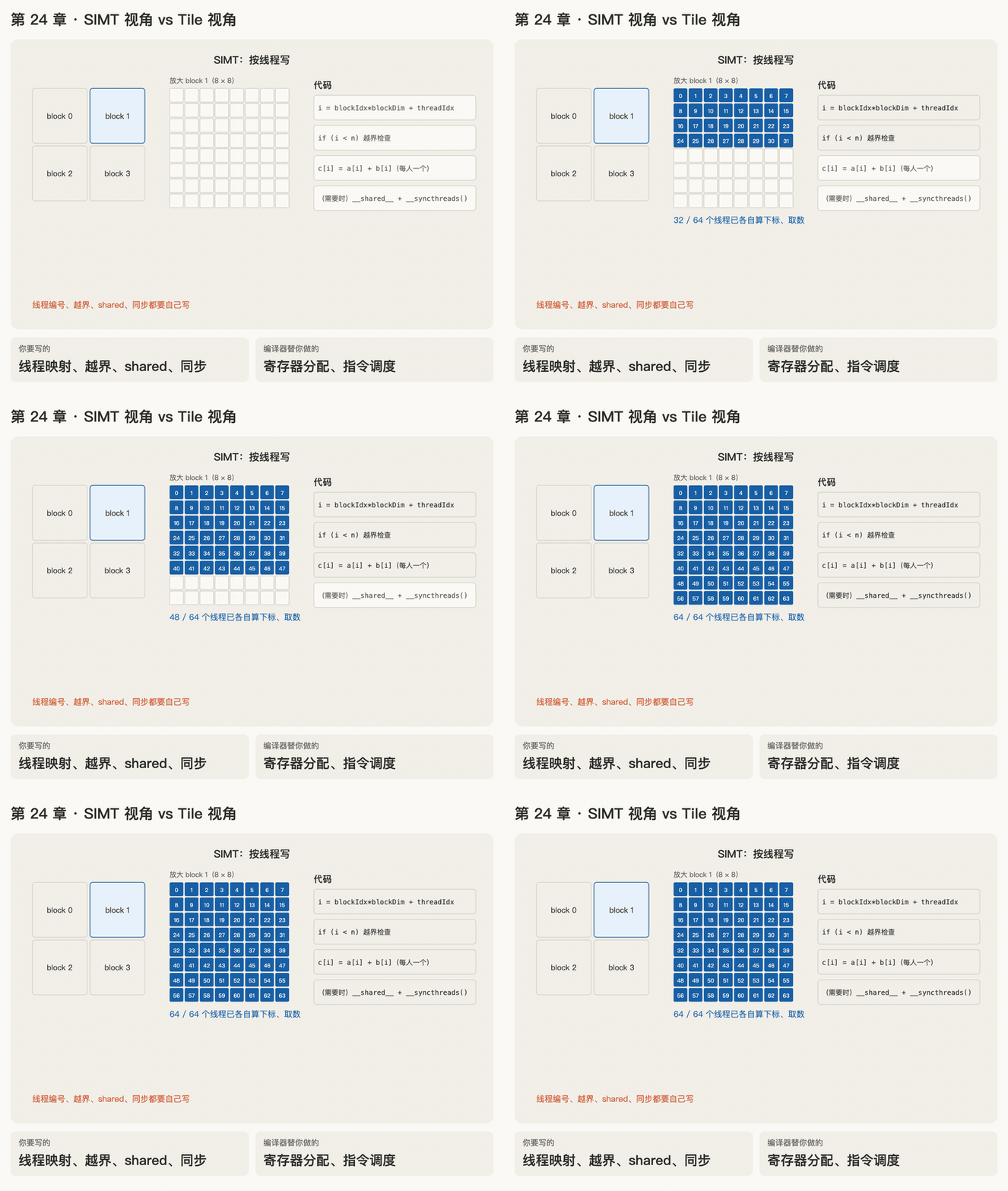
| 24 | SIMT 视角 vs Tile 视角 | 24-simt-vs-tile.gif | html |
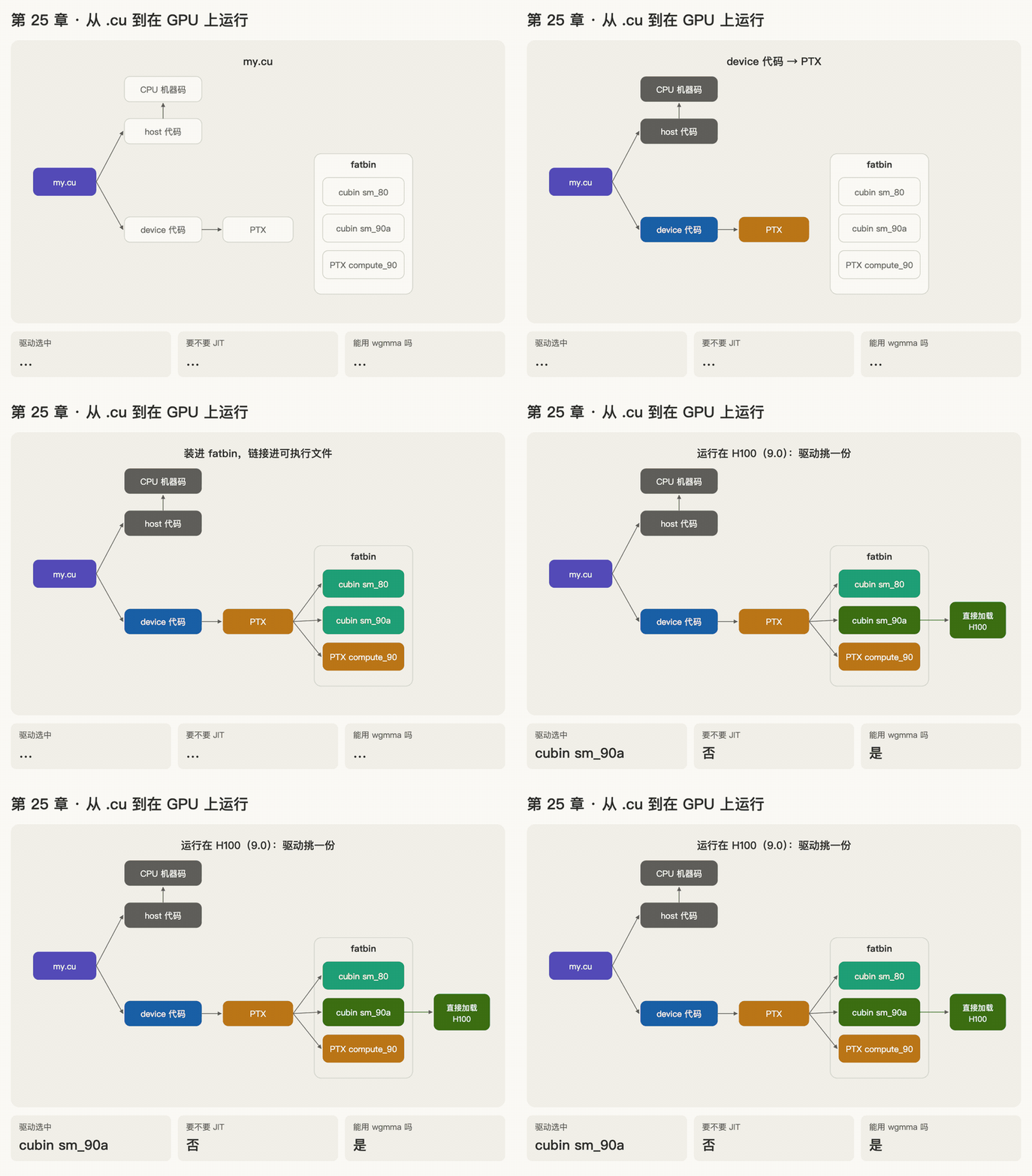
| 25 | 从 .cu 到在 GPU 上运行 | 25-compile-pipeline.gif | html |
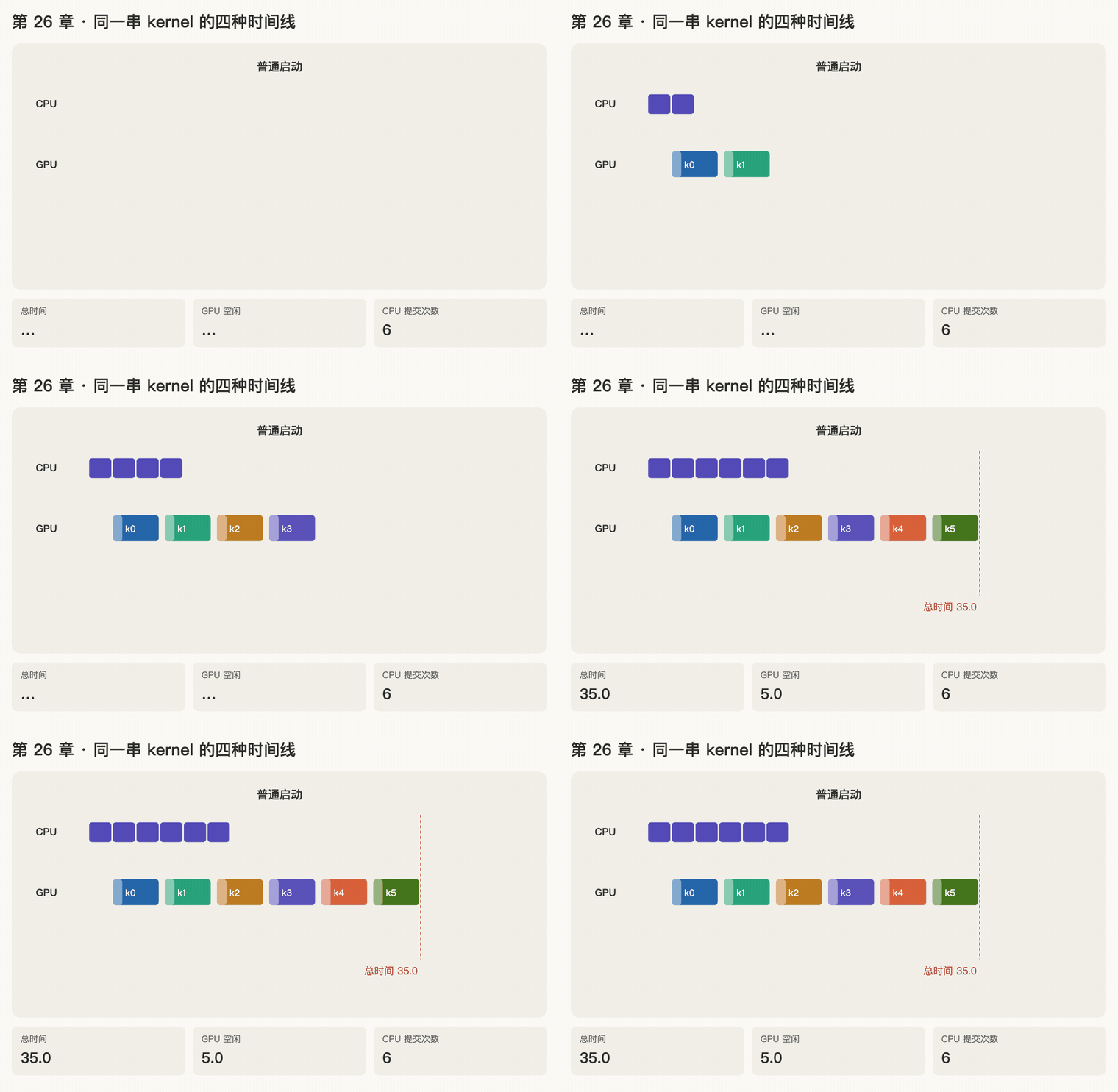
| 26 | 同一串 kernel 的四种时间线 | 26-launch-timeline.gif | html |
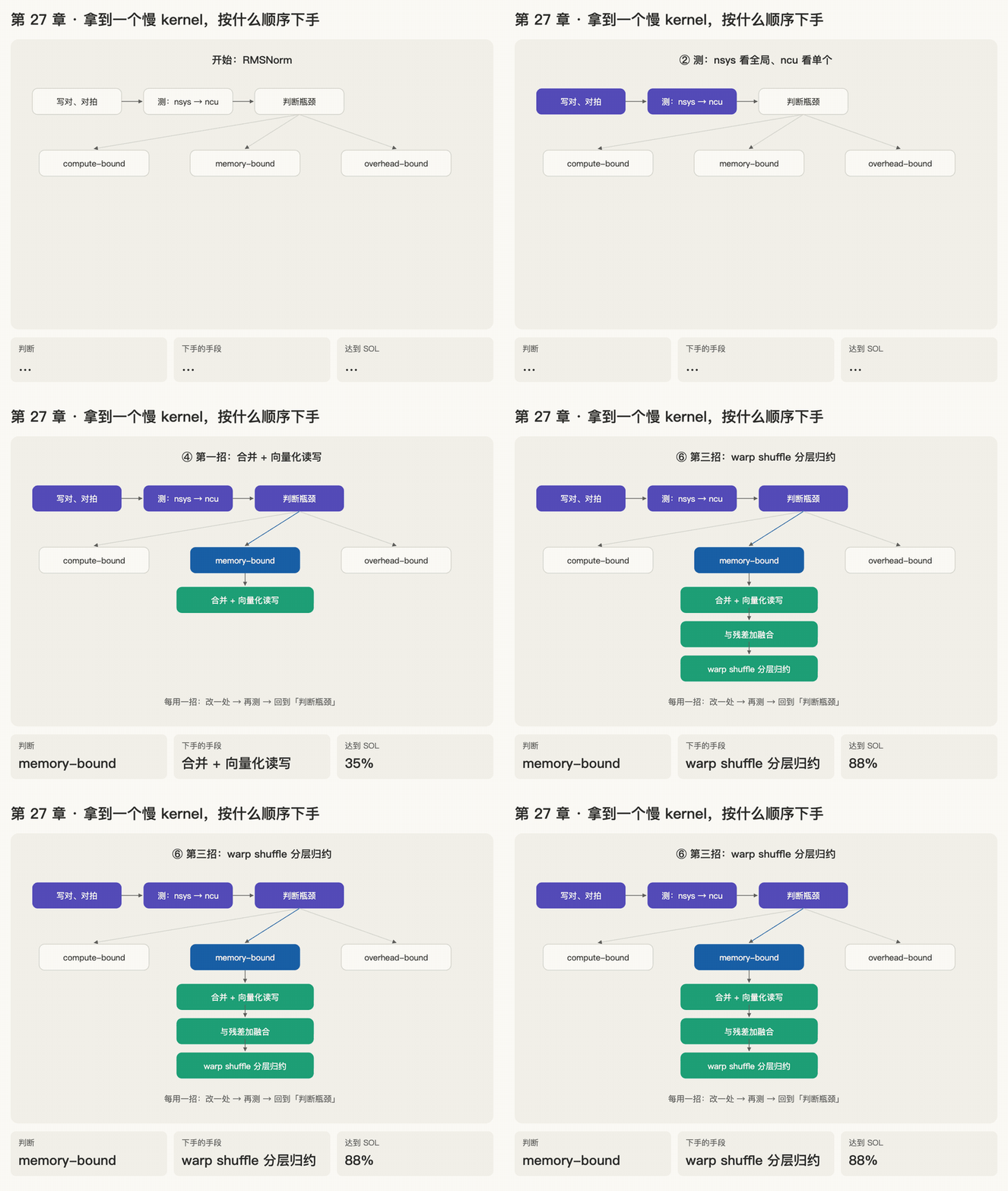
| 27 | 拿到一个慢 kernel,按什么顺序下手 | 27-optimization-flow.gif | html |
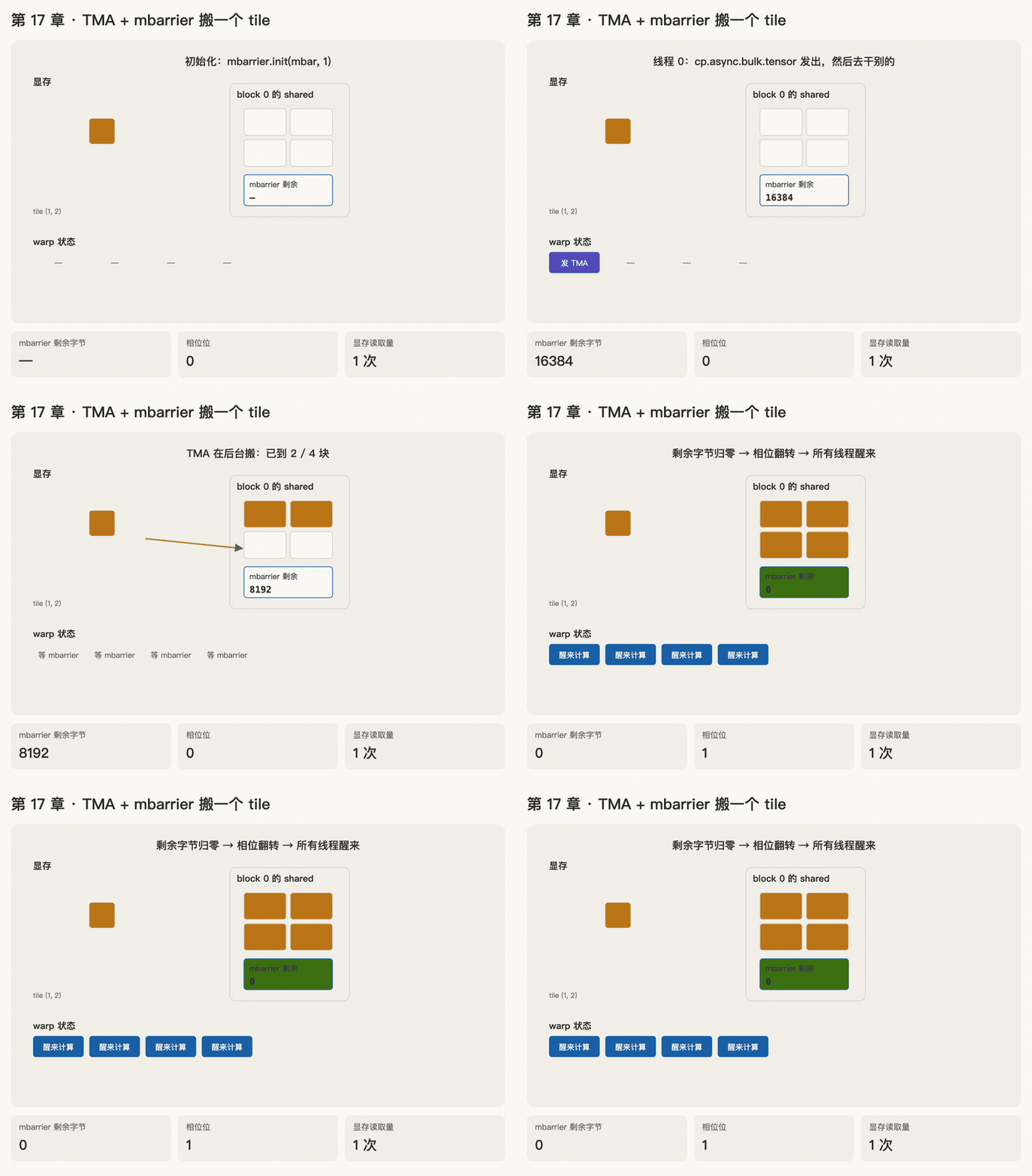
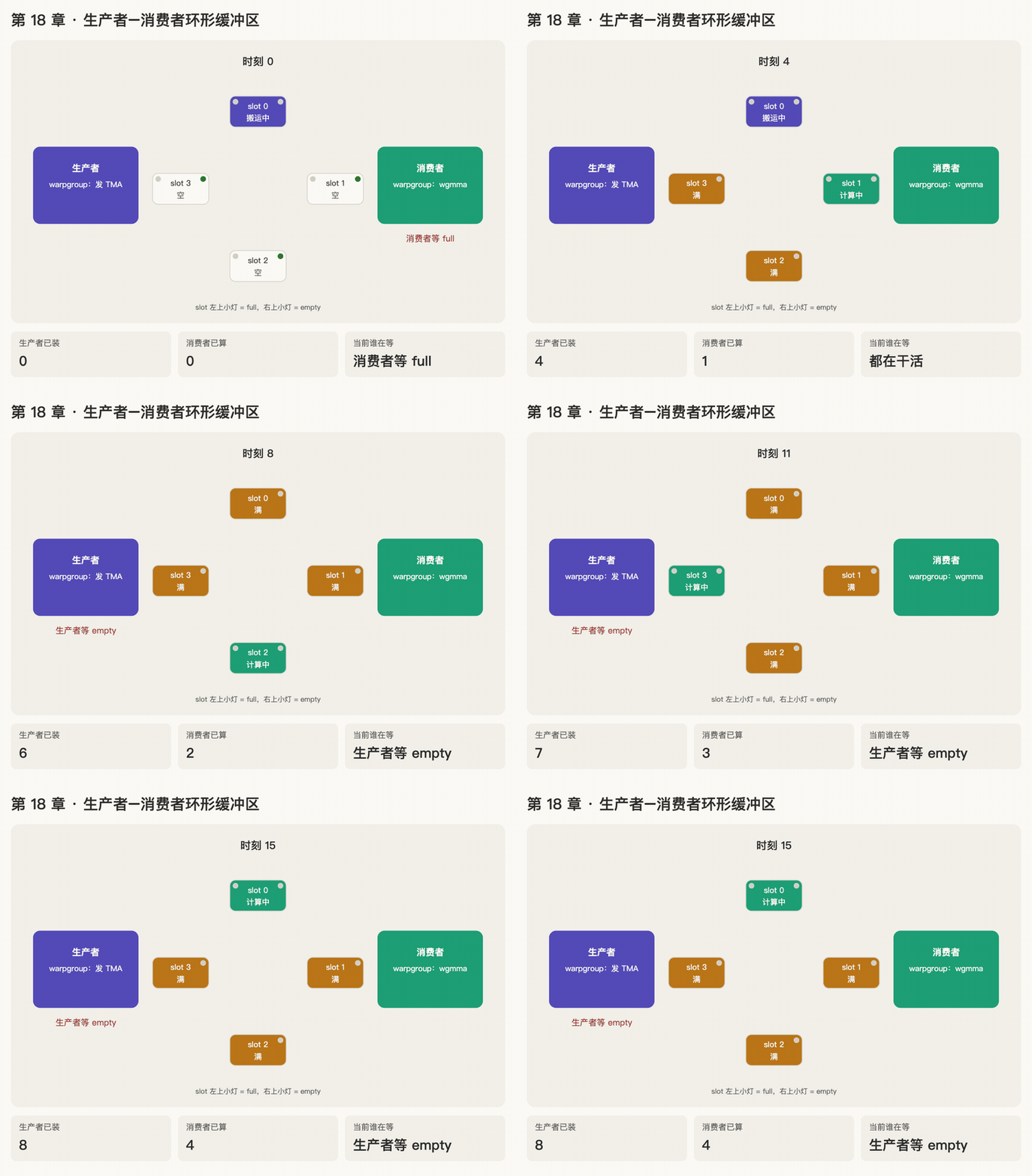
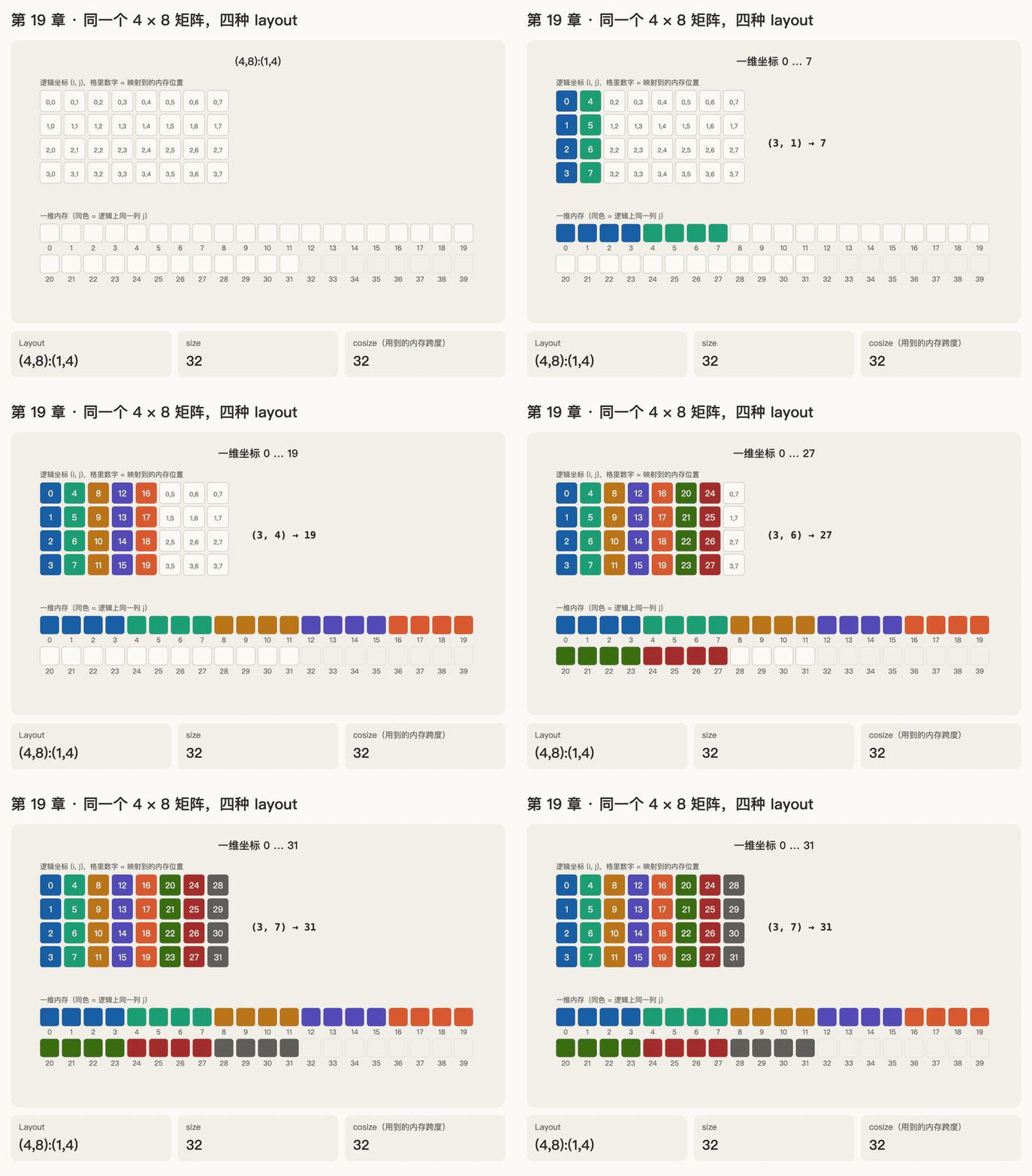
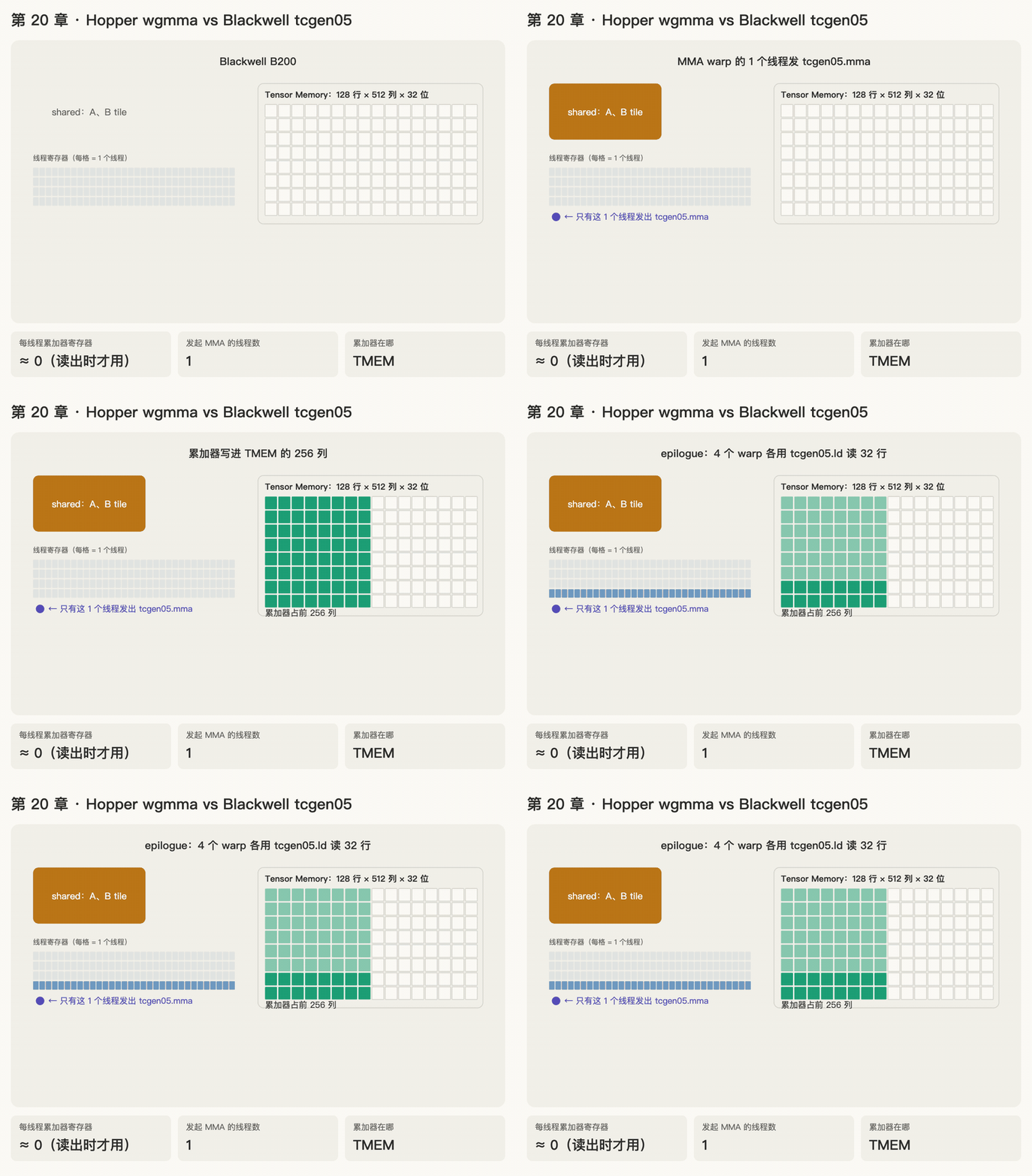
跑起来看(按钮能动)
在仓库根目录的 Claude 会话里说"打开第 N 章动画"即可(.claude/launch.json 里的 cuda-animations 配置)。自己在终端跑:
python3 -m http.server 8349 --directory cuda-programming/notes/animations
然后浏览器打开 http://localhost:8349/01-thread-index.html(换成对应文件名)。
新增或修改一个动画
- 第 1 章是手写的
01-thread-index.html;第 2–27 章由生成器产生:源文件在仓库根目录work/cuda-anim/specs/NN-*.js(开头用// key: value写标题、说明、开关和统计,其余是绘图脚本),共用的绘图小工具在本目录cuda-anim.js。改完运行:
bash
   python3 work/cuda-anim/gen.py
页面统一引用 anim.css、anim.js(从 pytorch-deep-dive/notes/animations/ 复制来的同一套)和 cuda-anim.js,提供 reset() 和 next()(返回 false 表示播完),用 setupPlayer({captureSeed, reset, next}, 毫秒) 挂上播放按钮。
2. 重新录 GIF(在本目录下执行):
bash
   node ../../../tools/anim-capture/capture.mjs 02-block-waves.html 02-block-waves.gif 1400
录完删掉多出来的 *-last.png。
3. 在对应讲义的"讲解"末尾写 ### 动画演示,然后跑 tools/notes-sync/sync.sh cuda-programming "CUDA",再跑 python3 tools/gallery/build.py。