PyTorch 从里到外 讲义目录 动画 复习卡片 缩写表 全局词汇 ← 全部讲义书

动画演示

每章关键原理配一个可交互动画。讲义 md 里嵌的是 GIF(GitHub、Markdown 预览和 Mac 备忘录都能直接播放);想自己单步、拨开关,就用浏览器打开同名 .html。
章 讲义 演示什么 GIF 可交互
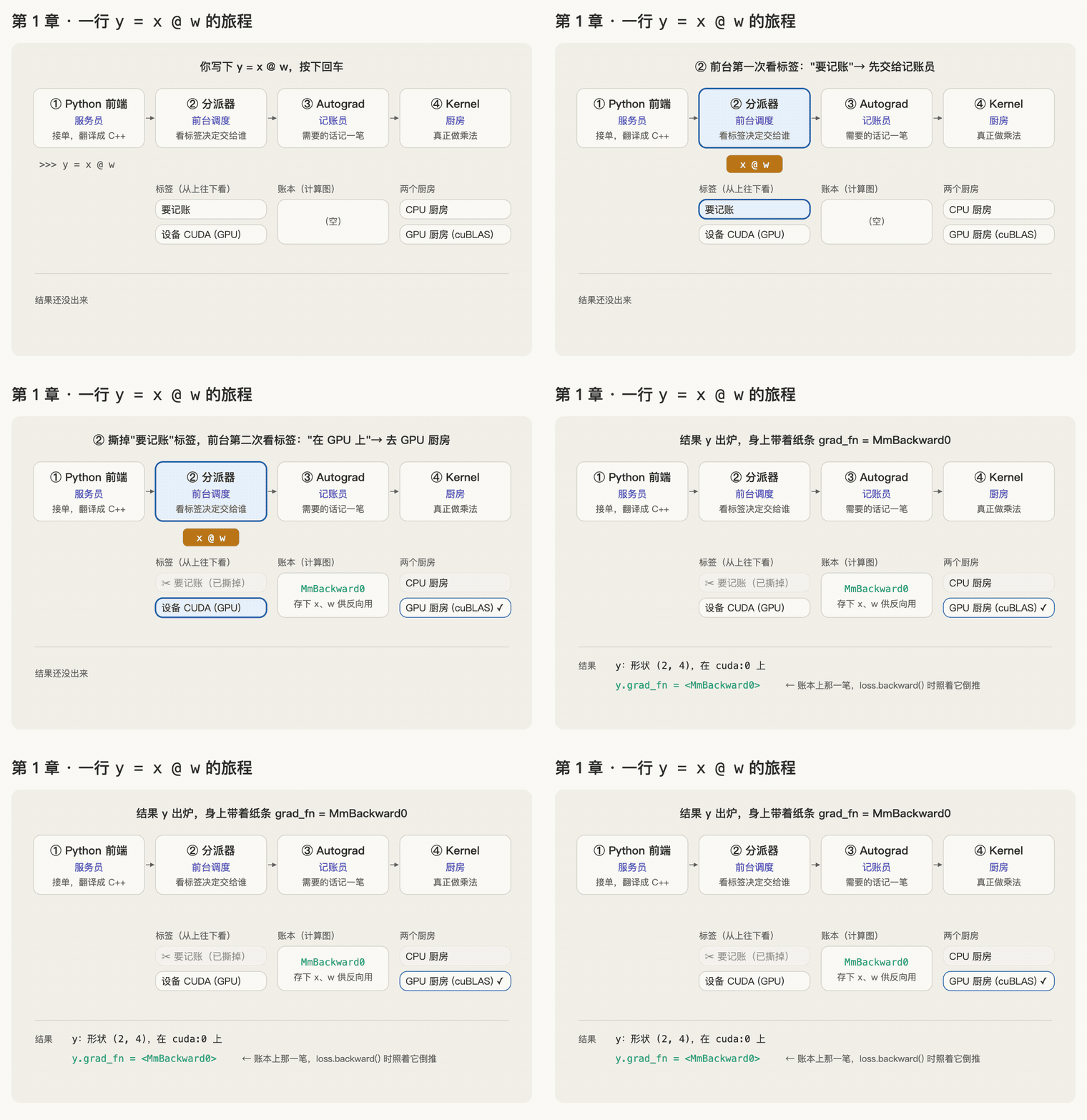
01 op-journey 一行代码的旅程 01-op-journey.gif html
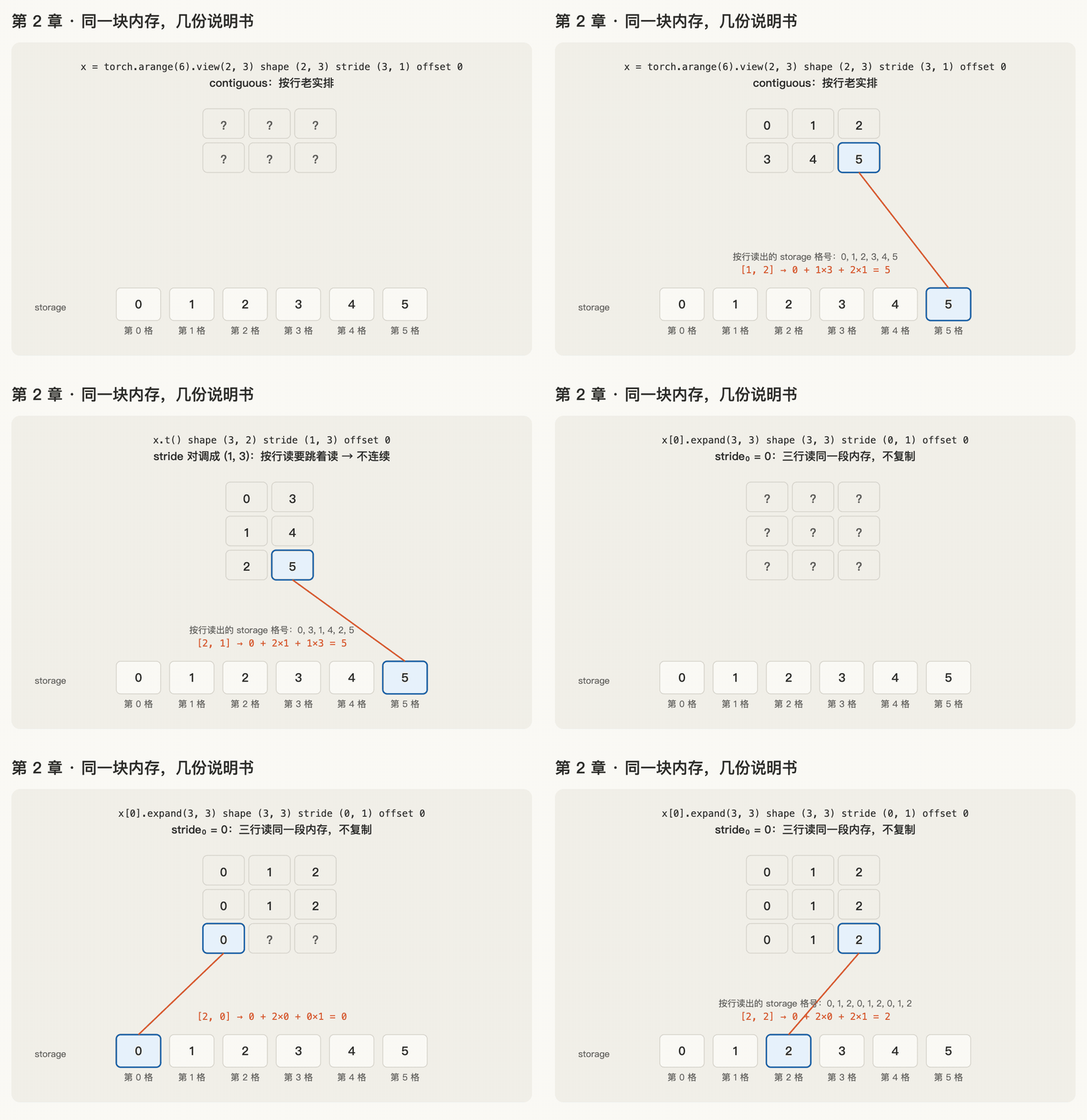
02 tensor-stride 同一块内存,三份说明书 02-tensor-stride.gif html
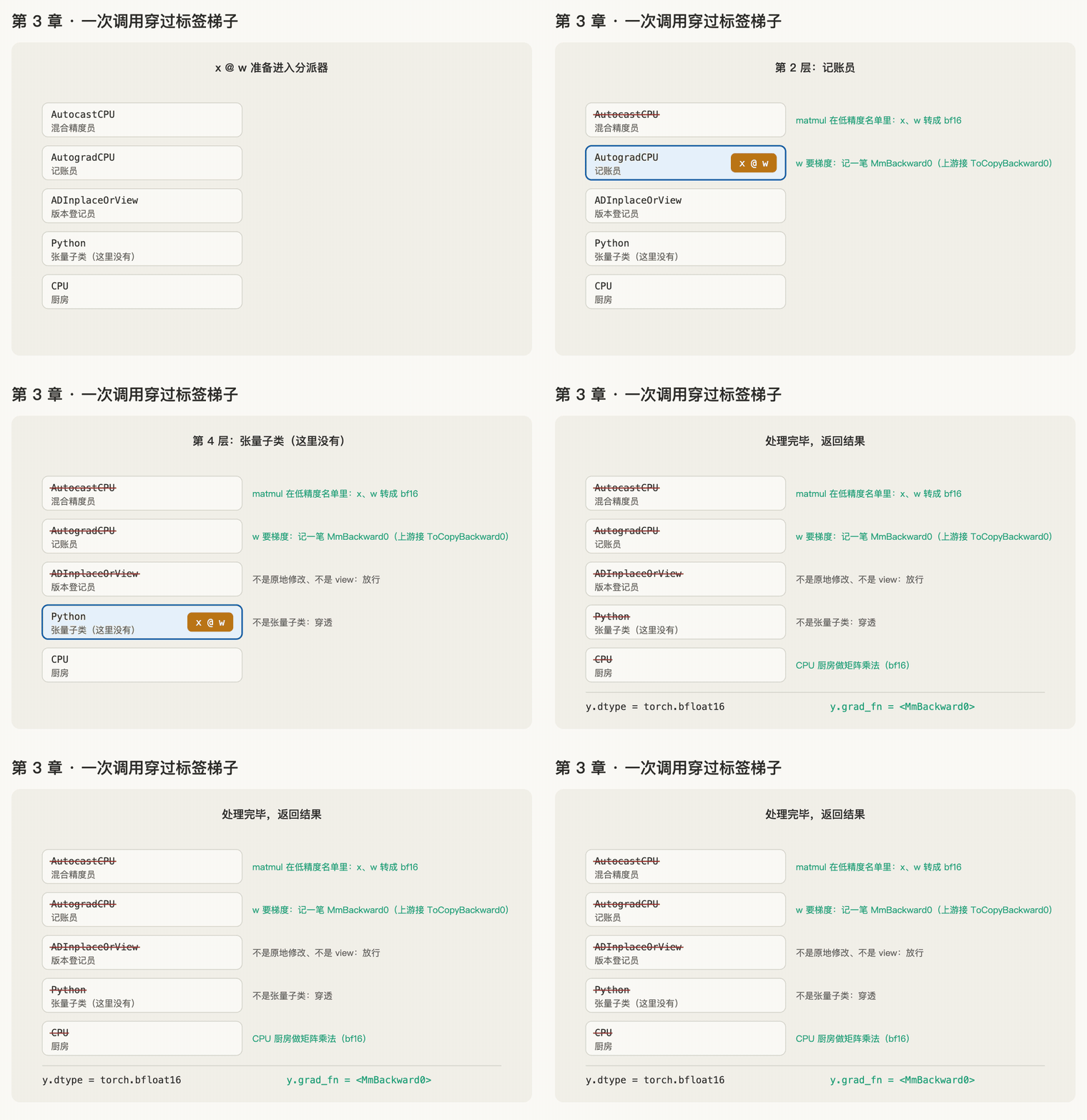
03 dispatcher 一次调用穿过标签梯子 03-dispatcher.gif html
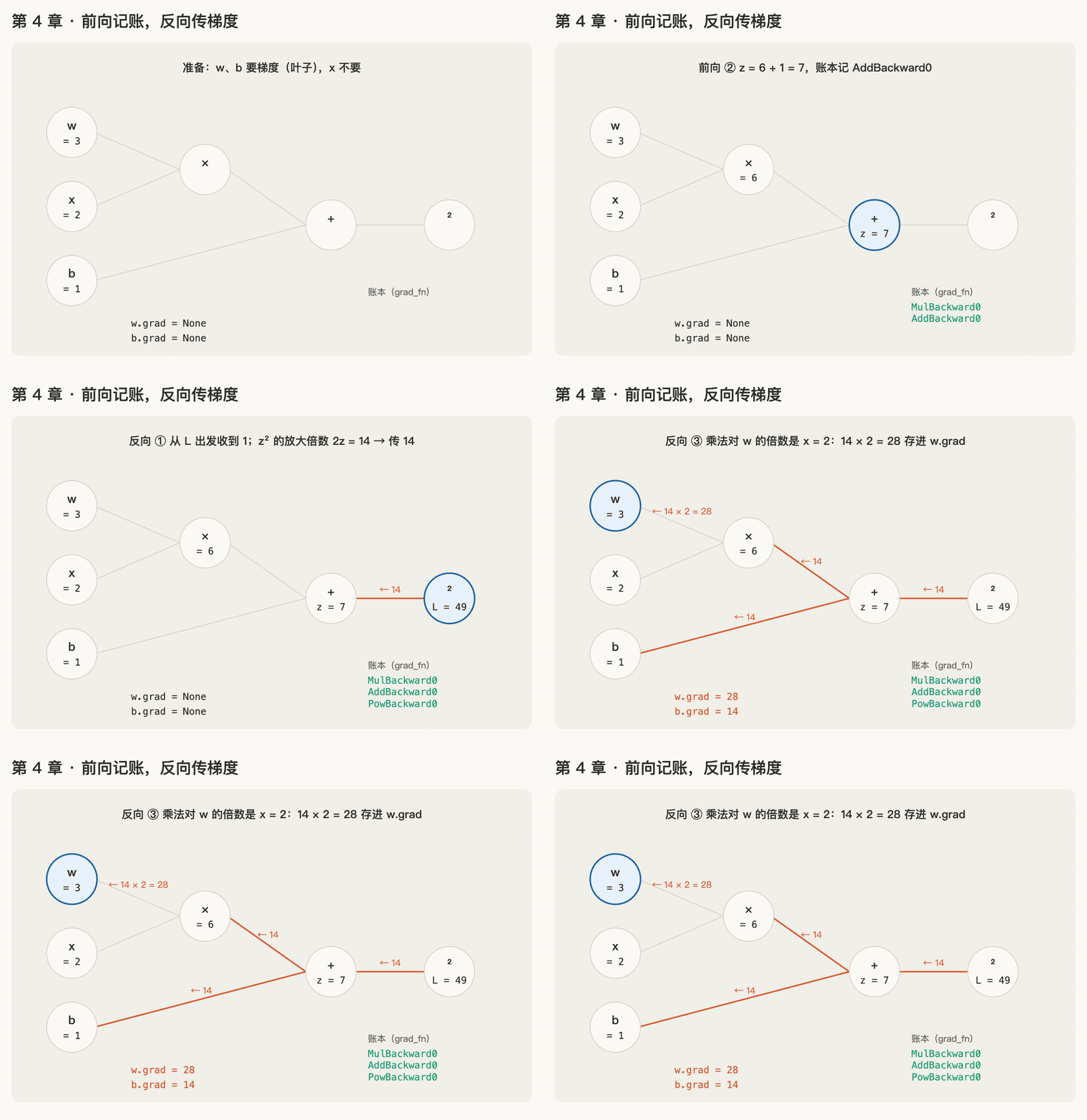
04 autograd 前向记账、反向传梯度 04-autograd.gif html
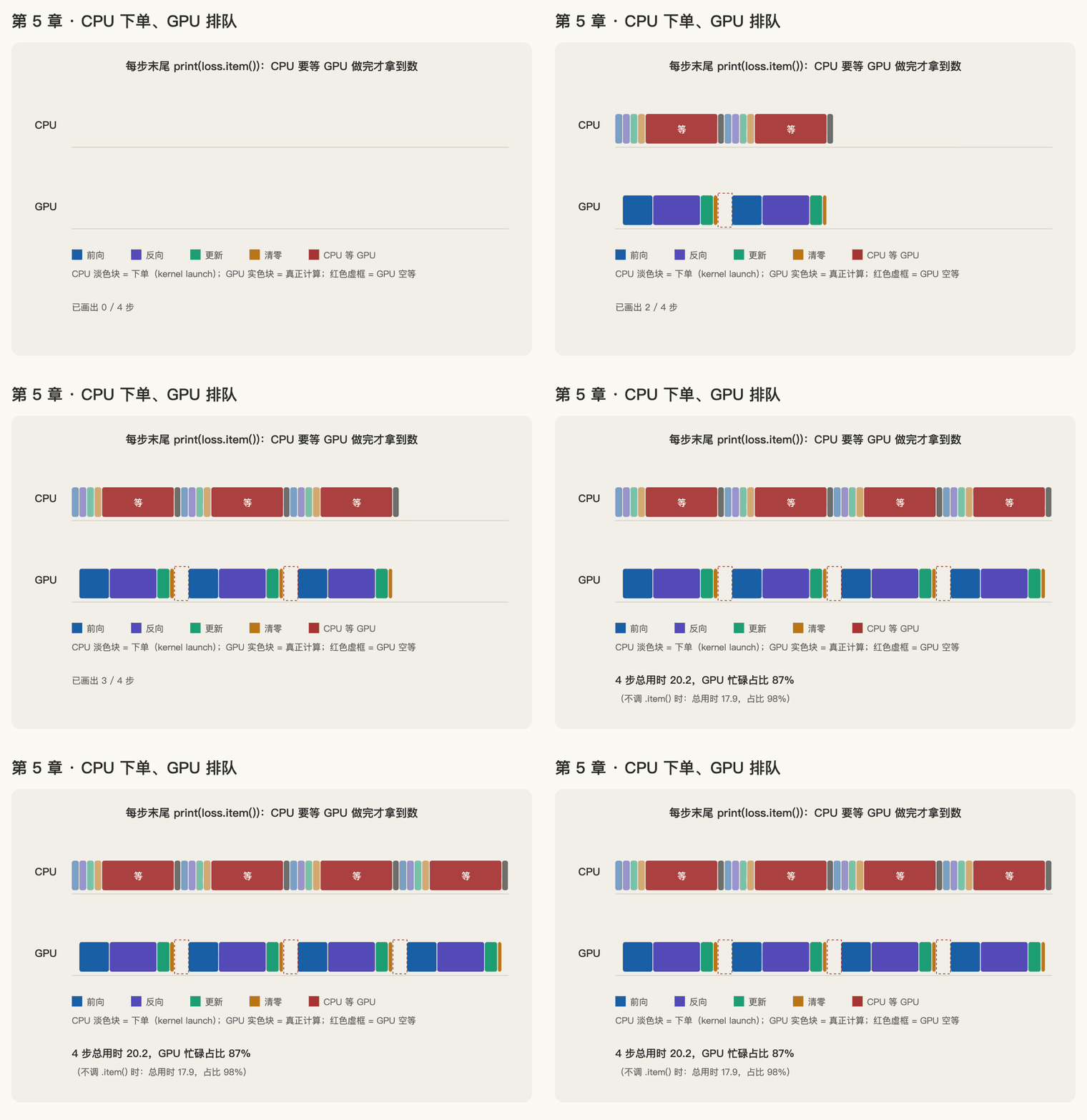
05 cuda-semantics CPU 下单、GPU 排队 05-async-queue.gif html
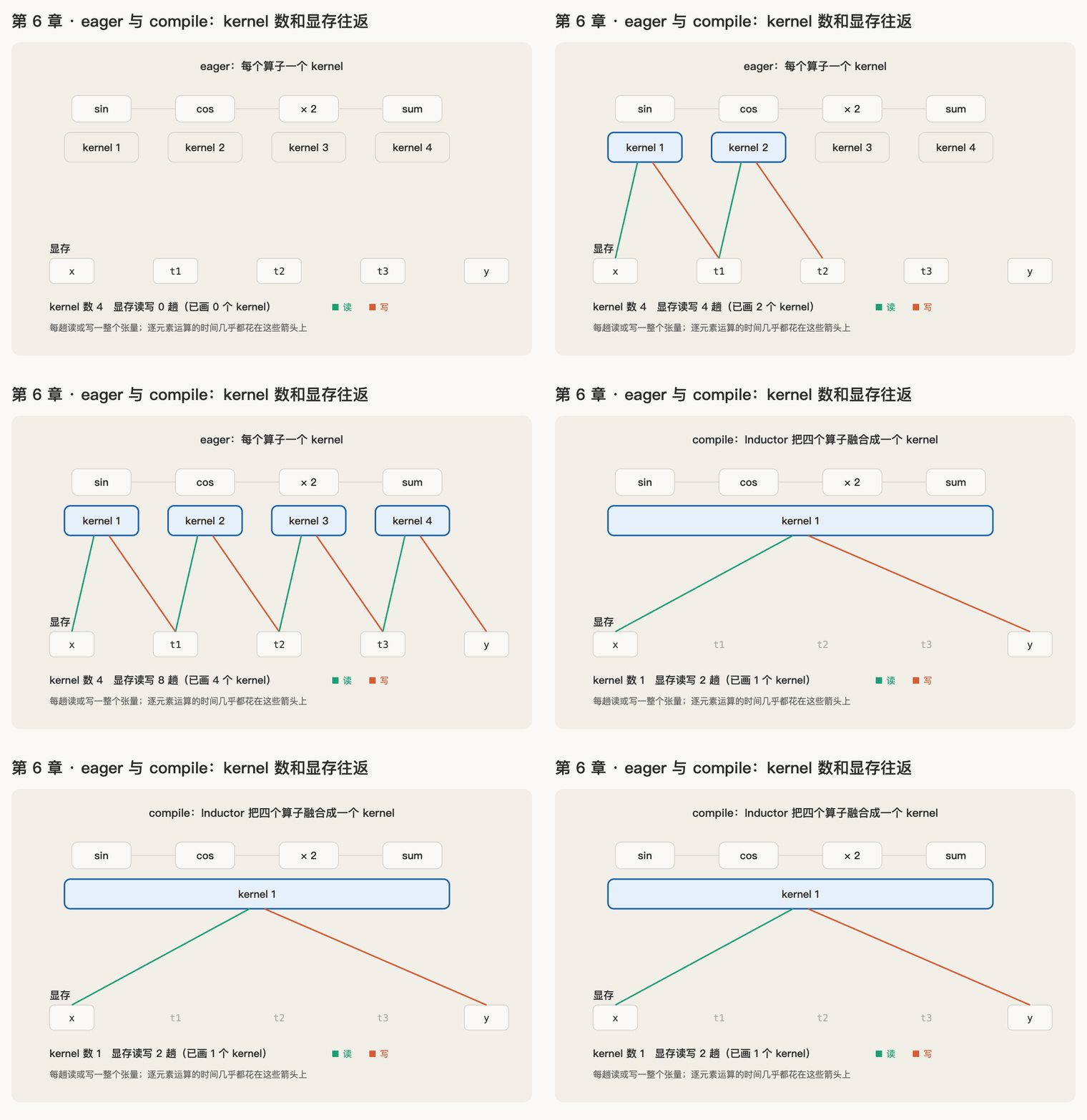
06 compile-stack eager vs compile 的显存往返 06-compile-fusion.gif html
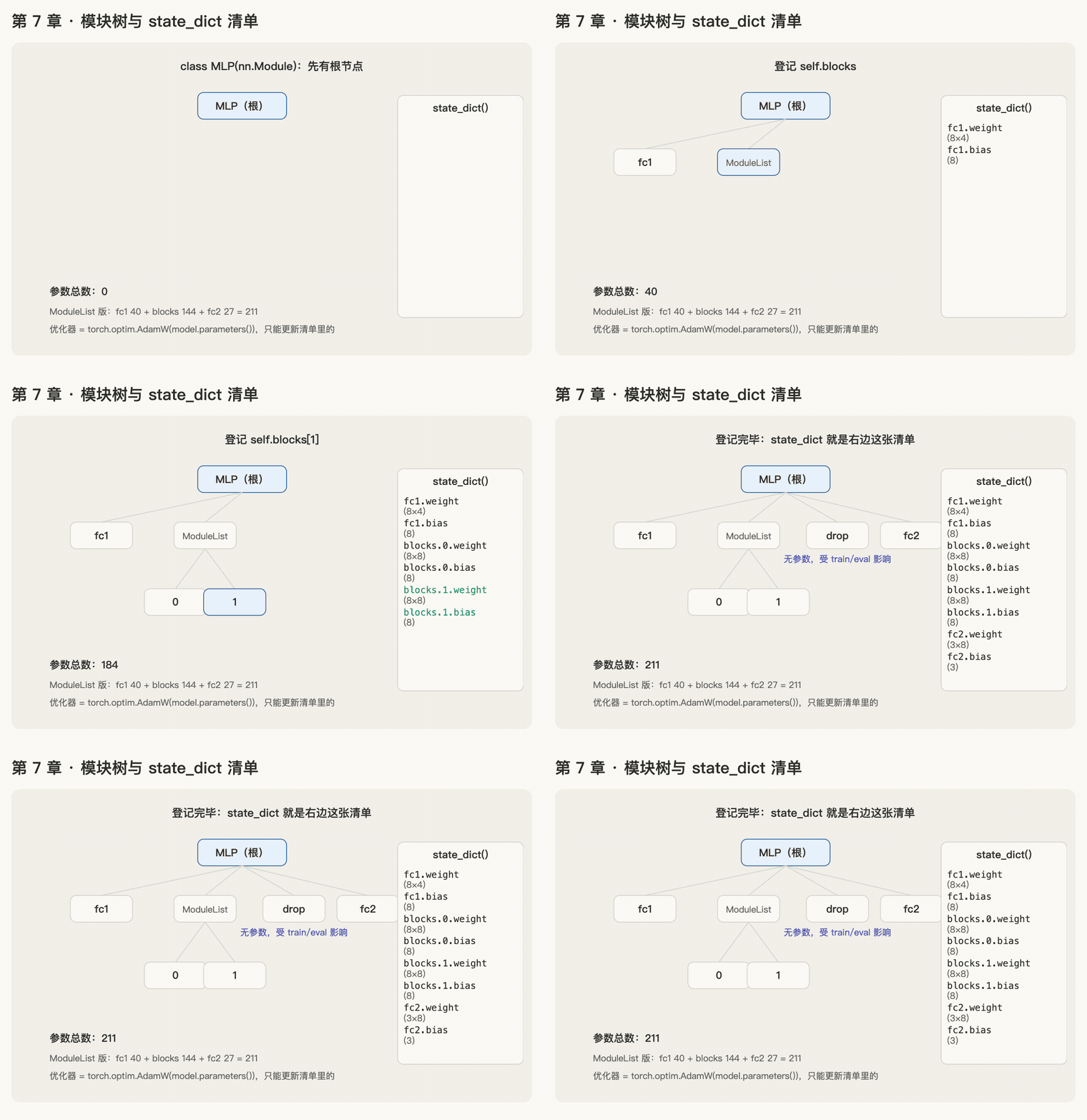
07 nn-module 模块树与 state_dict 07-module-tree.gif html
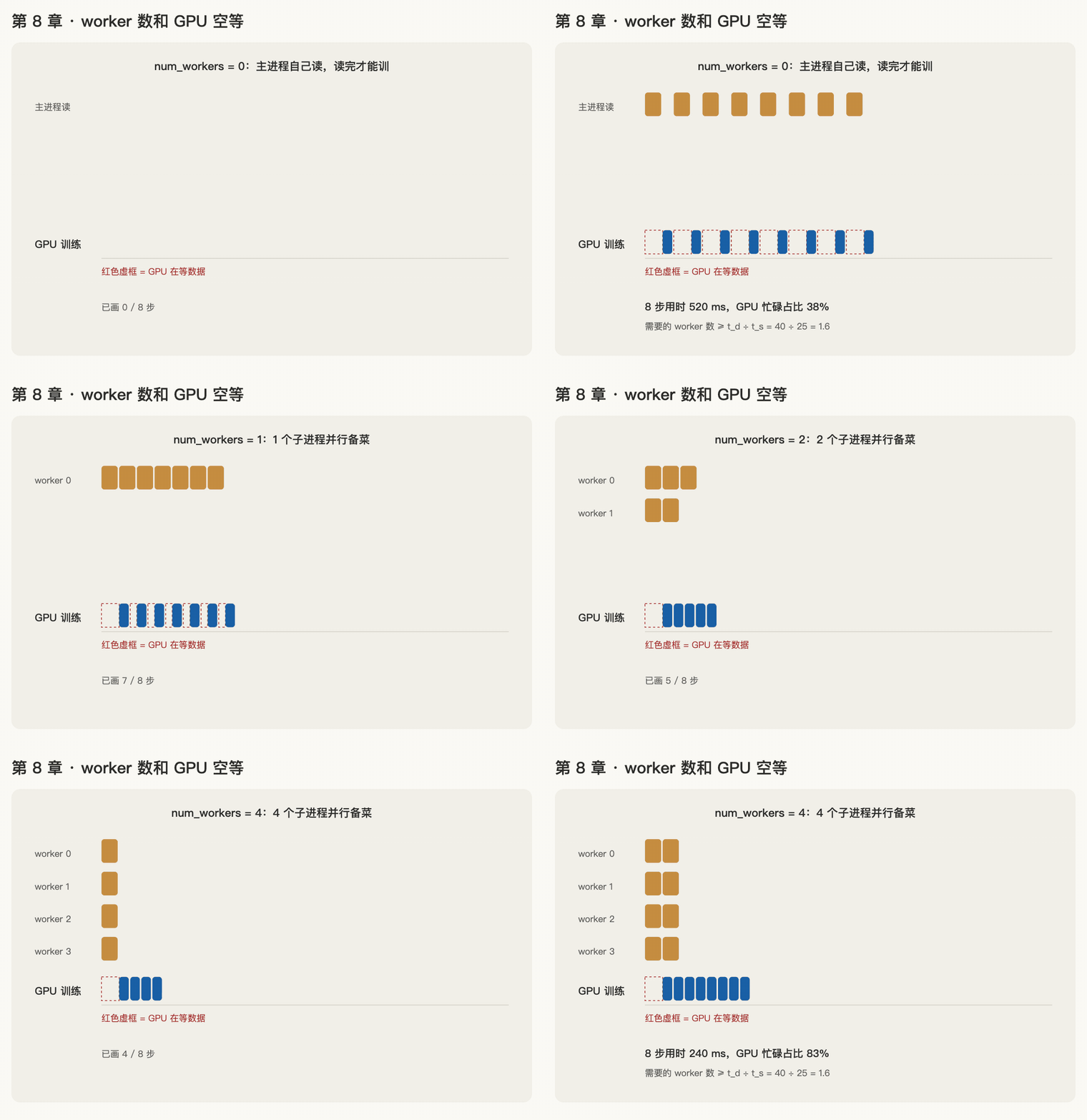
08 dataloader worker 数和 GPU 空等 08-dataloader-workers.gif html
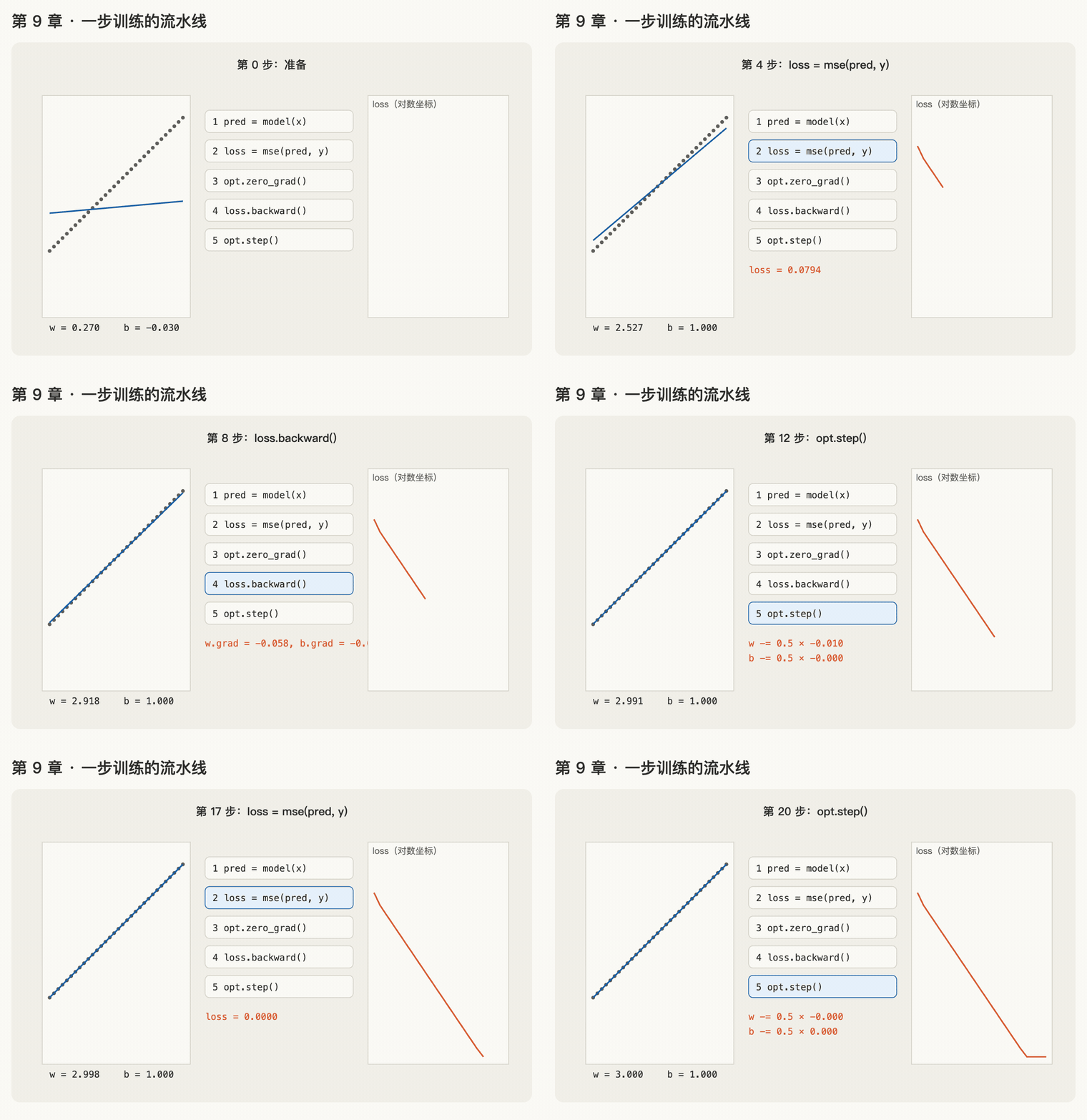
09 training-loop 一步训练的流水线 09-training-step.gif html
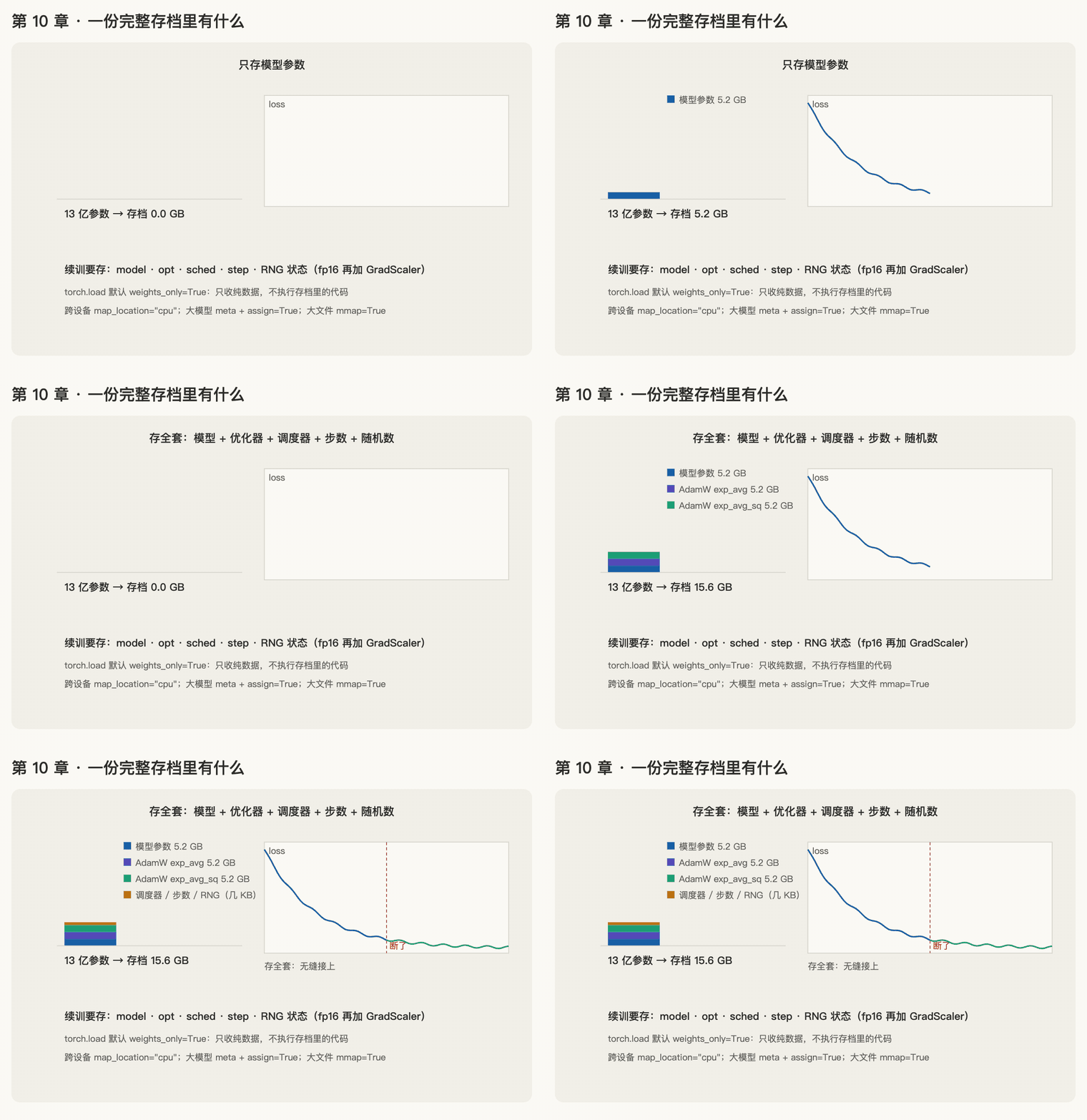
10 save-load 一份完整存档里有什么 10-checkpoint.gif html
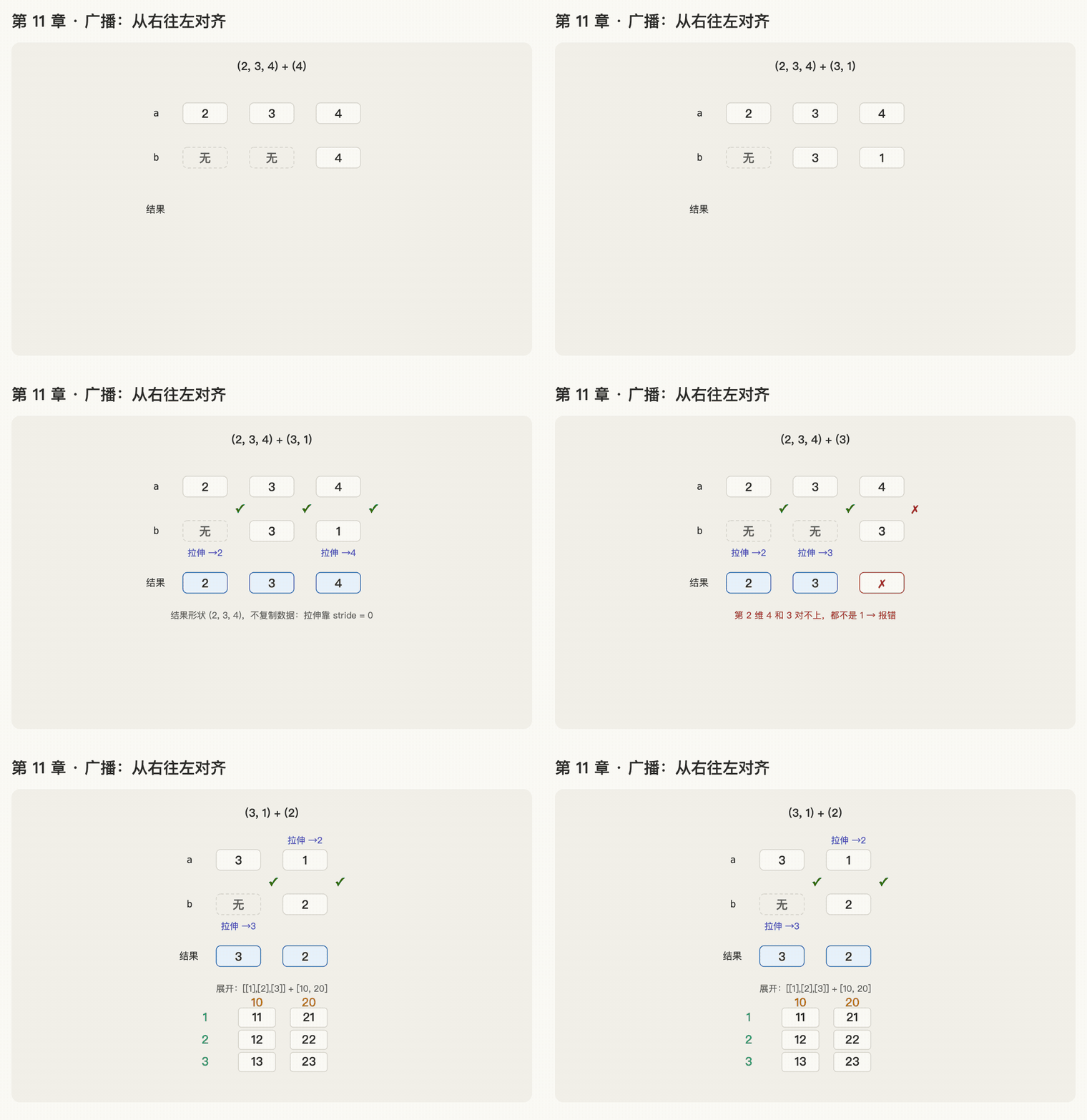
11 shape-broadcast 广播对齐 11-broadcast.gif html
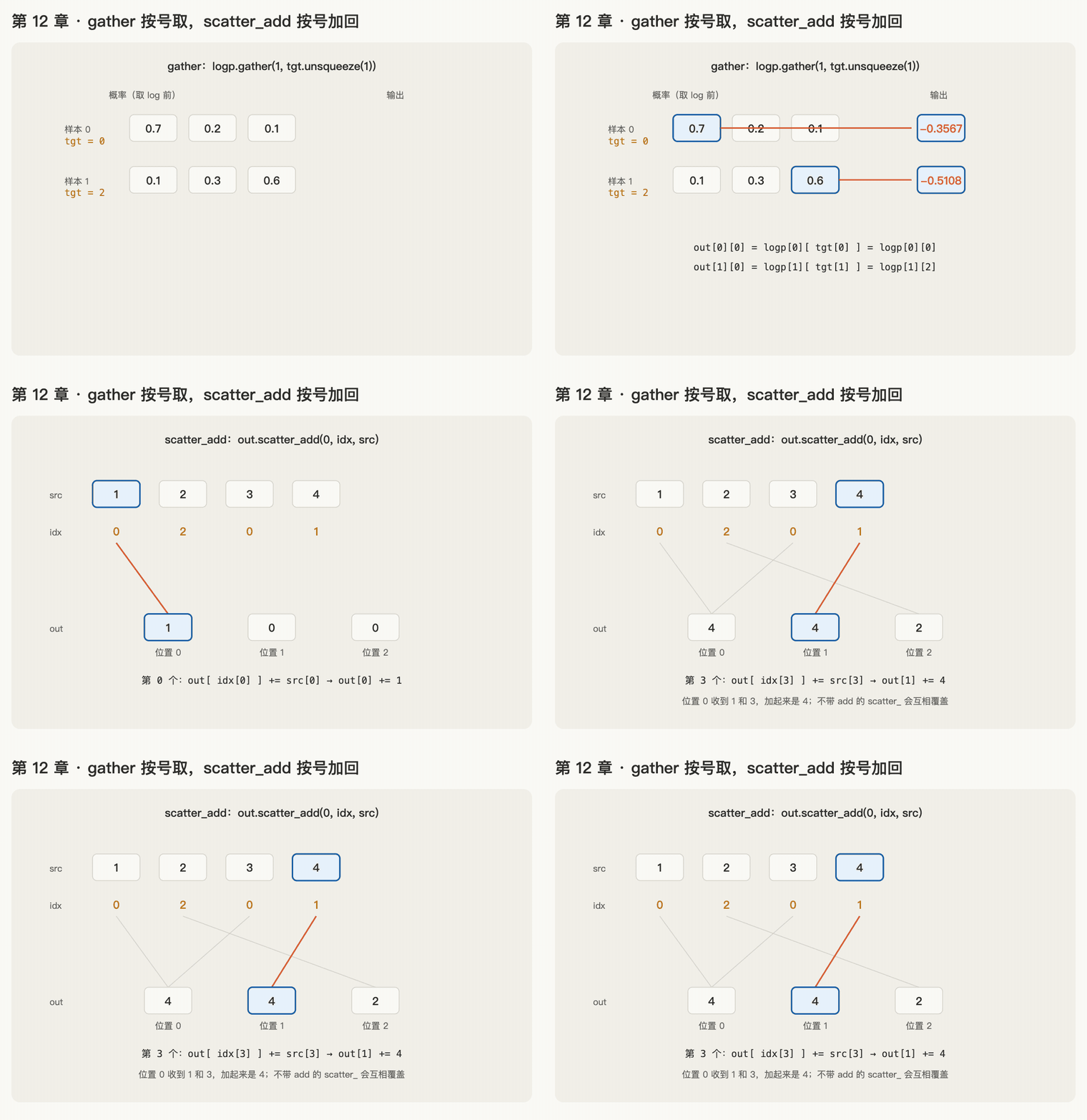
12 index-scatter gather 与 scatter_add 12-gather-scatter.gif html
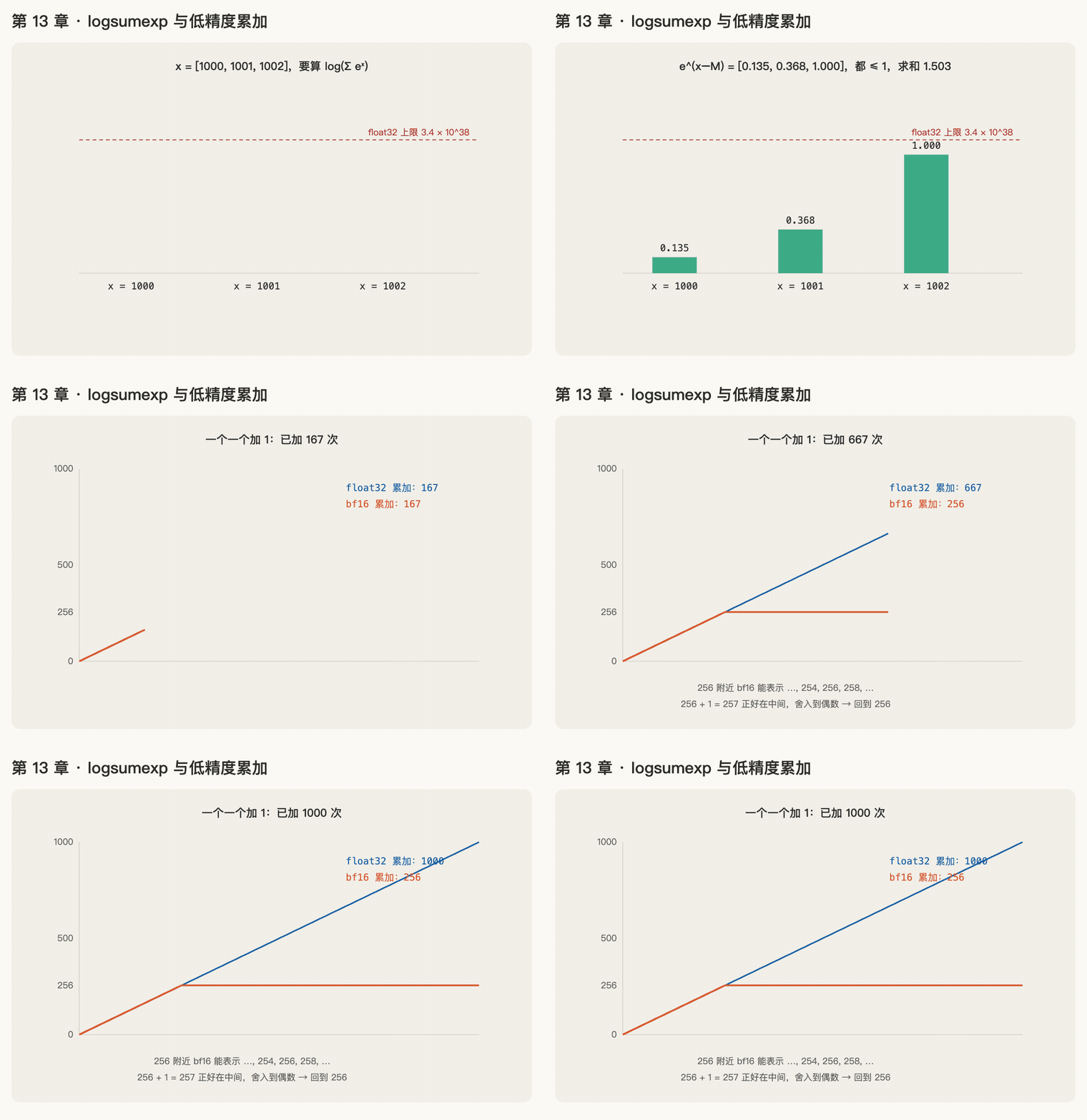
13 reduce-matmul logsumexp 与 bf16 累加 13-numerics.gif html
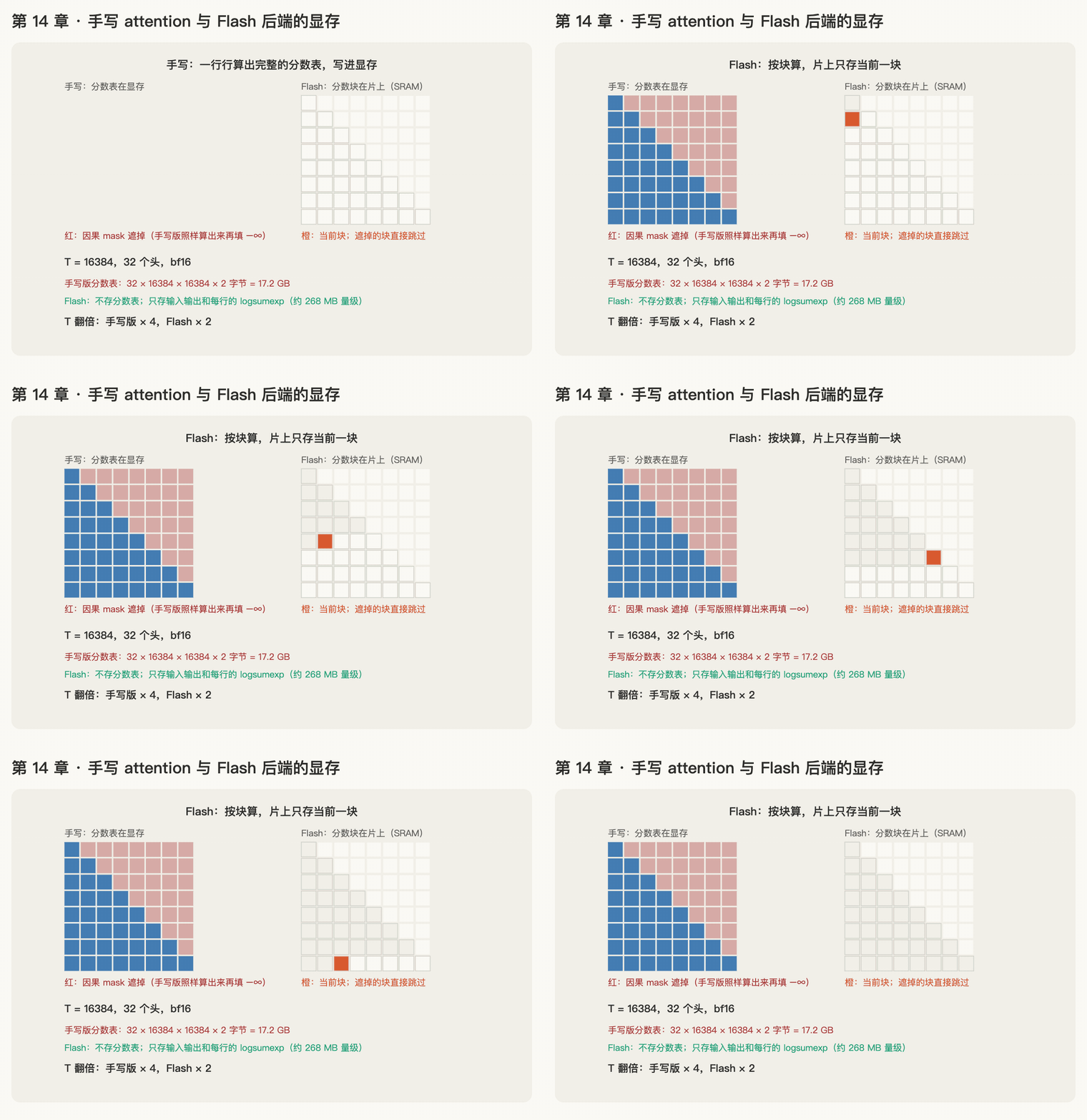
14 functional-attention 手写 attention vs SDPA 的显存 14-attention-memory.gif html
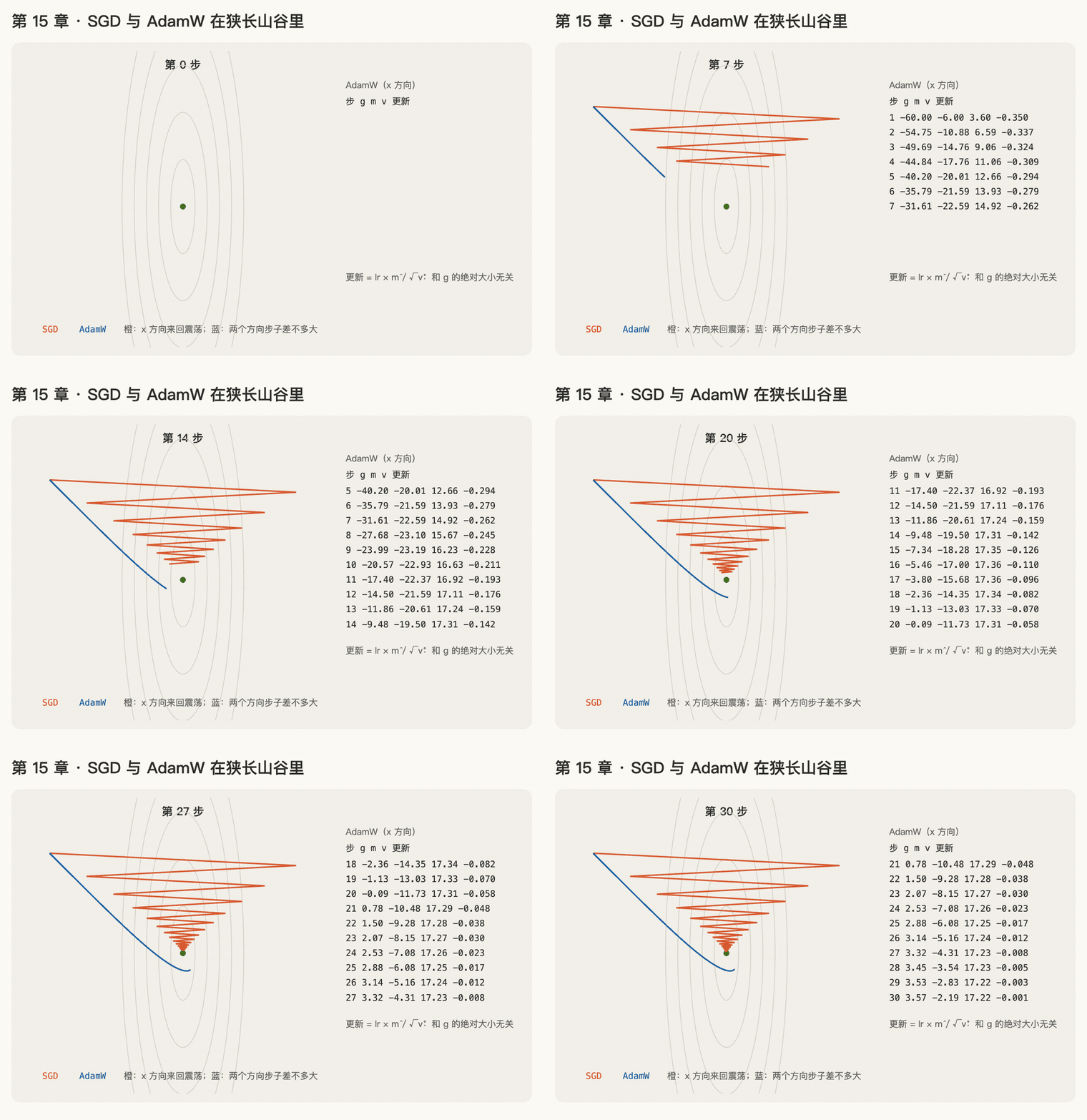
15 loss-optimizer SGD 与 AdamW 的步长 15-sgd-vs-adamw.gif html
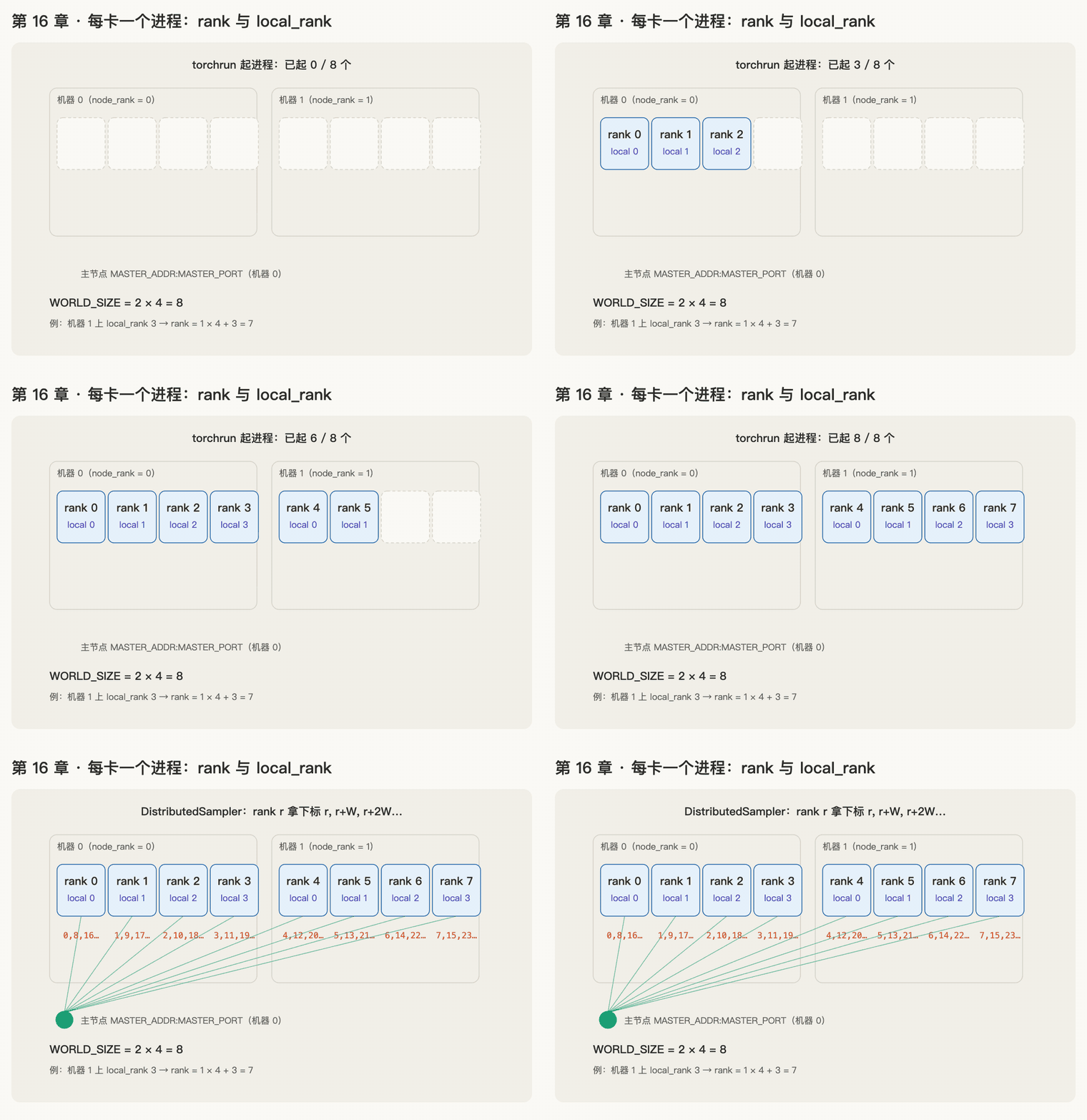
16 process-model 2 台机器 × 4 卡的编号 16-ranks.gif html
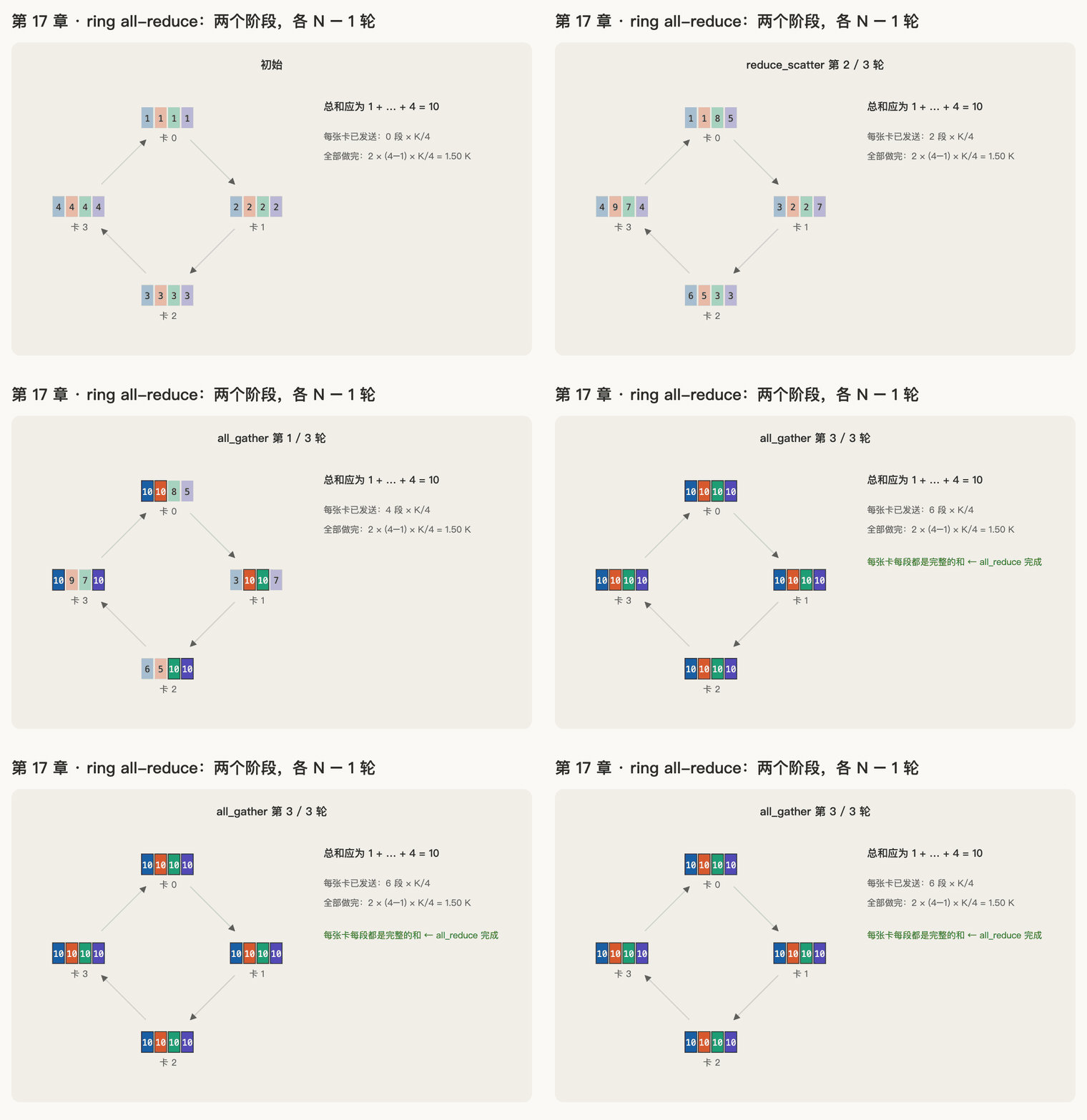
17 collectives ring all-reduce 17-ring-allreduce.gif html
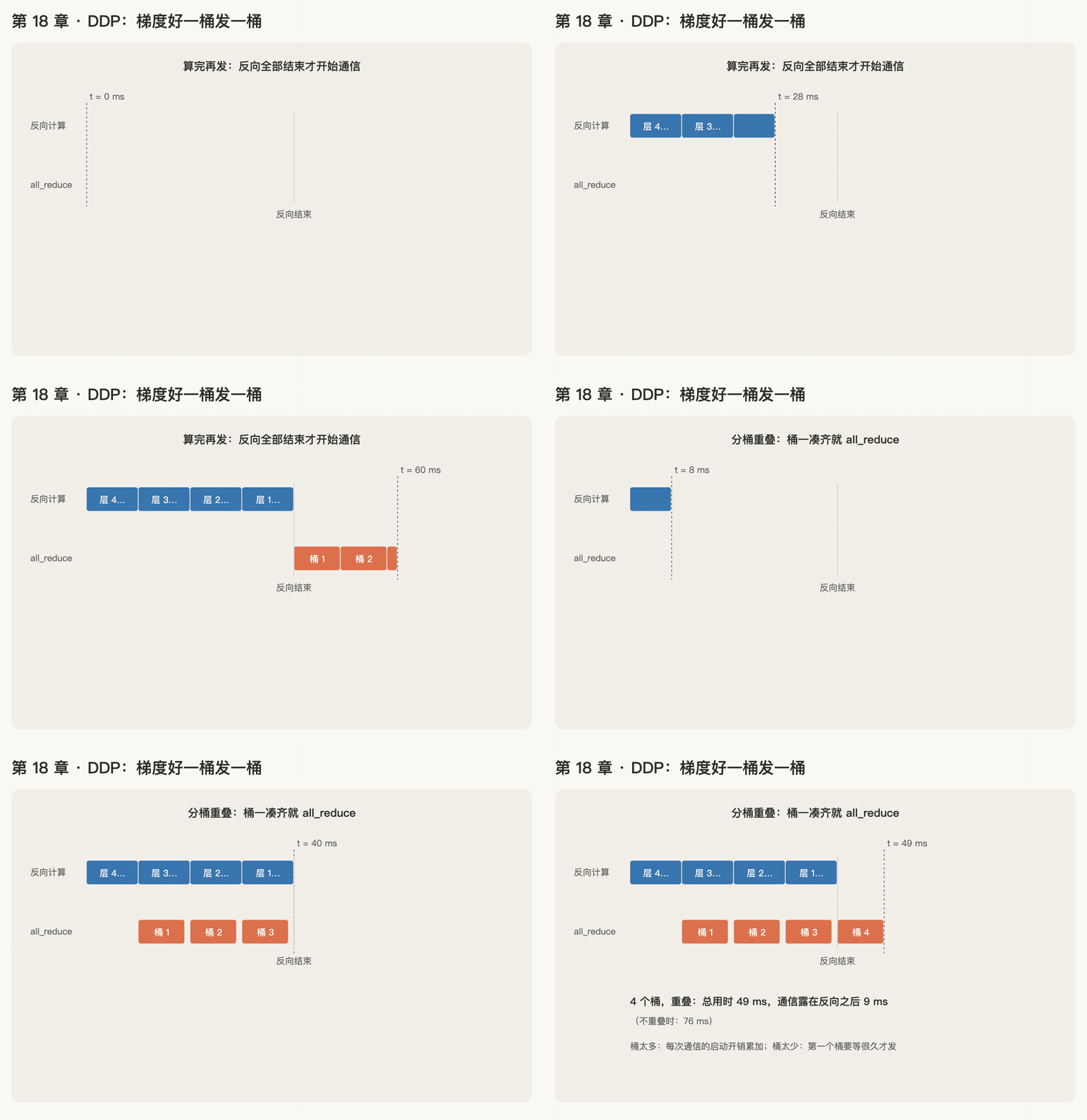
18 ddp 分桶重叠 18-ddp-buckets.gif html
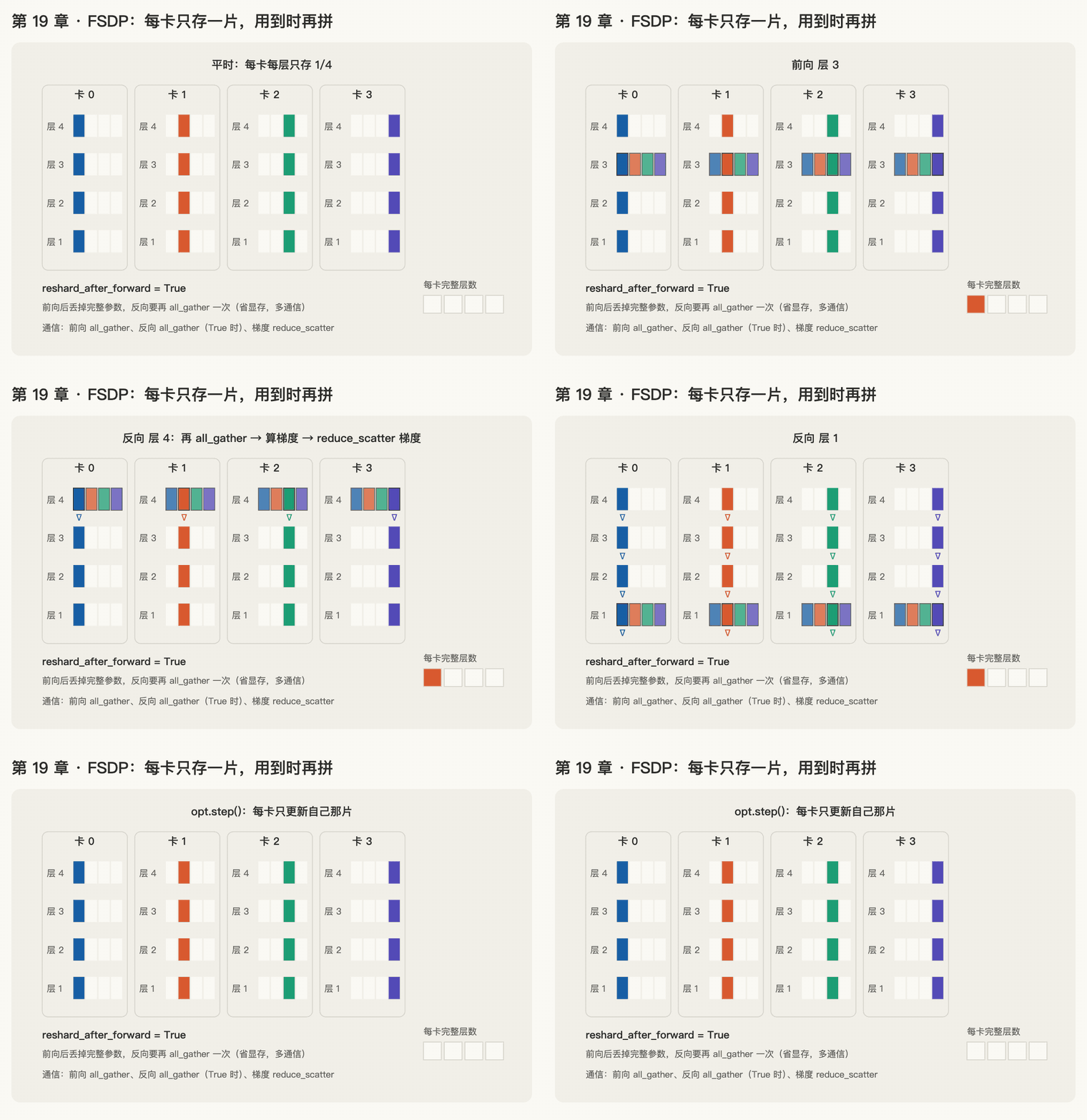
19 fsdp2 FSDP 的一次前向反向 19-fsdp-lifecycle.gif html
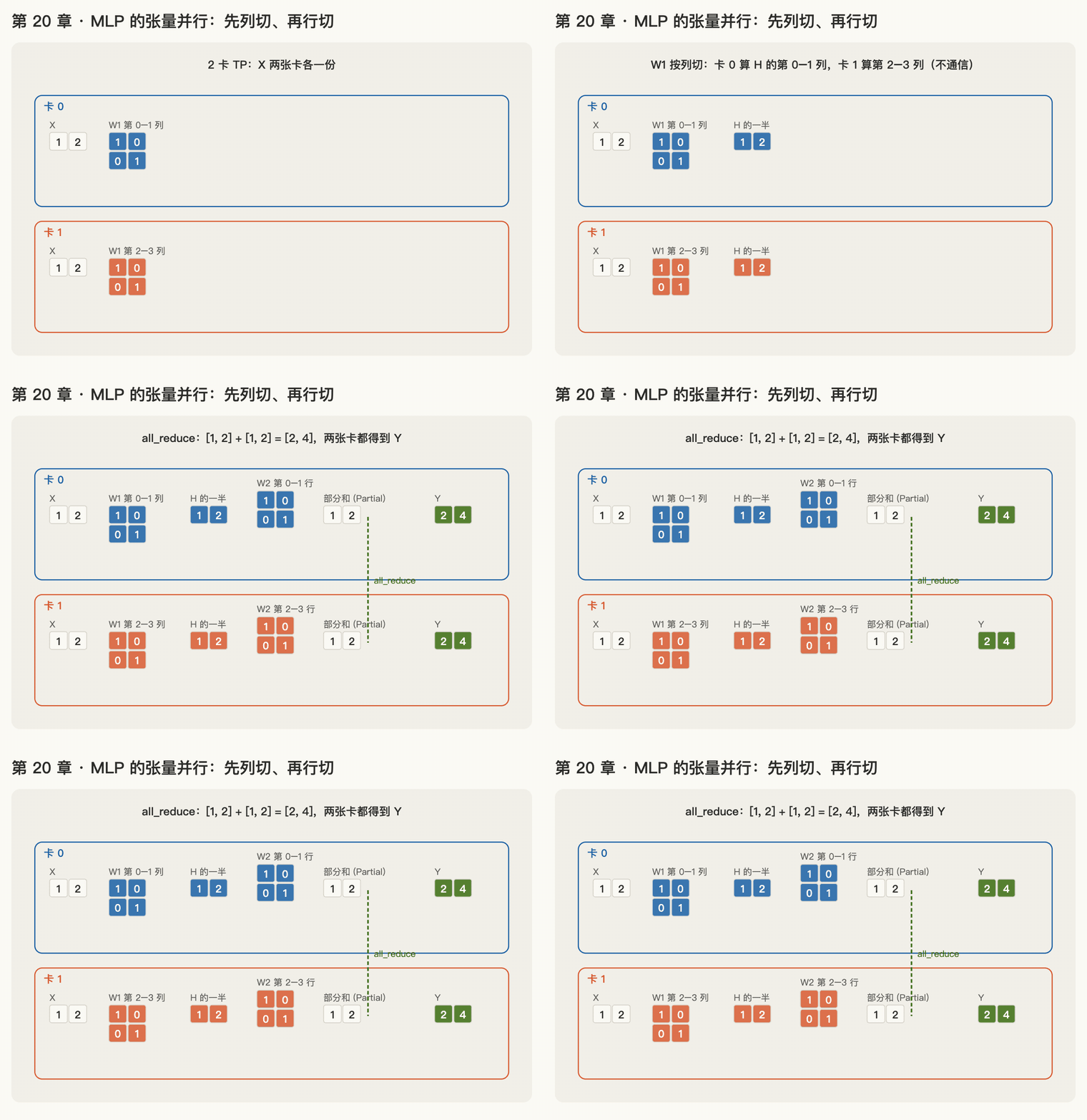
20 dtensor-tp MLP 的列切 + 行切 20-tensor-parallel.gif html
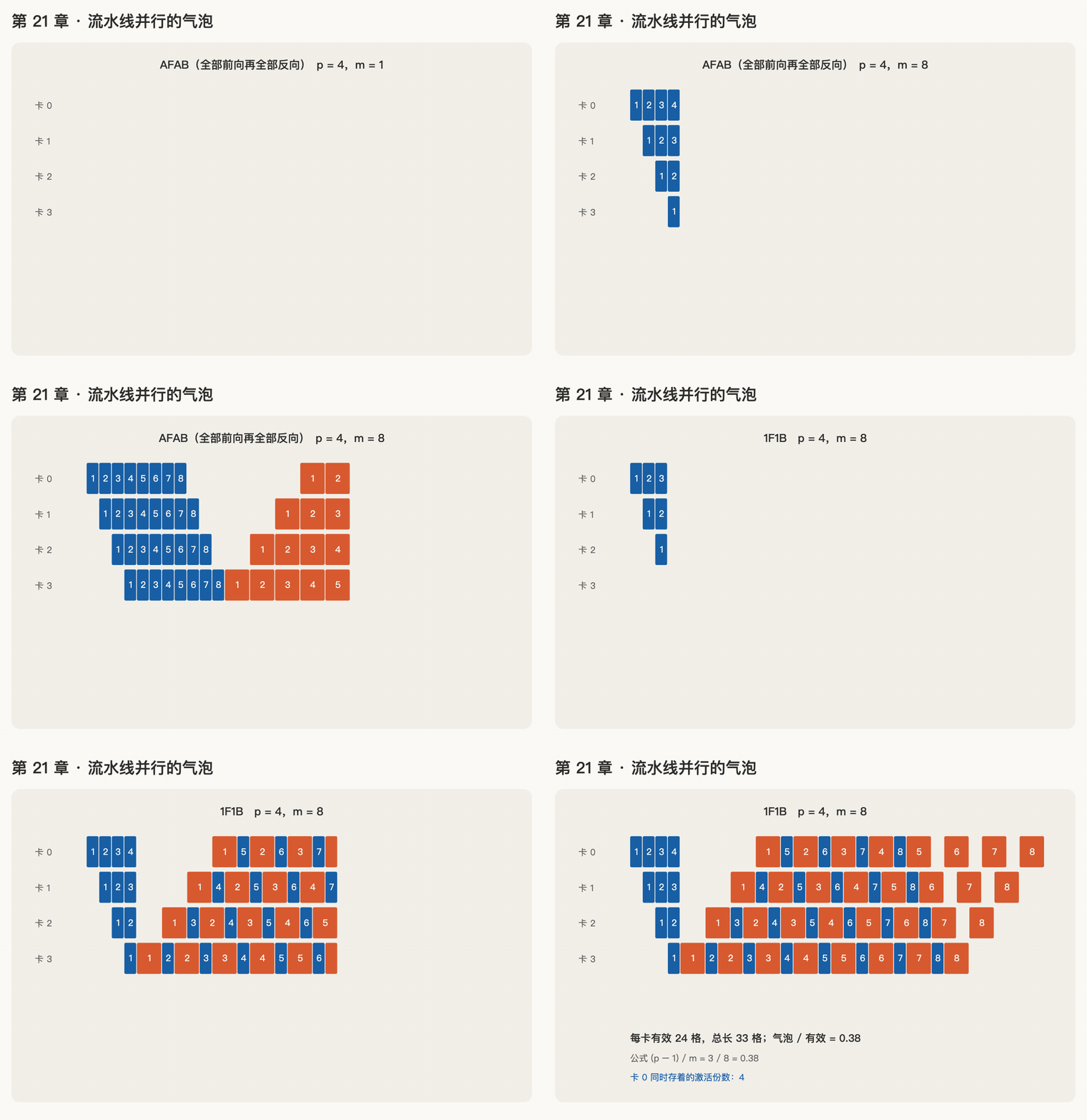
21 pp-cp-ep 流水线气泡 21-pipeline-bubble.gif html
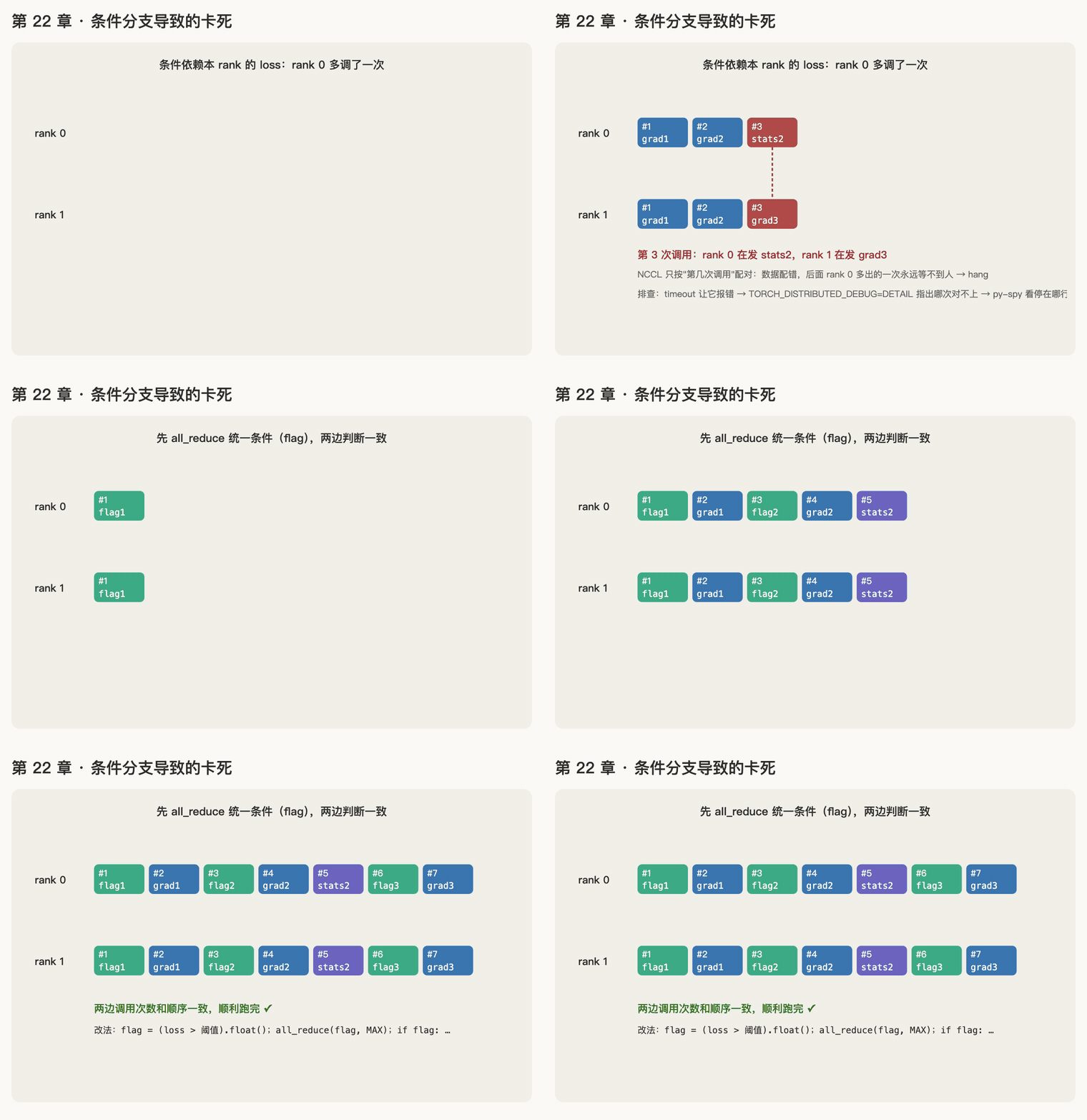
22 dcp-debug 条件分支导致的 hang 22-hang.gif html
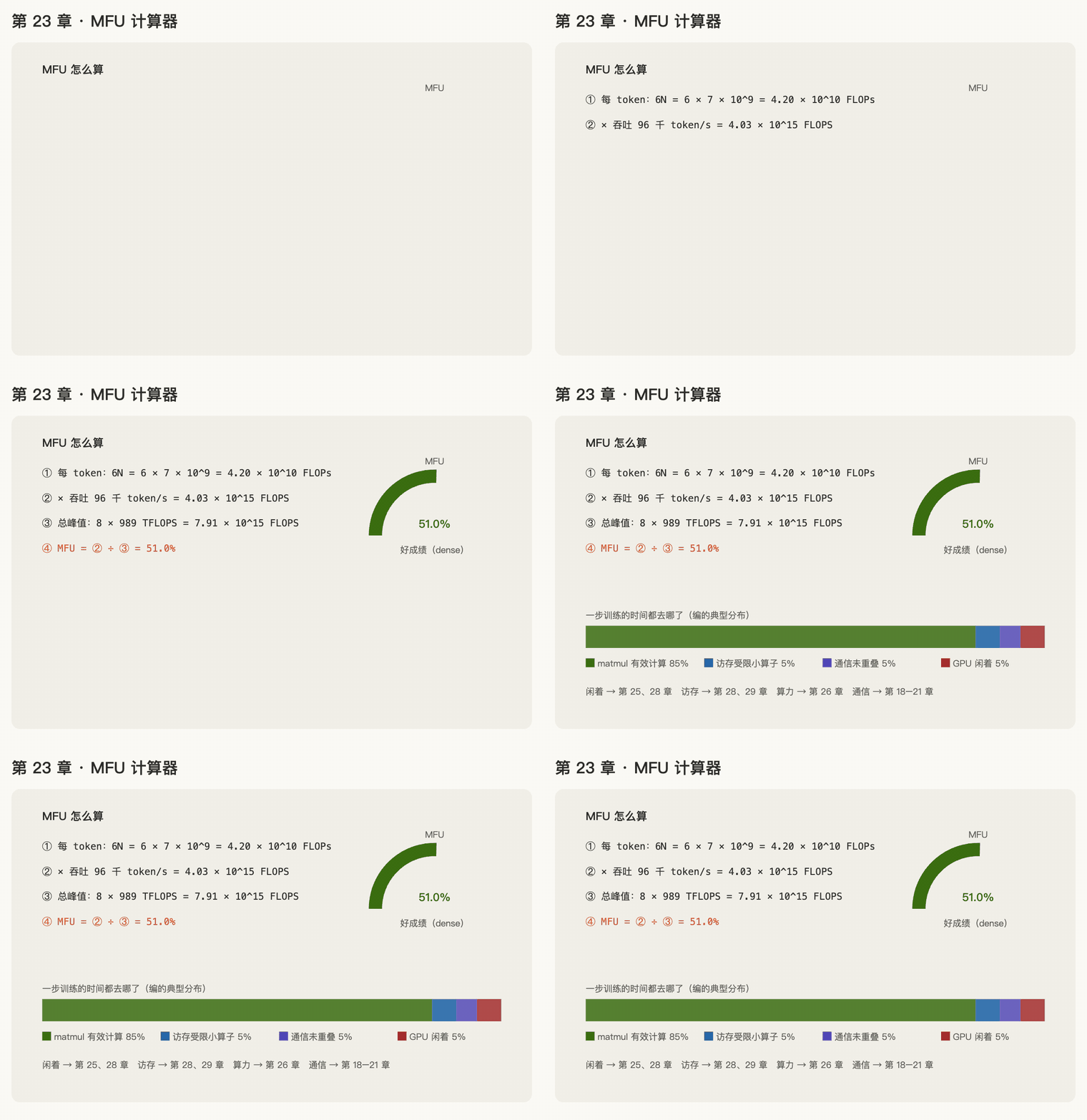
23 perf-method MFU 计算器 23-mfu.gif html
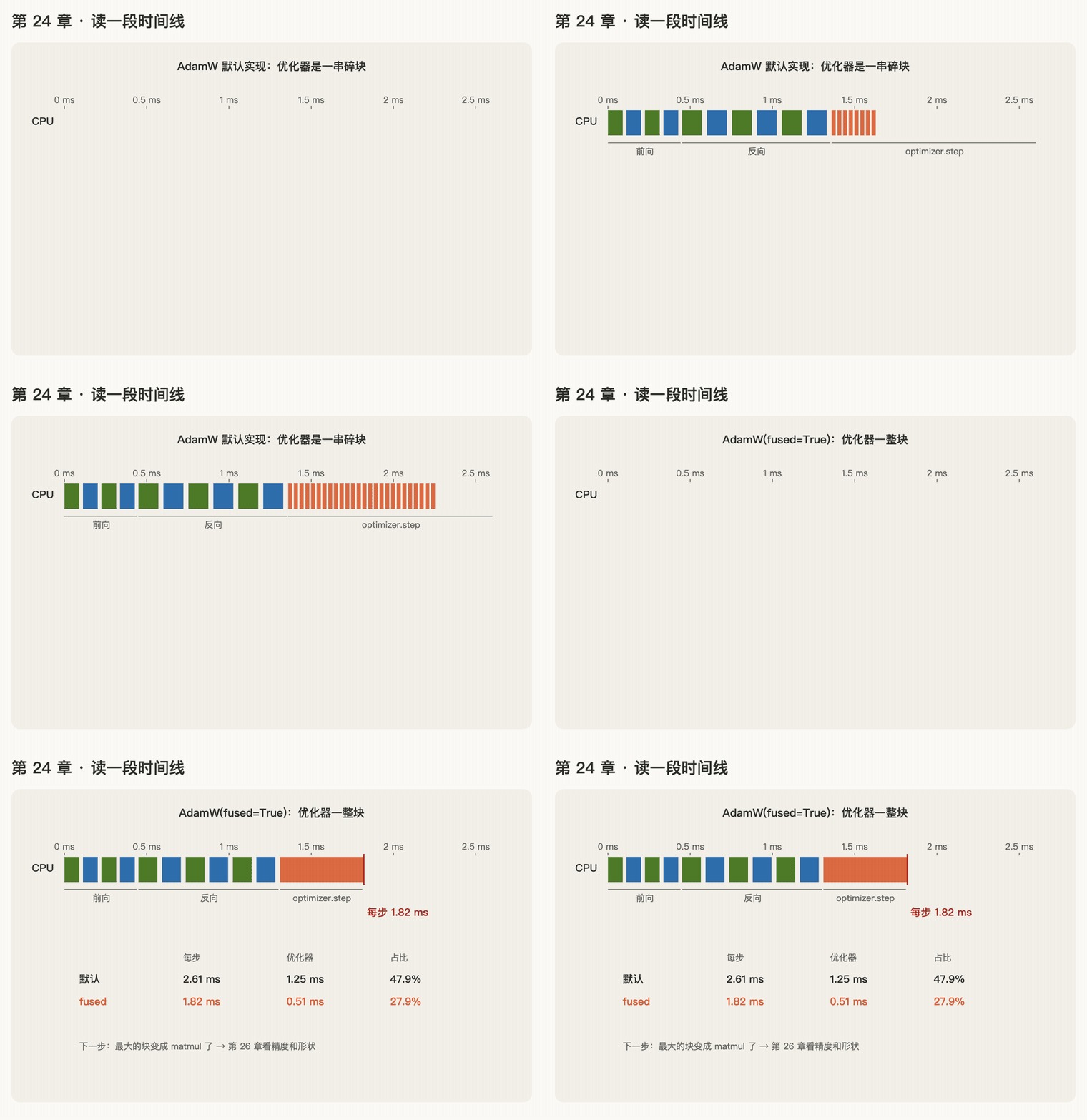
24 profiler 读一段时间线 24-trace.gif html
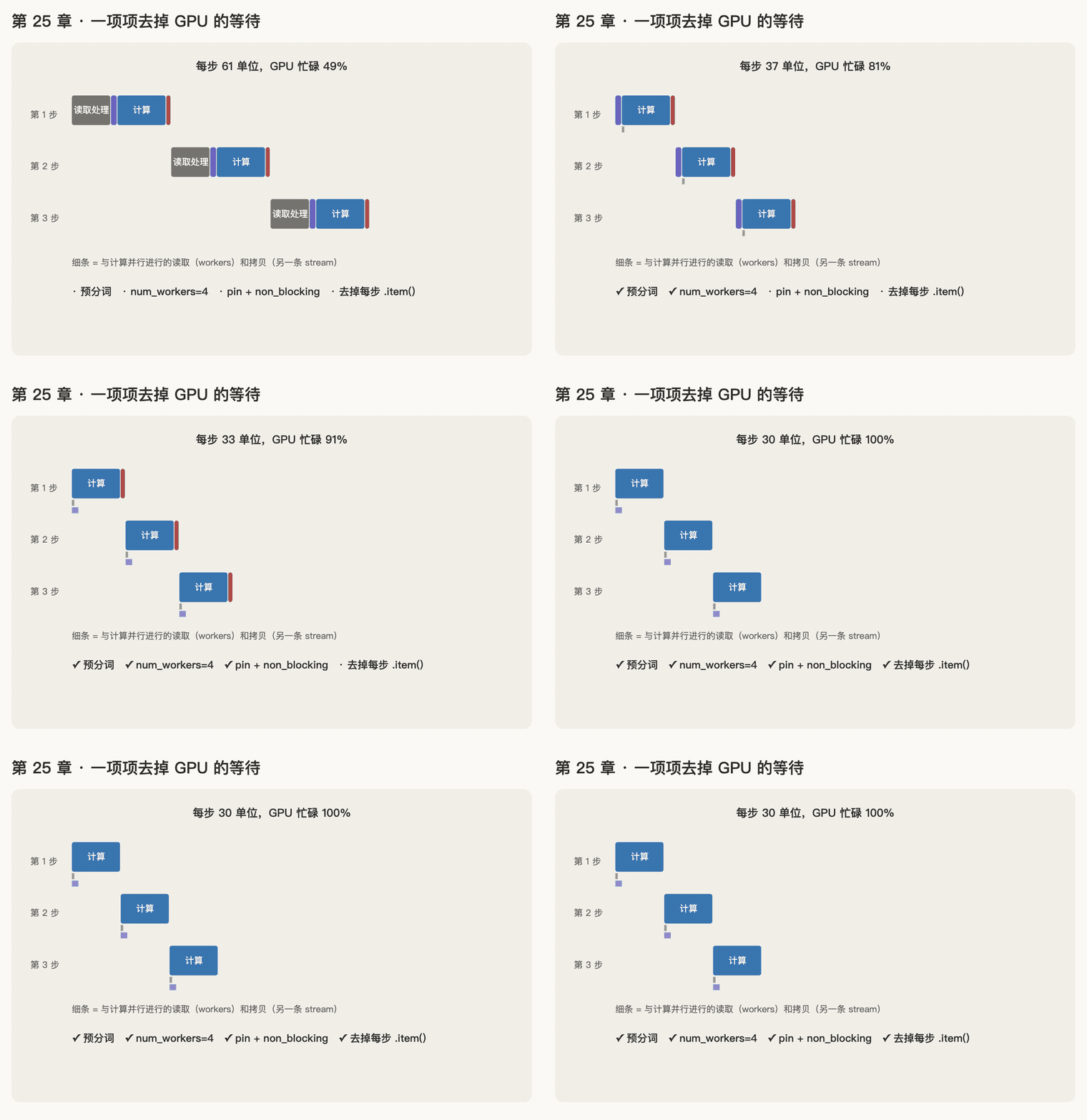
25 input-sync 一项项去掉等待 25-input-pipeline.gif html
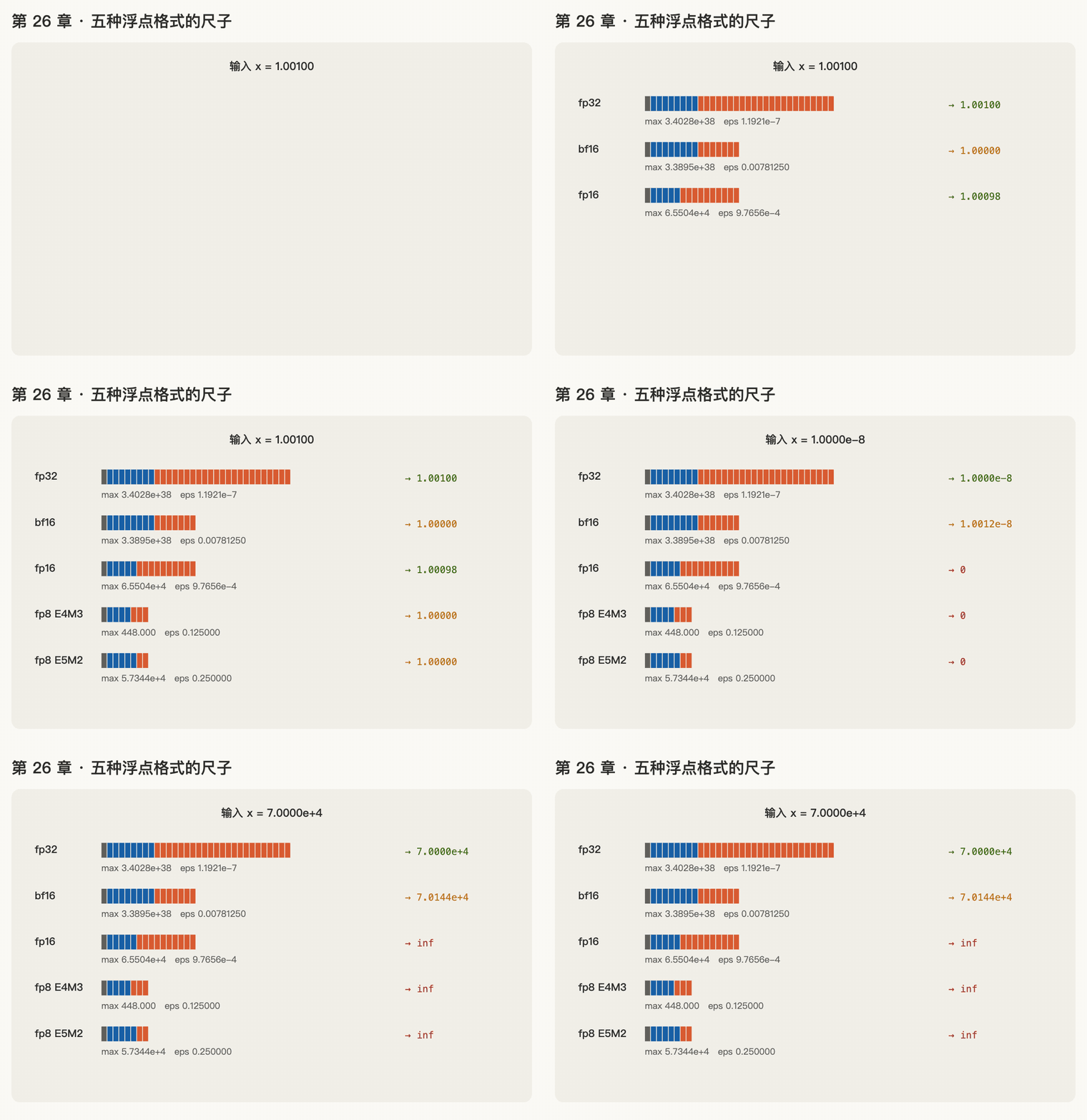
26 mixed-precision 五种格式的尺子 26-float-formats.gif html
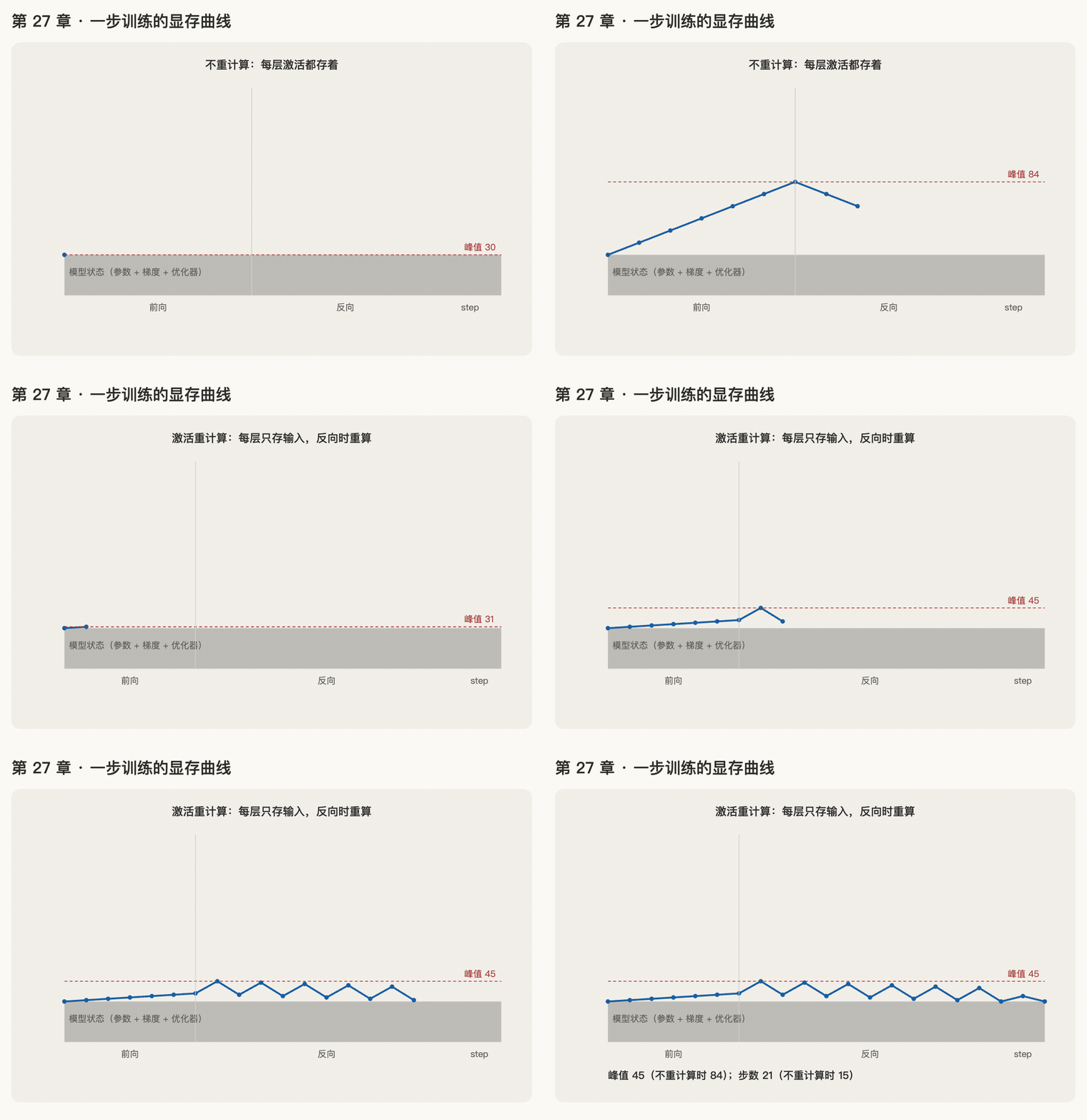
27 memory 一步训练的显存曲线 27-memory-curve.gif html
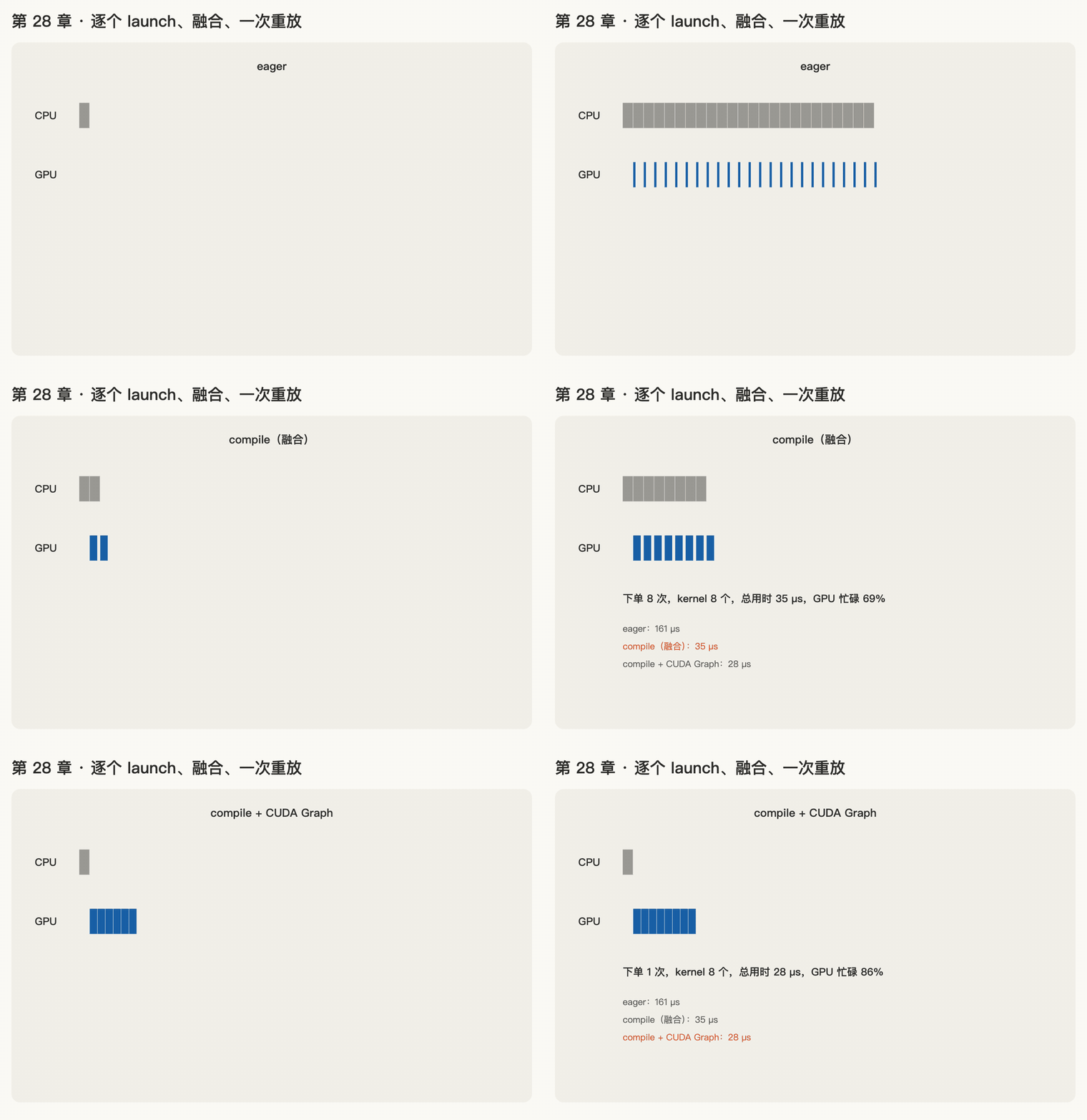
28 compile-graphs 逐个 launch vs 一次重放 28-cuda-graph.gif html
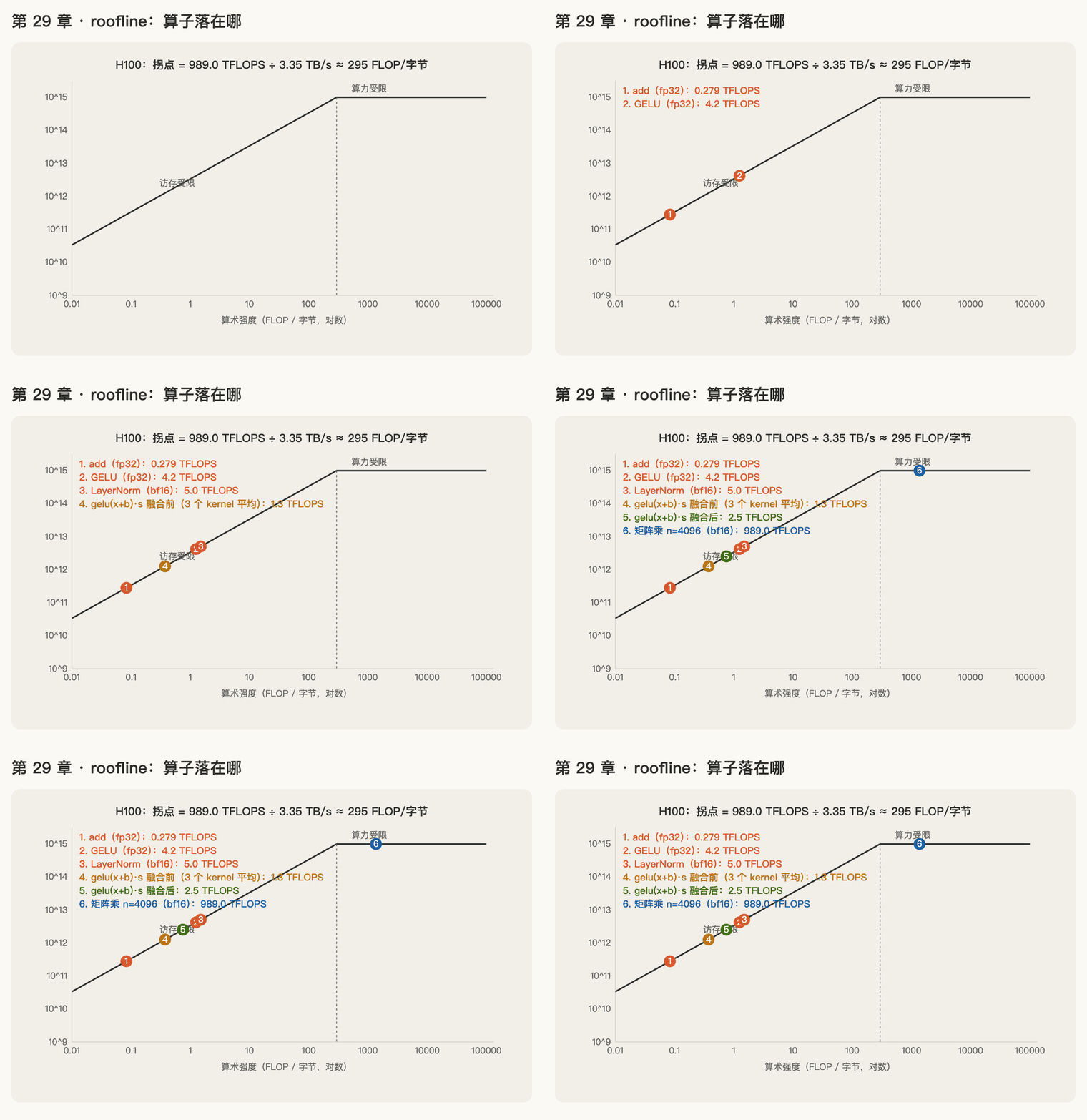
29 why-fusion roofline 29-roofline.gif html
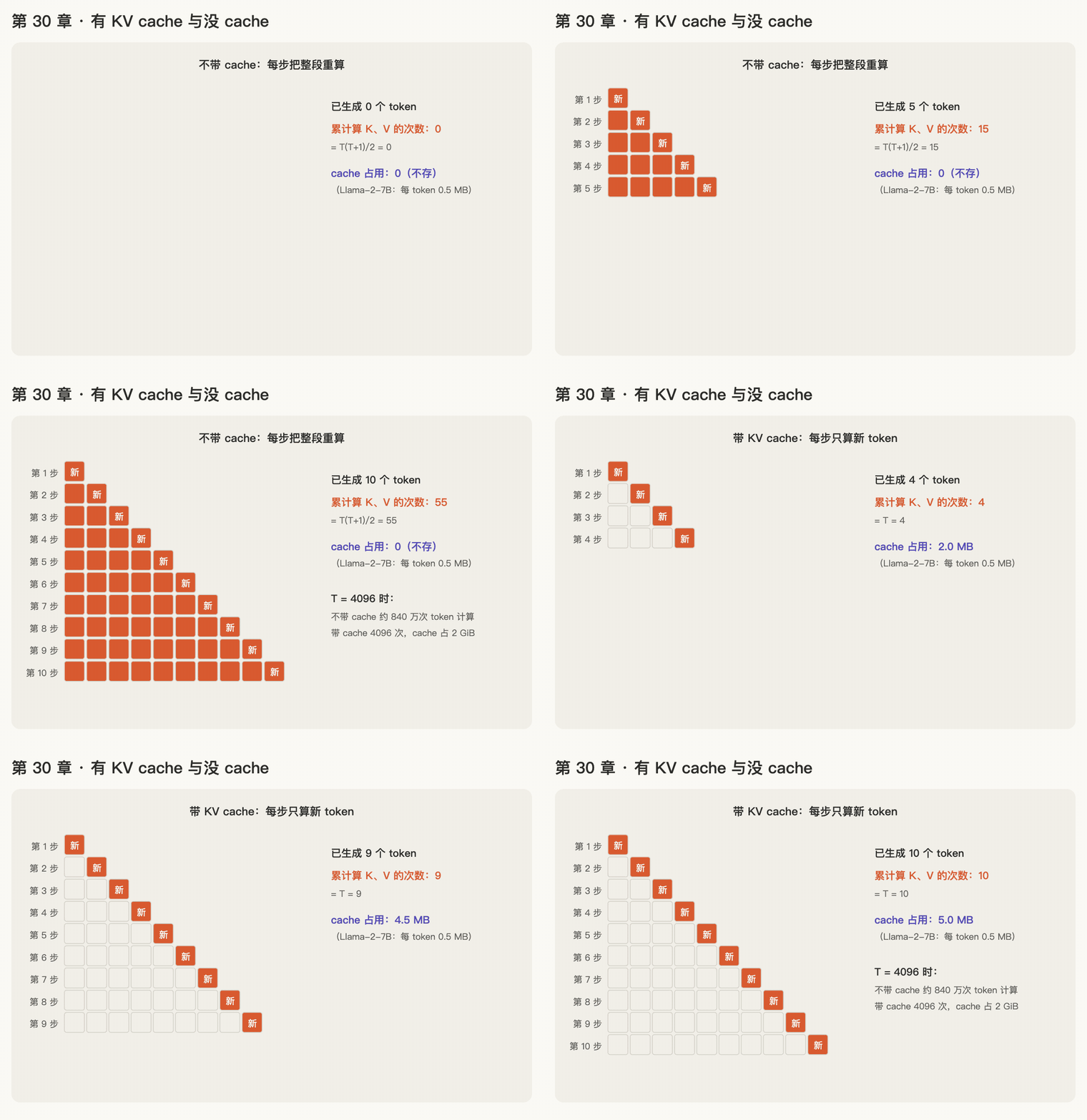
30 inference-mode 有 cache 与没 cache 30-kv-cache.gif html
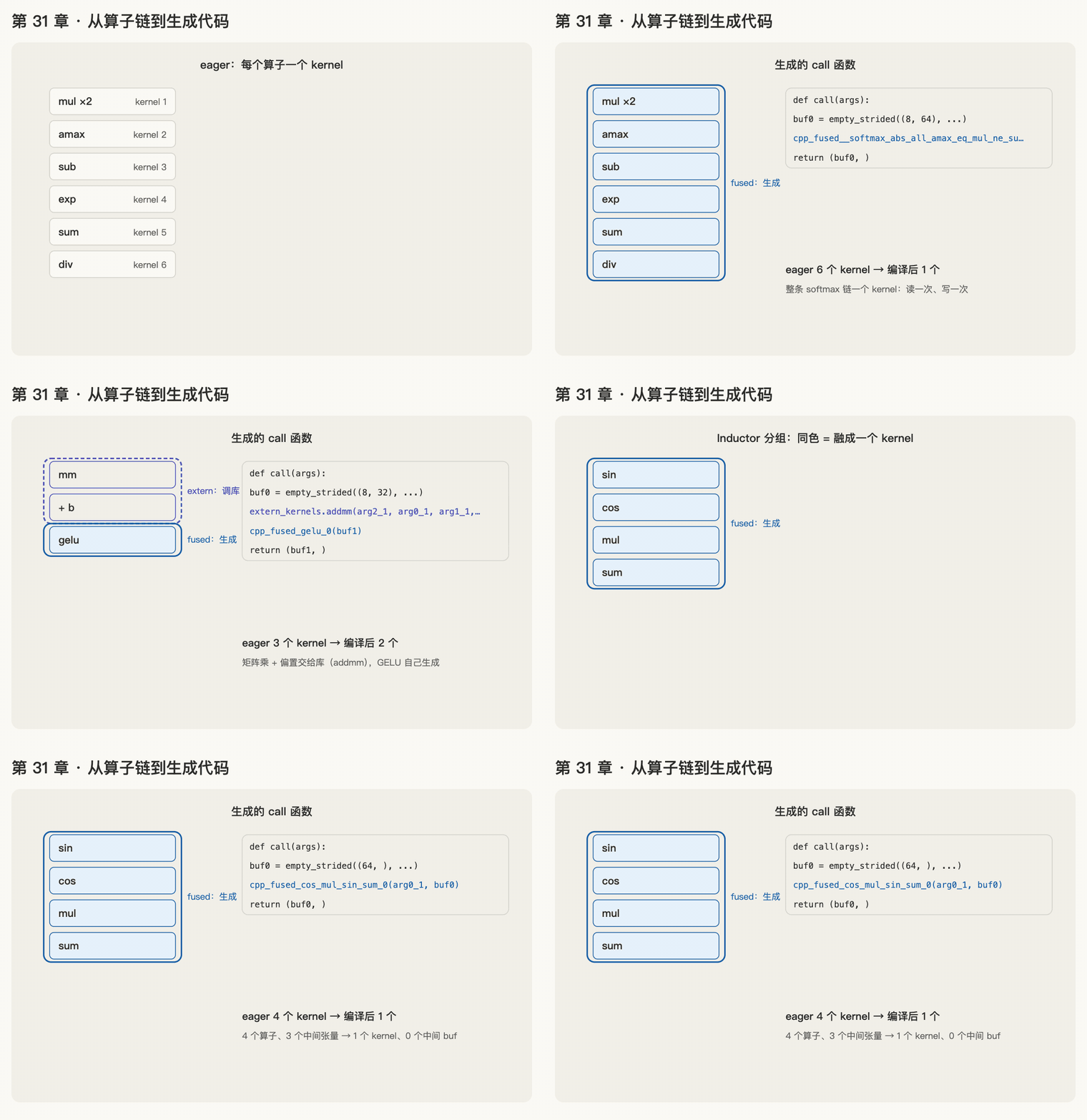
31 read-inductor 从算子图到生成代码 31-inductor-fusion.gif html
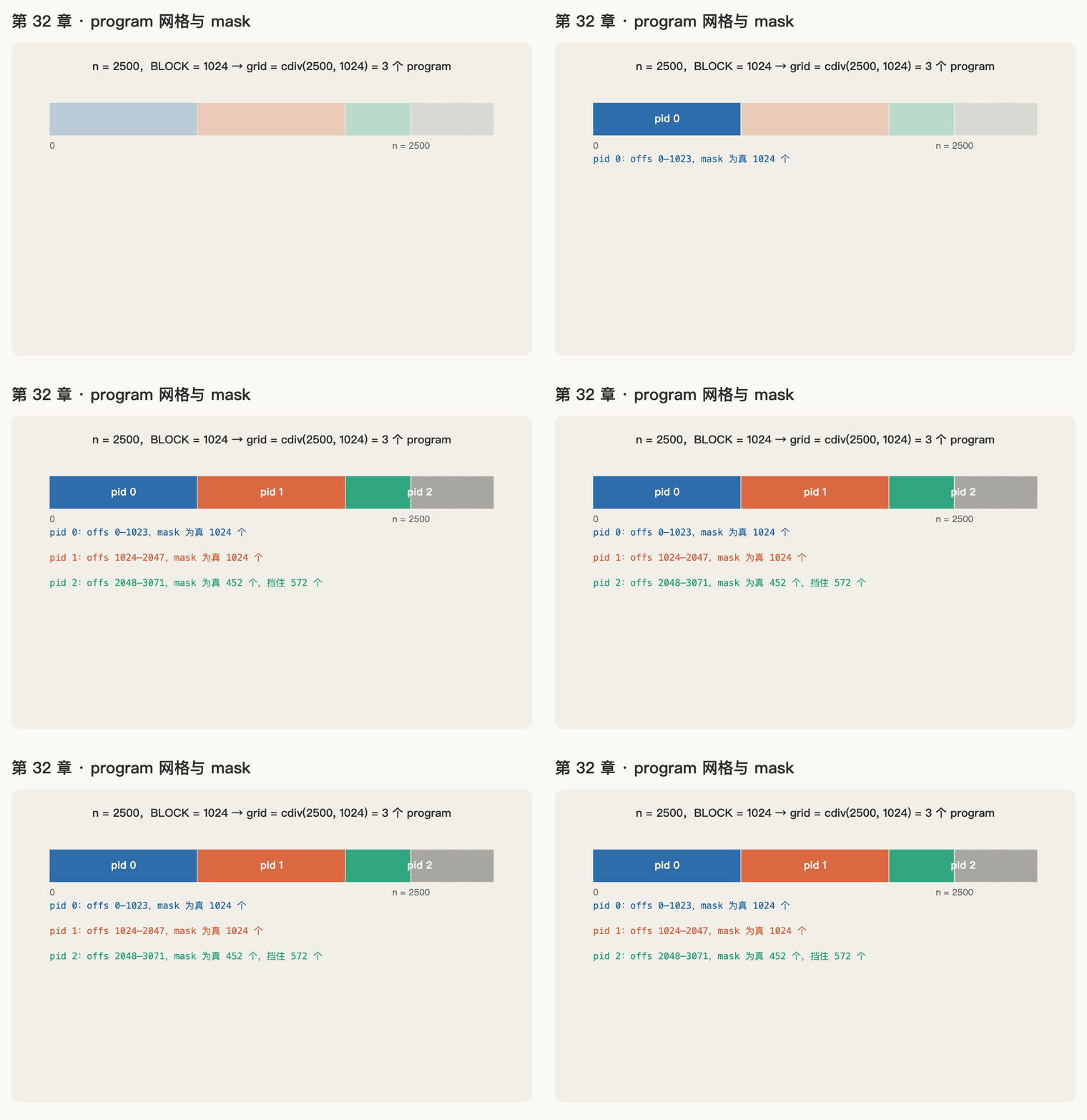
32 triton-model program 网格与 mask 32-triton-grid.gif html
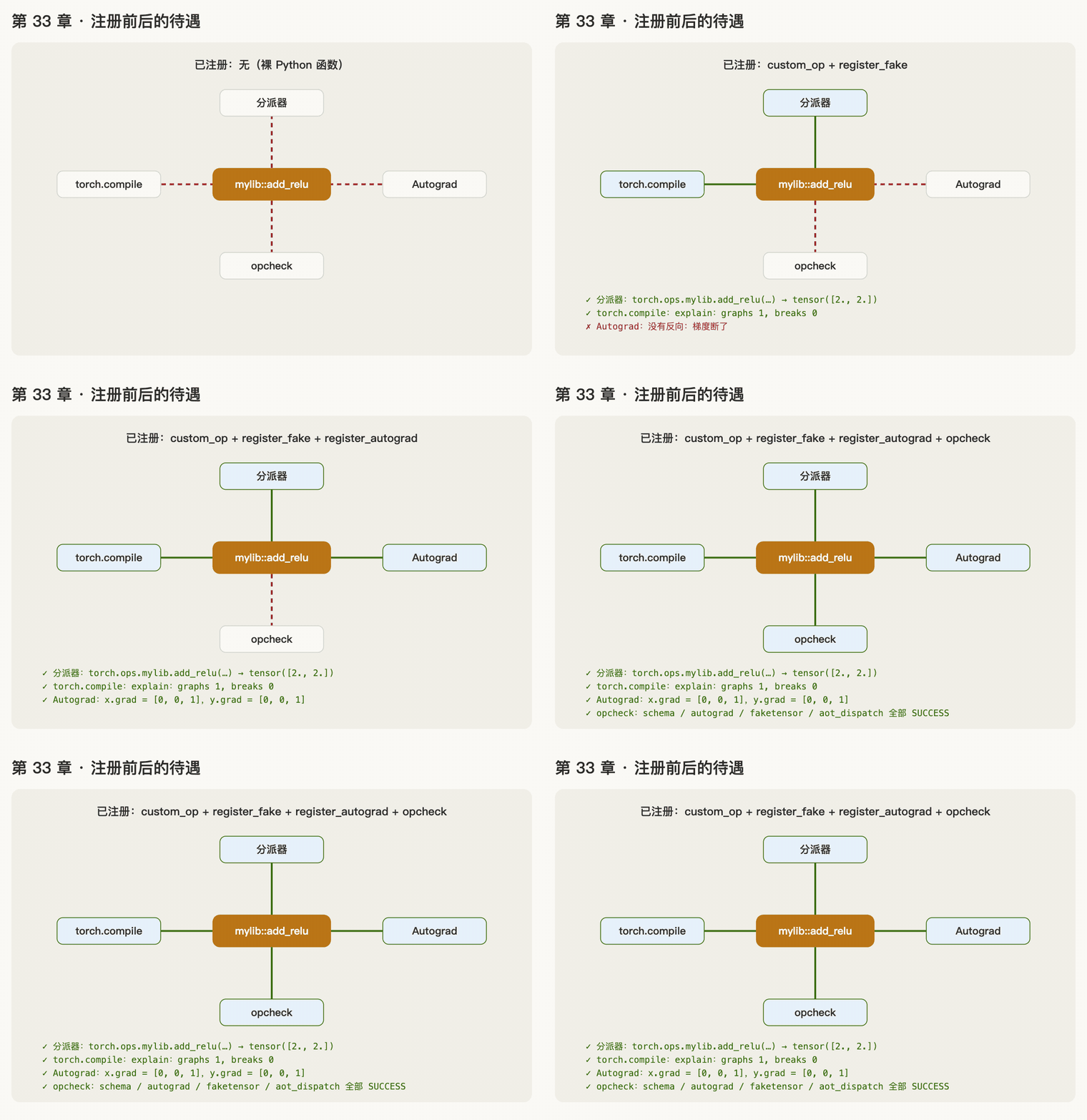
33 custom-op 注册前后的待遇 33-custom-op.gif html
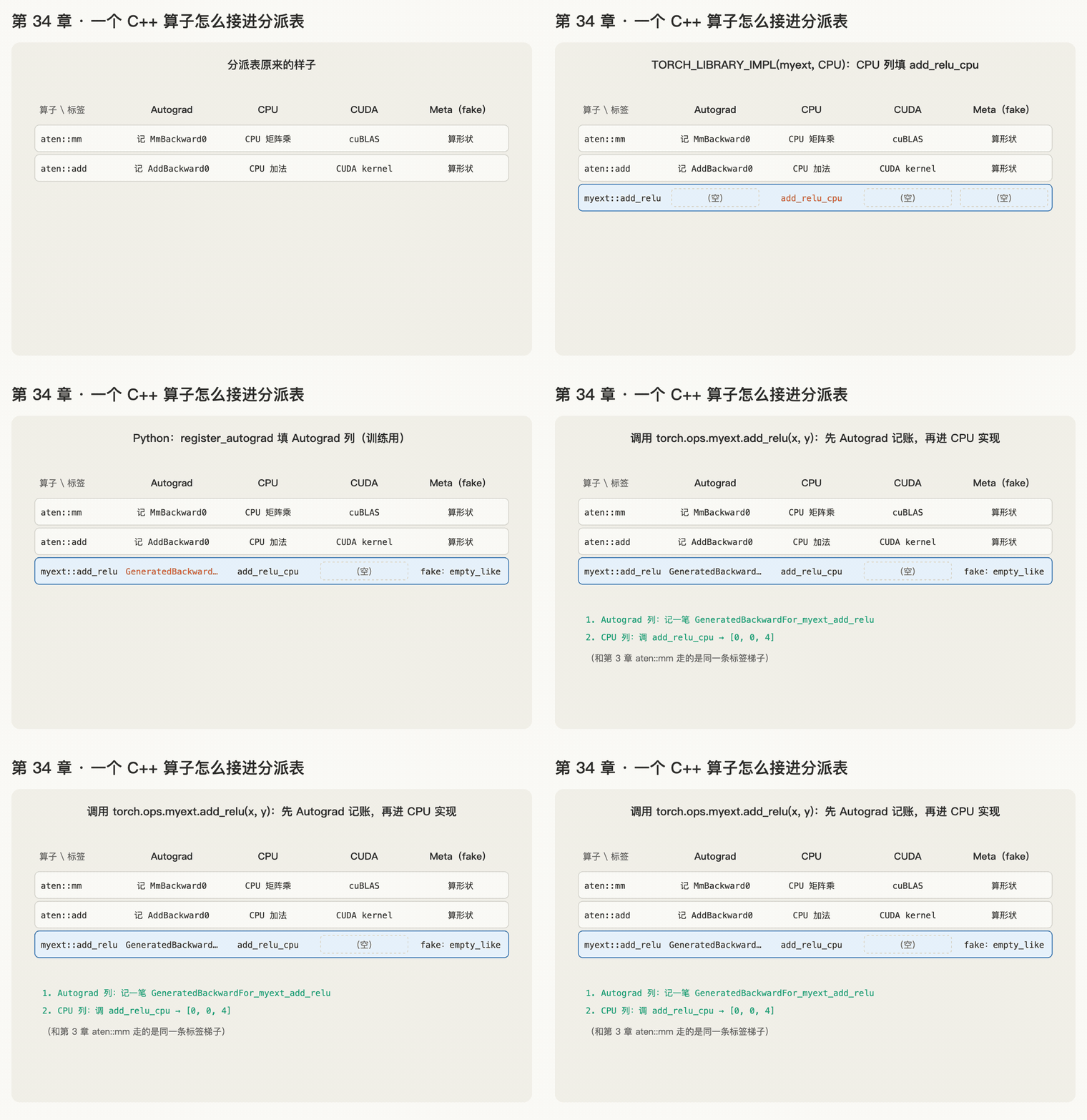
34 cpp-extension 一个 C++ 算子怎么接进分派表 34-torch-library.gif html
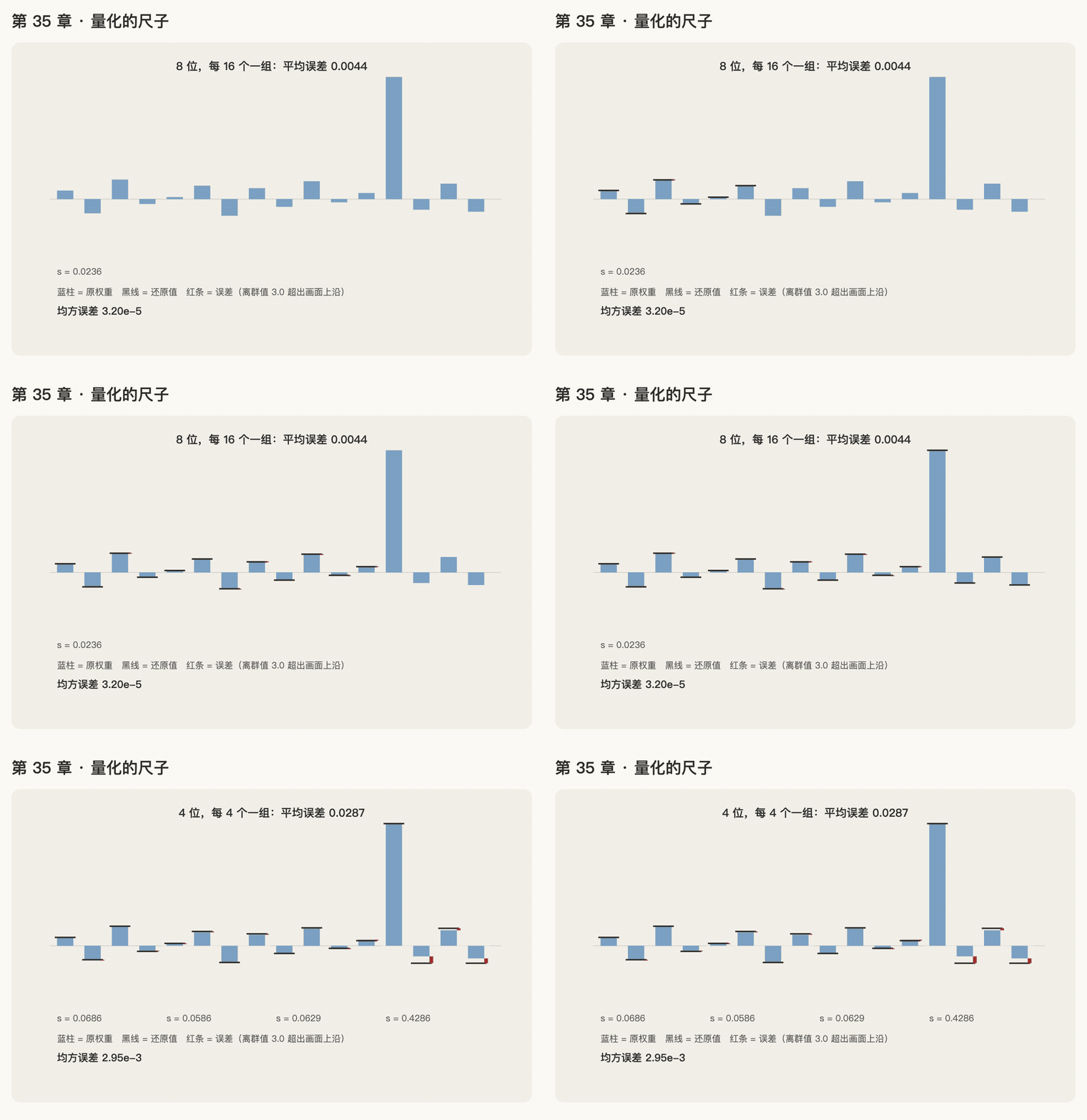
35 quant-export 量化的尺子 35-quantize.gif html
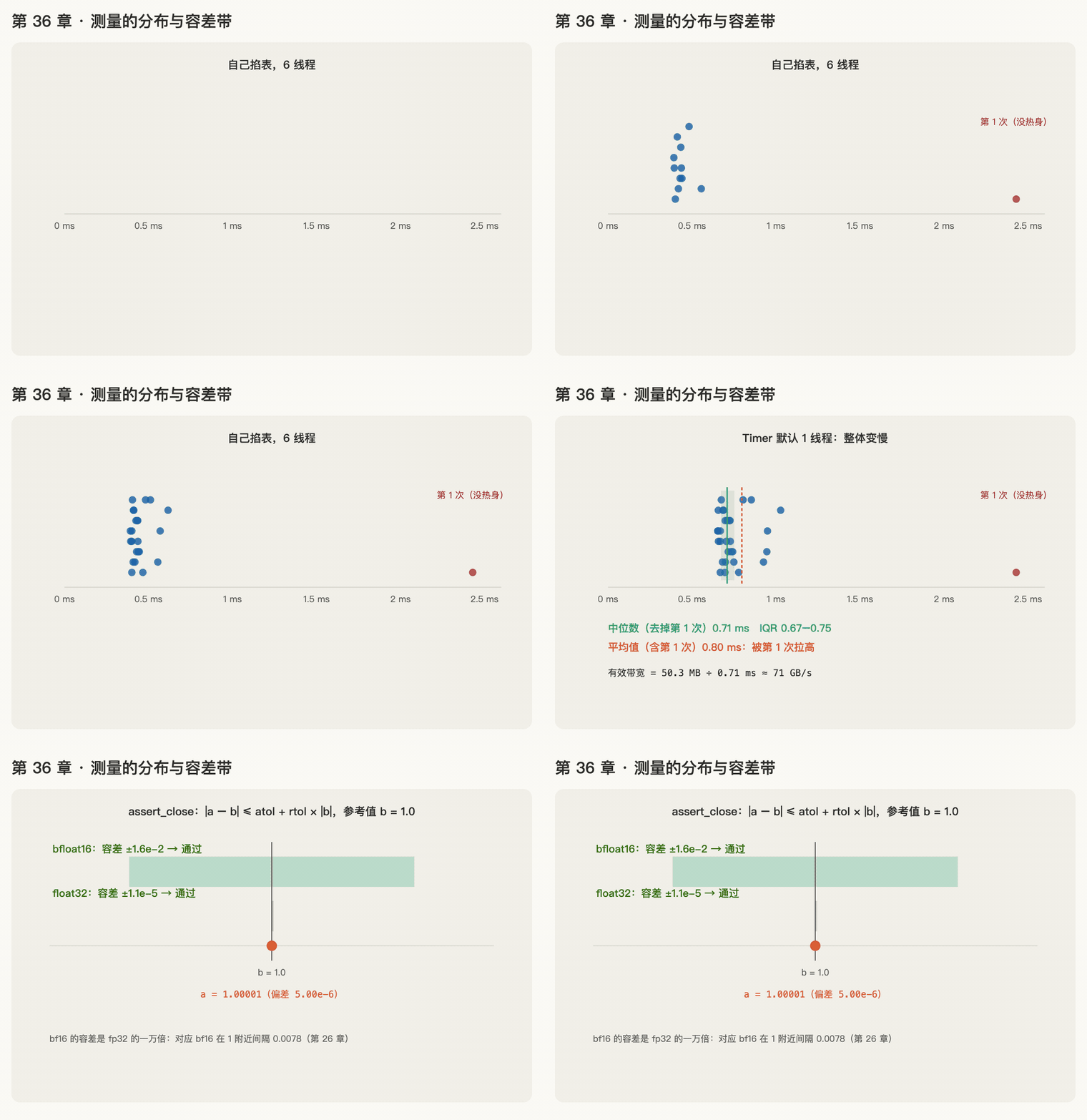
36 bench-correctness 测量的分布与容差带 36-bench.gif html

跑起来看(按钮能动)

在仓库根目录的 Claude 会话里说"打开第 N 章动画"即可(.claude/launch.json 里的 pytorch-animations 配置)。自己在终端跑:

python3 -m http.server 8342 --directory pytorch-deep-dive/notes/animations

然后浏览器打开 http://localhost:8342/01-op-journey.html(换成想看的章节文件名)。

新增或修改一个动画

  1. 页面引用 anim.css 和 anim.js(从 transformer-deep-dive/notes/animations/ 复制来的同一套),提供 reset(seed) 和 next()(返回 false 表示播完),用 setupPlayer({captureSeed, reset, next}, 毫秒) 挂上播放按钮。
  2. 重新录 GIF(在本目录下执行):

bash node ../../../tools/anim-capture/capture.mjs 01-op-journey.html 01-op-journey.gif 1600 # 第三个参数是每帧毫秒,取页面 setupPlayer 的间隔

录完删掉多出来的 *-last.png。 3. 在对应讲义的"讲解"末尾写 ### 动画演示,然后跑 python3 tools/gallery/build.py 和 tools/notes-sync/sync.sh pytorch-deep-dive "PyTorch"。